This action can only be performed by department heads.
To request work equipment, open the "workflow approval" page and and select the **"Missing work equipment"** button in the **"Actions"** section. [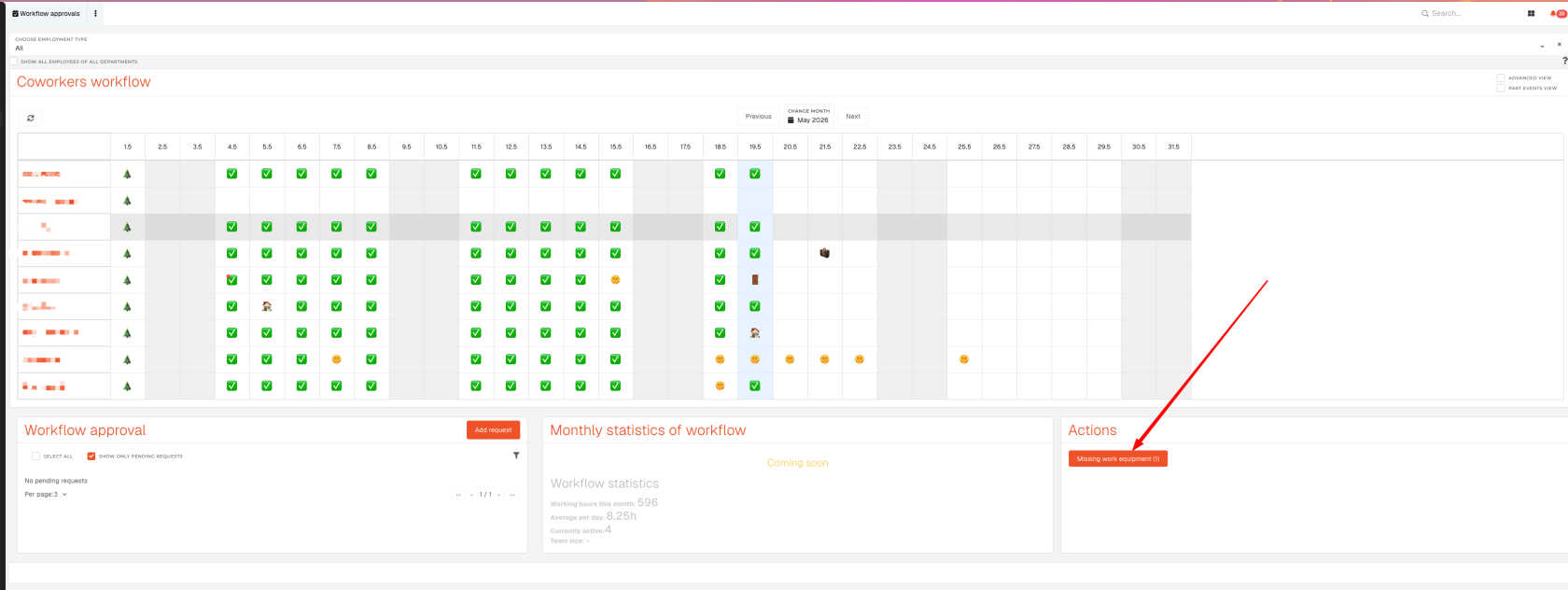](https://how-to-erp.dewesoft.com/uploads/images/gallery/2026-05/Kv3image.png) You will see a list of required work equipment, where you can select work equipment for each employee: [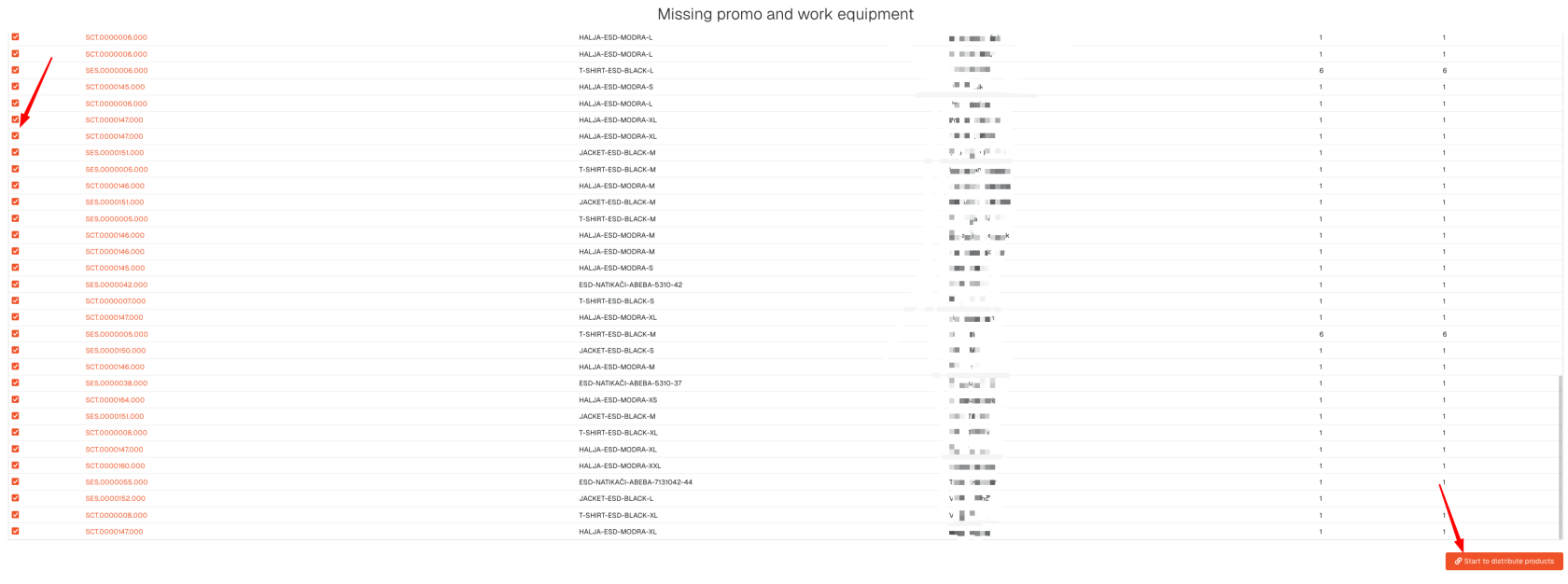](https://how-to-erp.dewesoft.com/uploads/images/gallery/2026-05/HrHimage.png) After clicking the **"Start to distribute"** button, the work equipment distribution process will be started.Check page: [https://how-to-erp.dewesoft.com/books/admin/chapter/promo-and-work-equipment](https://how-to-erp.dewesoft.com/books/admin/chapter/promo-and-work-equipment)