This action requires the **"Create attendance event types**" permission.
To create a new attendance event type, click the "+" button, this will redirect you to the "[Create new attendance event type](https://placeholder.erp/attendance-event-types/create)" form. 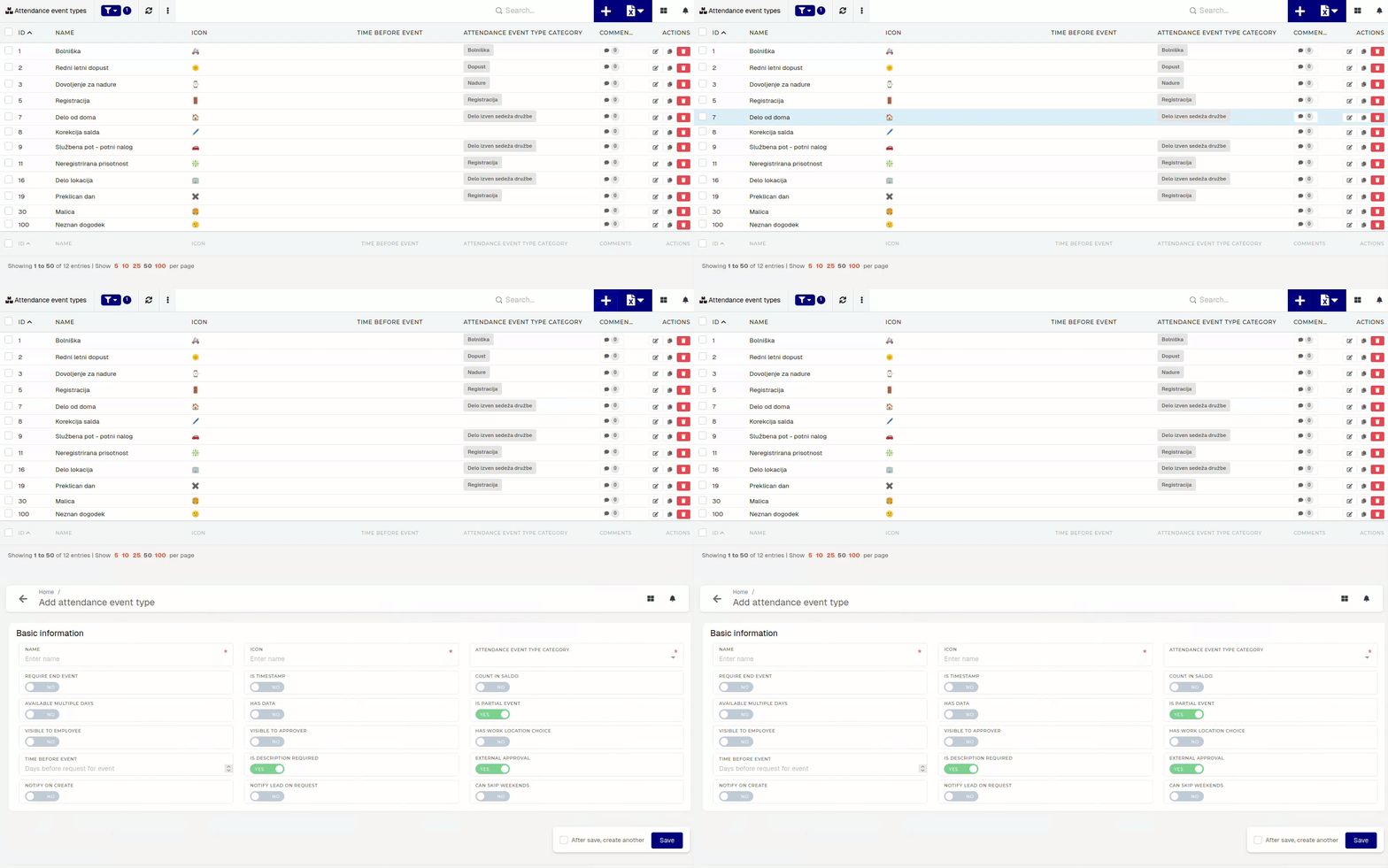 To create a new attendance event type, add at least the new type's **name**, **icon** and **category**. 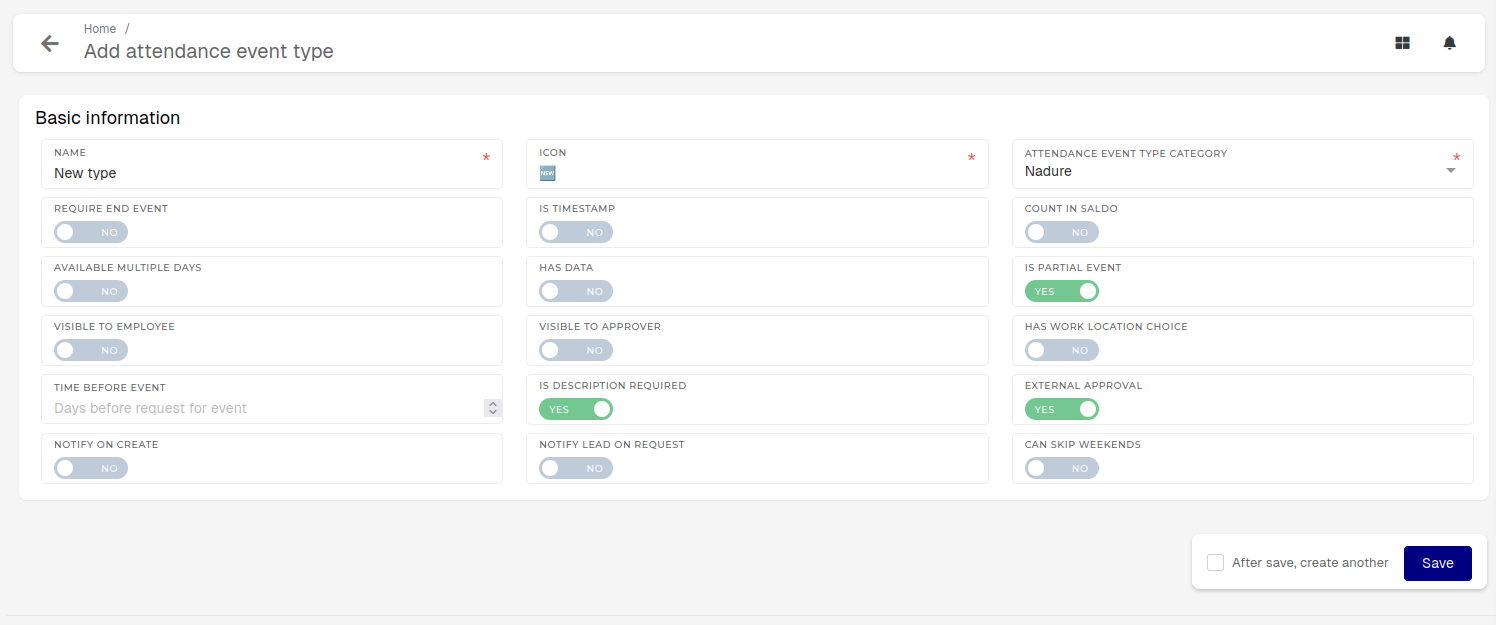The switches are used to determine some of behaviour for events of the new type (if the event can skip weekends, is visible to employees for attendance request submitting...).
# Update existing attendance event typeThis action requires the **"Update attendance event types**" permission.
Updating an attendance event type should be done carefully, as changing the settings of an event type can lead to confusion, when an event of a given type gets created. 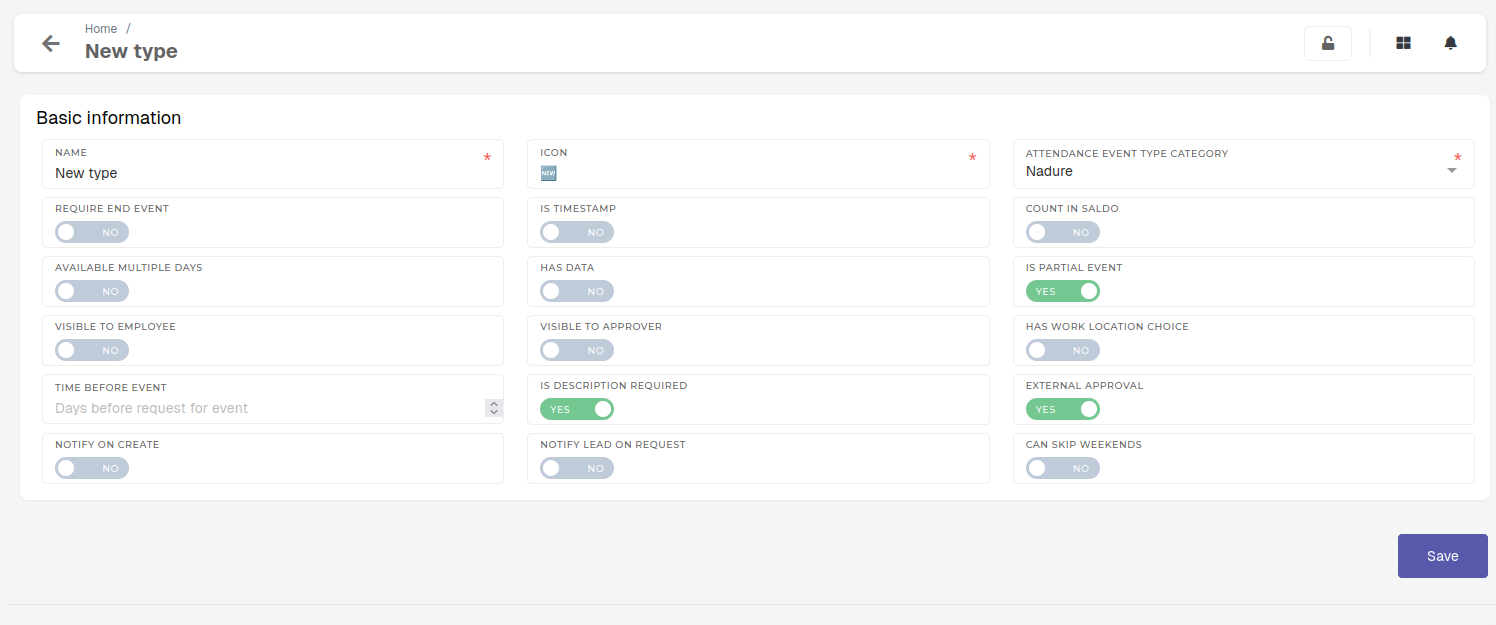 #### Basic information - **Name** - The name of the attendance event type - The name should be unique, for easier use. - **Icon** - The icon of the event type. - This icon will represent events of this type in the workflow dashboard. - Icon should be a text character (emoji, wingdings, symbols...) - **Attendance event type category** - The category of the event type - This category is used to group event types of similar use. - **Require end event** - If this switch is enabled, the event will require - Is timestamp - - - Count in saldo - - - **Available multiple days** - Set if the events of this can last more than a day. - If this switch is enabled, the attendance request form will show a **"From"** and **"To"** inputs instead of **"Date".** - Has data - - - Is partial event - - - **Visible to employee** - Set if this attendance event type should be visible to the employees on user profile page. - If this switch is enabled, the event type can be selected by employees, when submitting a new attendance request. - **Visible to approver** - Set if this attendance event type should be visible to the approver on workflow approvals page. - If this switch is enabled, the event type can be selected by approvers, when submitting a new attendance request for an employee. - **Has work location choice** - Set if events of this type require a work location select. - When this switch is enabled, the attendance request form for a new event of this type will display a dropdown for selecting a work location. - If enabled, this event type will also require employees to have more than one possible work location. - Time before event - - - **Is** **description** **required** - Set if events of this type require a description. - When this switch is enabled, the attendance request form for a new event of this type will require a description. - External approval - - - **Notify** **on** **create** - Set if the employee should be notified via email, when an event of this type is created. - **Notify** **lead** **on** **request** - Set if the employee's lead should be notified via email, when employee creates an attendance request for an event of this type. - **Can skip weekends** - Set if the an attendance request for events of this type can span across weekends. - When this switch is enabled, the attendance request form for a new event of this type will show a "Skip weekends" checkbox. # Delete attendance event typeThis action requires the **"Delete attendance event types**" permission.
To delete an attendance event type, you can click the "**Trash**" icon on the row of the user hr profile. 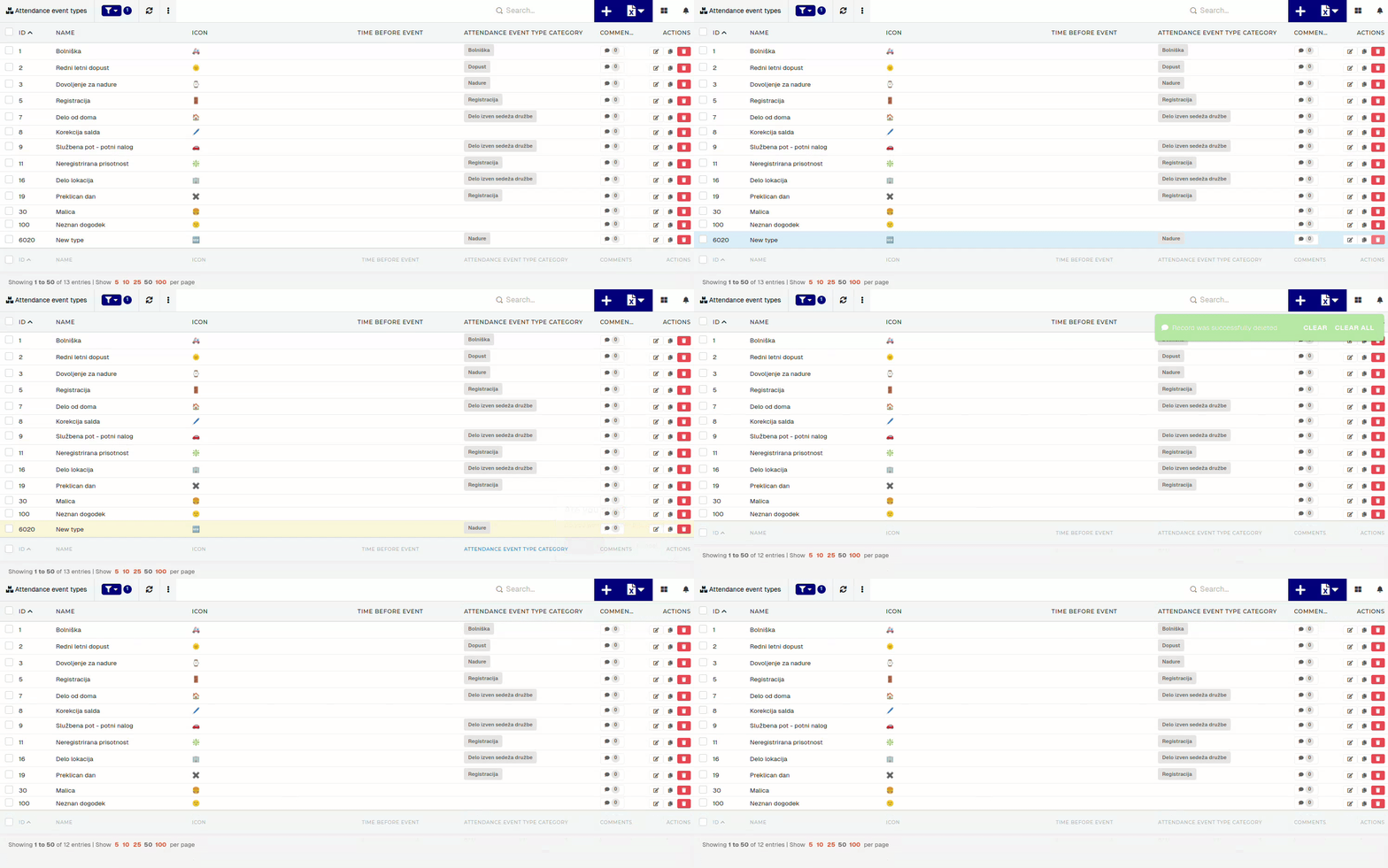Although attendance event types can be deleted, this should generally be avoided, in order to maintain data traceability in the HR module.