Partners are used to represent customers, suppliers, logistics providers, or company subsidiaries.
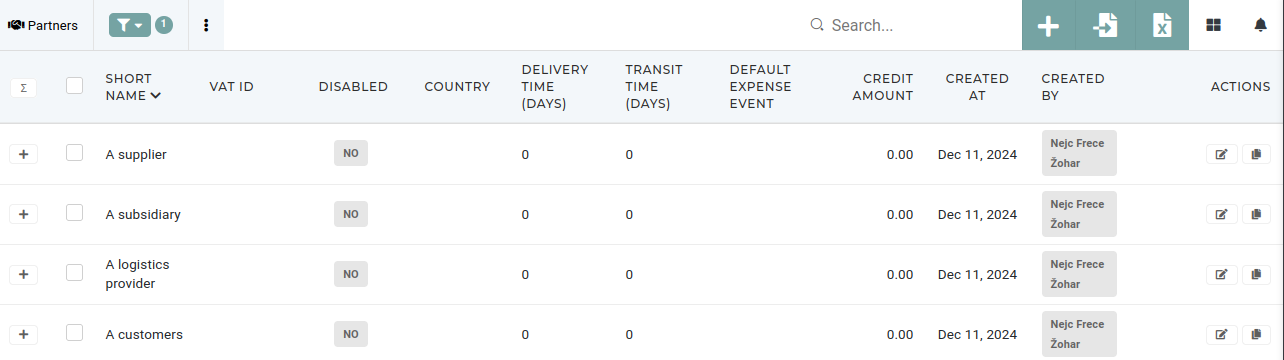 Partners are managed in the [partners](https://placeholder.erp/partners) section. Each partner entry includes essential details such as full, short and native names, contact information, tax data, payment terms, and roles, enabling seamless integration and streamlined operations across the organization. # Create new partner - # Update existing partnerPartners should only be updated by authorized users.
- # Delete partnerThis action requires the **"delete partner"** permission.
Partners should never be deleted, unless they are a duplicate partner with no history (no linked order, invoices...). Before any partner is deleted, the accounting department should be contacted for conformation. [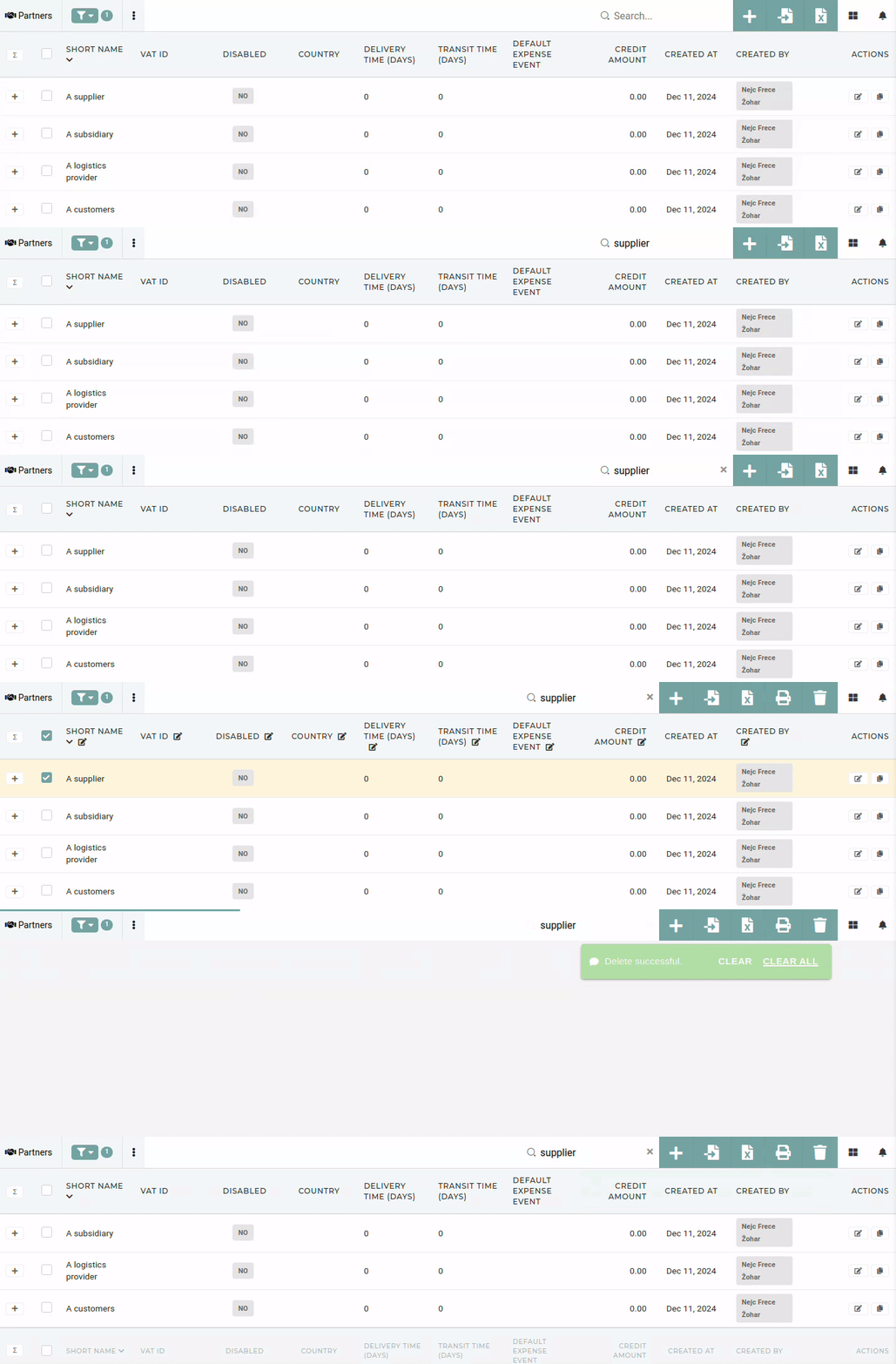](https://how-to-erp.dewesoft.com/uploads/images/gallery/2024-12/0ogoutput.gif) To delete a partner, find it in the table and tick its checkbox. Then click and confirm the "delete button".