This action requires the "create holiday" permission.
Holidays can be added one at a time through the "Create new" form or they can be generated for the entire year through the "**[Add holidays for year](https://placeholder.erp/holidays/generate)**" form. 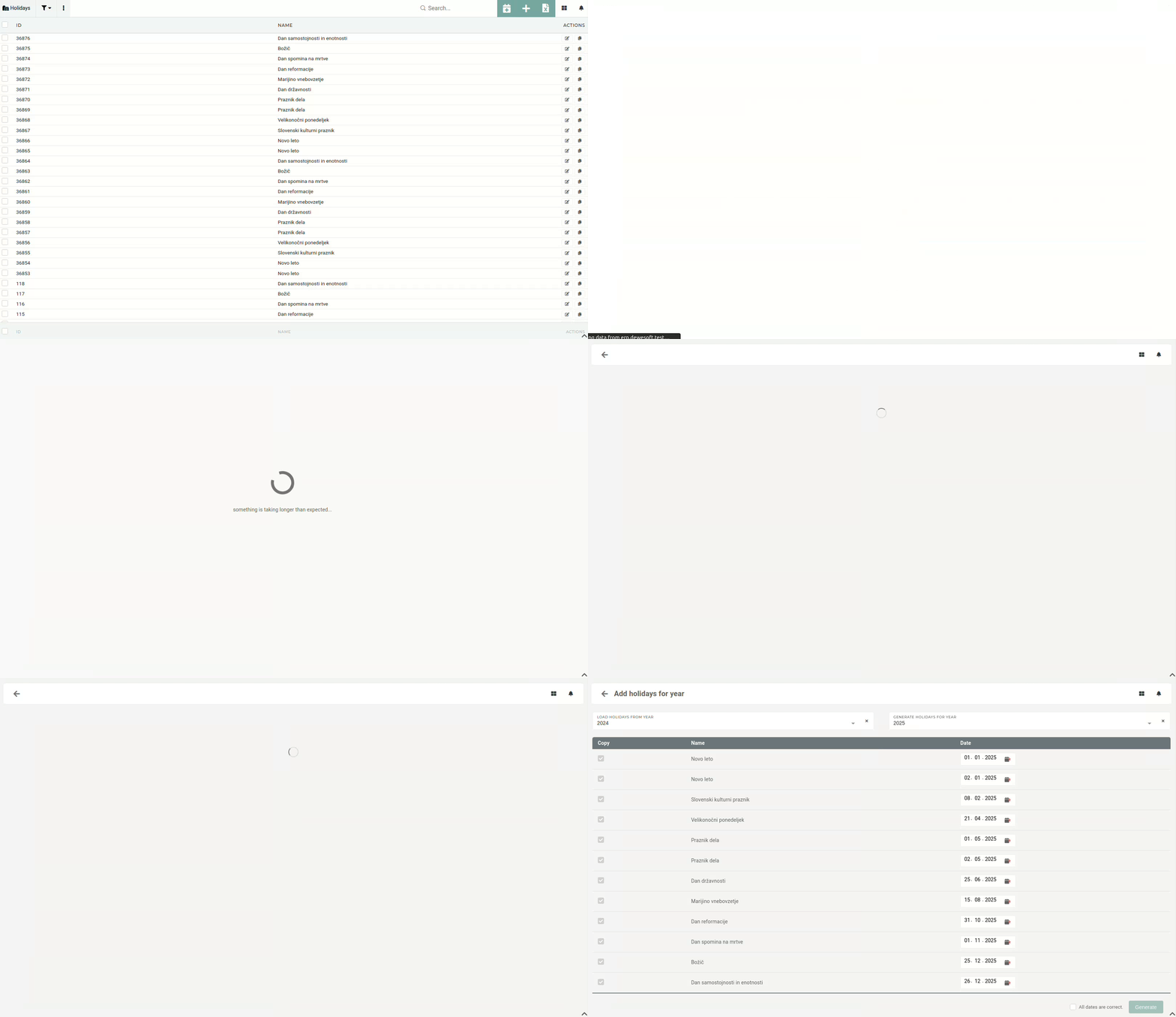 To generate holidays for a select year, first we have to **select the year, from which we will copy the holidays**, eg. 2024. We then **select the year that we want to generate the holidays for**, eg. 2025. Once both years are selected, a list of all holidays will appear with dates for the new year generated. You can now uncheck holidays that you don't want to generate. 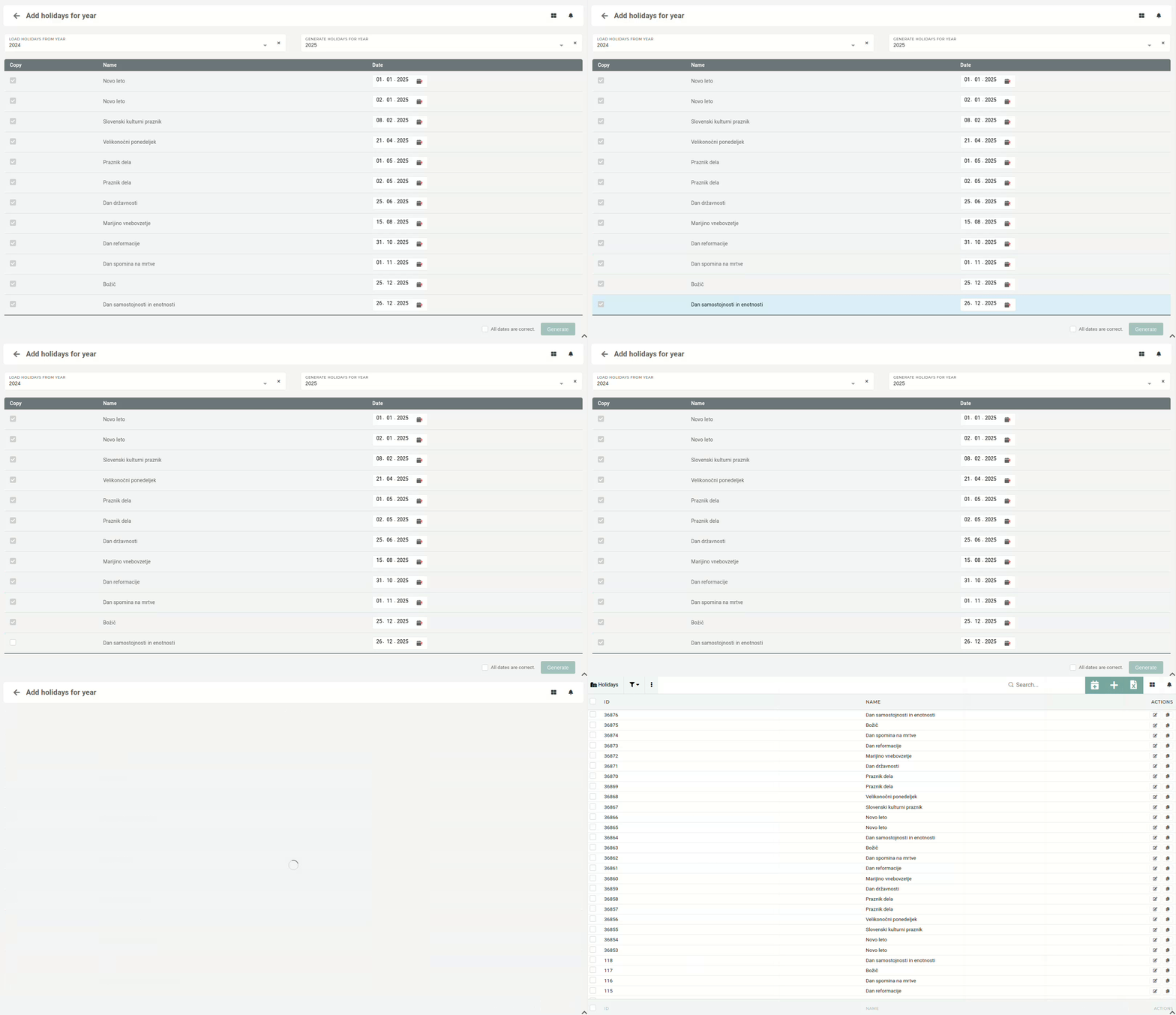 Once you have made sure, that all the (checked) dates are correct, press the "Generate" button. This will create a list of new holidays for the selected year.New holidays must be added for every year, as they are required for handling vacations within the HR module.