# Dashboard Overview
The **Dashboard** section provides a customizable workspace where users can create and manage visual dashboards tailored to their sales and marketing activities.
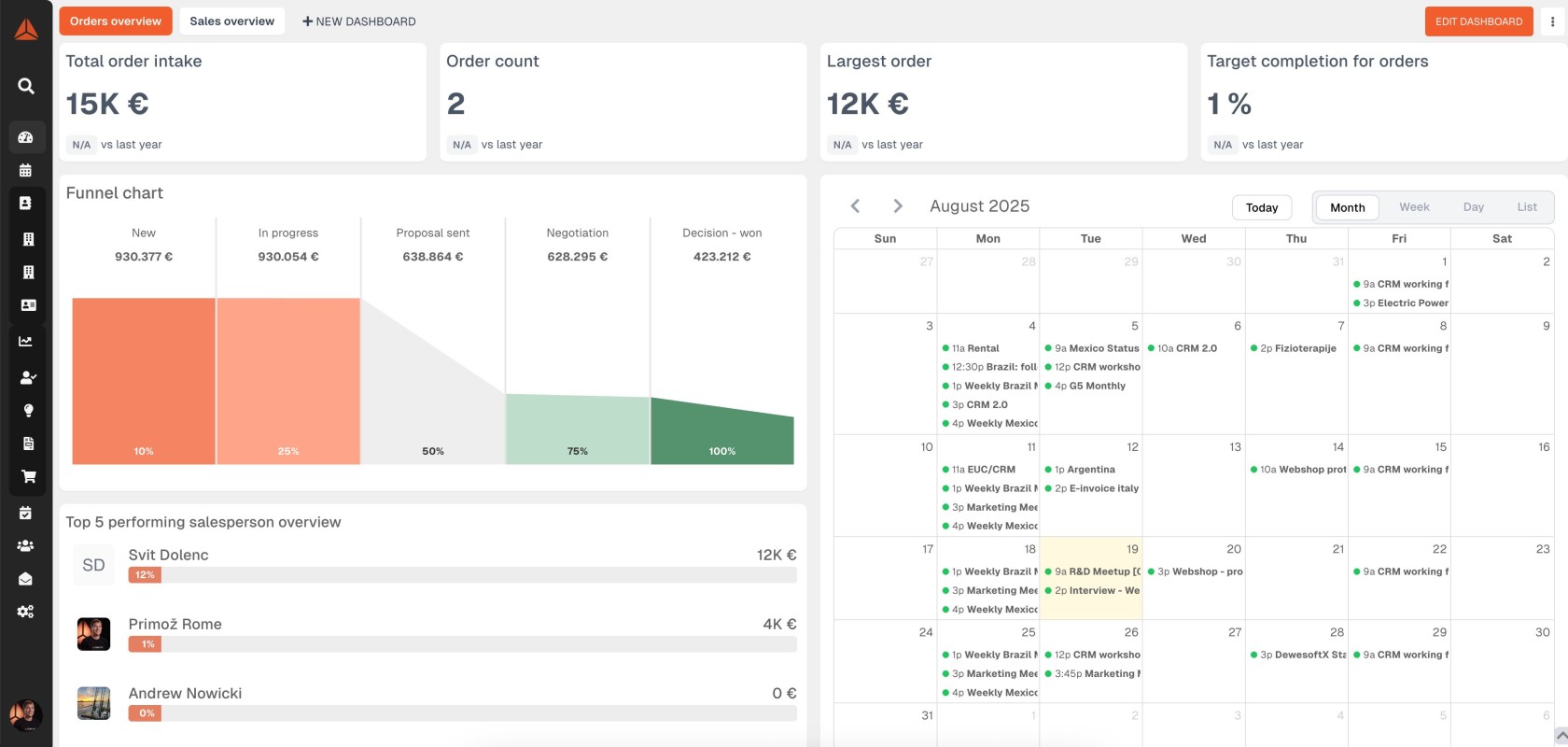
The user's **Dashboard** is the initial view users are presented once logged into the Dewesoft CRM. Additionally, users can navigate to their Dashboard view at any time by clicking the **Dashboard link** in the main menu.
[](https://how-to-erp.dewesoft.com/uploads/images/gallery/2025-08/crm-dashboard-cover.jpg)
Within this section, users can:
- Set up multiple dashboards for different roles or objectives.
- Add and configure **statistical widgets** that display real-time data on:
- Sales performance
- Revenue targets
- Lead generation
- Marketing campaign metrics
- Other key sales and marketing indicators
Dashboards offer a centralized view of critical business insights, helping teams monitor progress, identify trends, and make data-driven decisions efficiently.
Users can rearrange widgets, apply filters, and save personalized views to stay focused on the metrics that matter most to them.