This tool allows copying of file manager between multiple entries of the same model.
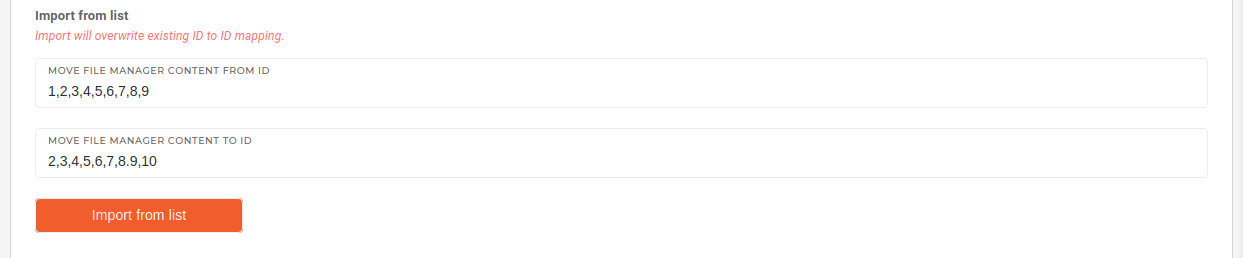
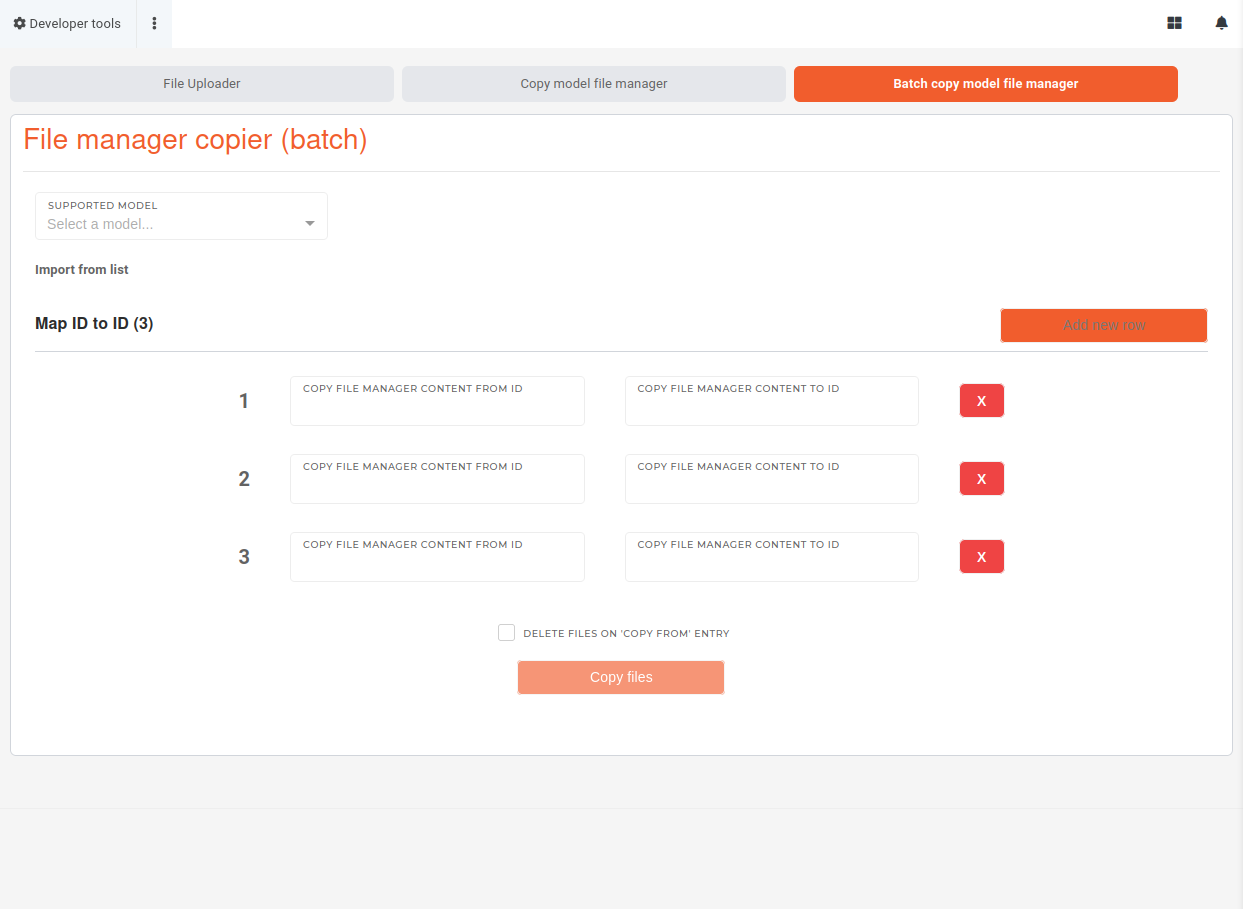 First, select the source model type from the list of supported. Then, enter the source (*copy from*) and target (*copy to*) IDs in the "**Map ID to ID**" section. 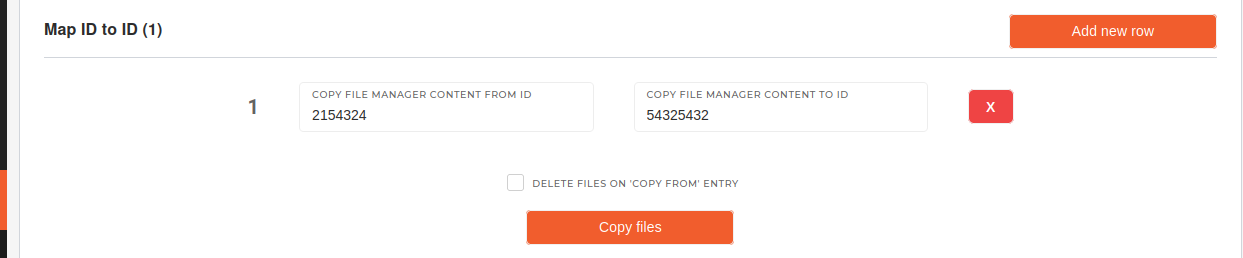 You can also paste a comma-separated lists into the **"Import from list"** form to import values into the "**Map ID to ID**" section.Take notice of ID position in the "copy to" and "copy from" lists while importing values form lists. Check all imported data in the mapping section before running the copying function.
 Clicking on the **"Copy files"** button will copy files from every source entry to the target entry.If the "**Delete files on source model**" checkbox is ticked when the "**Copy files**" button is clicked, the files on the source entry will be deleted.