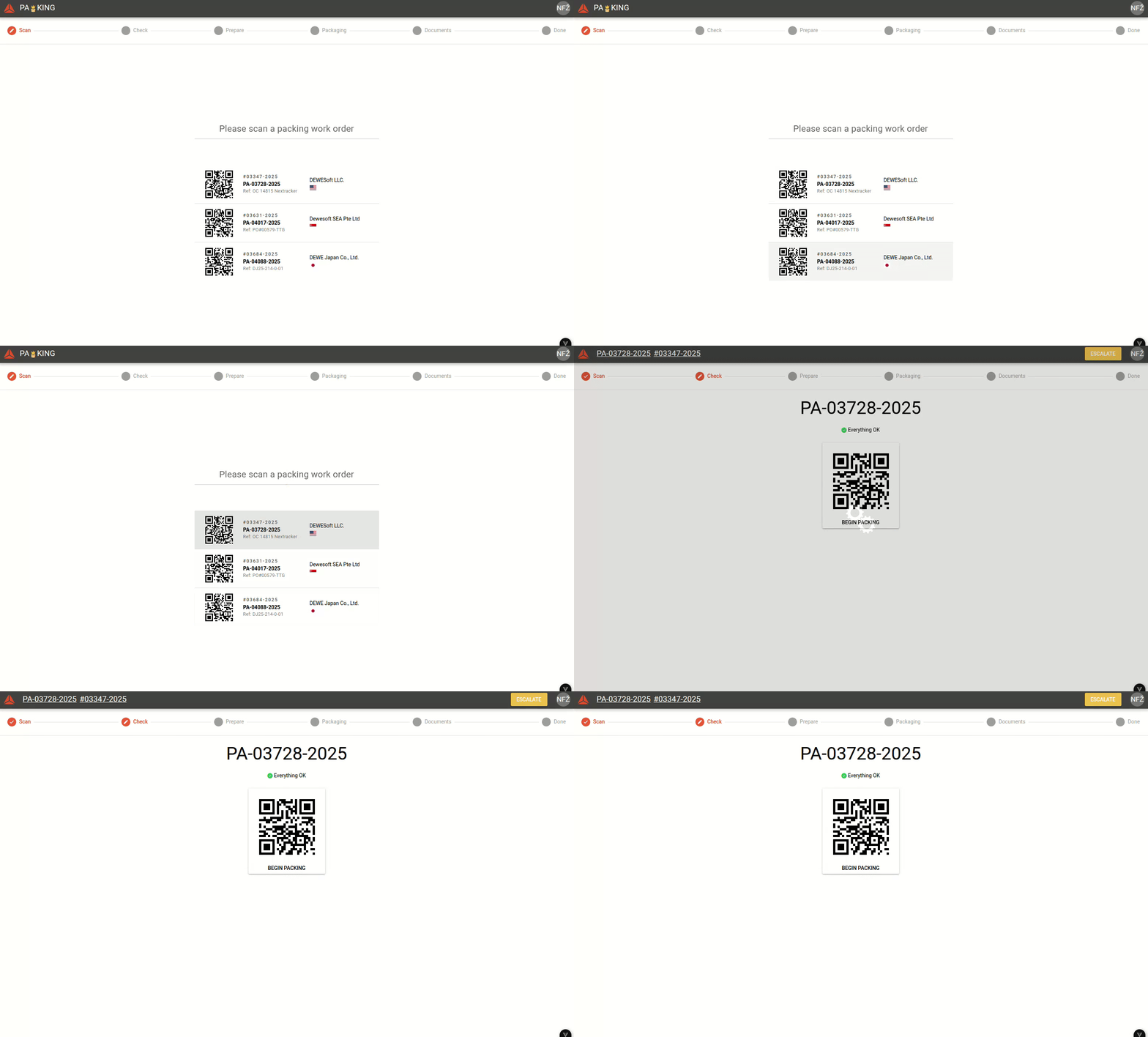
Step 1: Scan Draft Checked
Before handling a packing work order, orders come to the Shipping department and must be draft checked.
The first step lists all "confirmed" packing work orders. Confirmed work orders have to be signed off on and have a draft invoice generated.
Select an order
To do this, scan a QR code next to the order's document number with the scanner or click on it with mouse. Selecting a packing work order leads to the next next.
In Packing app scan the order's packing list to start packing procedure.

Once an order is selected, the app will forward to the next step.