Clicking/scanning the button creates **delivery note, shipping list, packing list** etc. for the current packing work order.
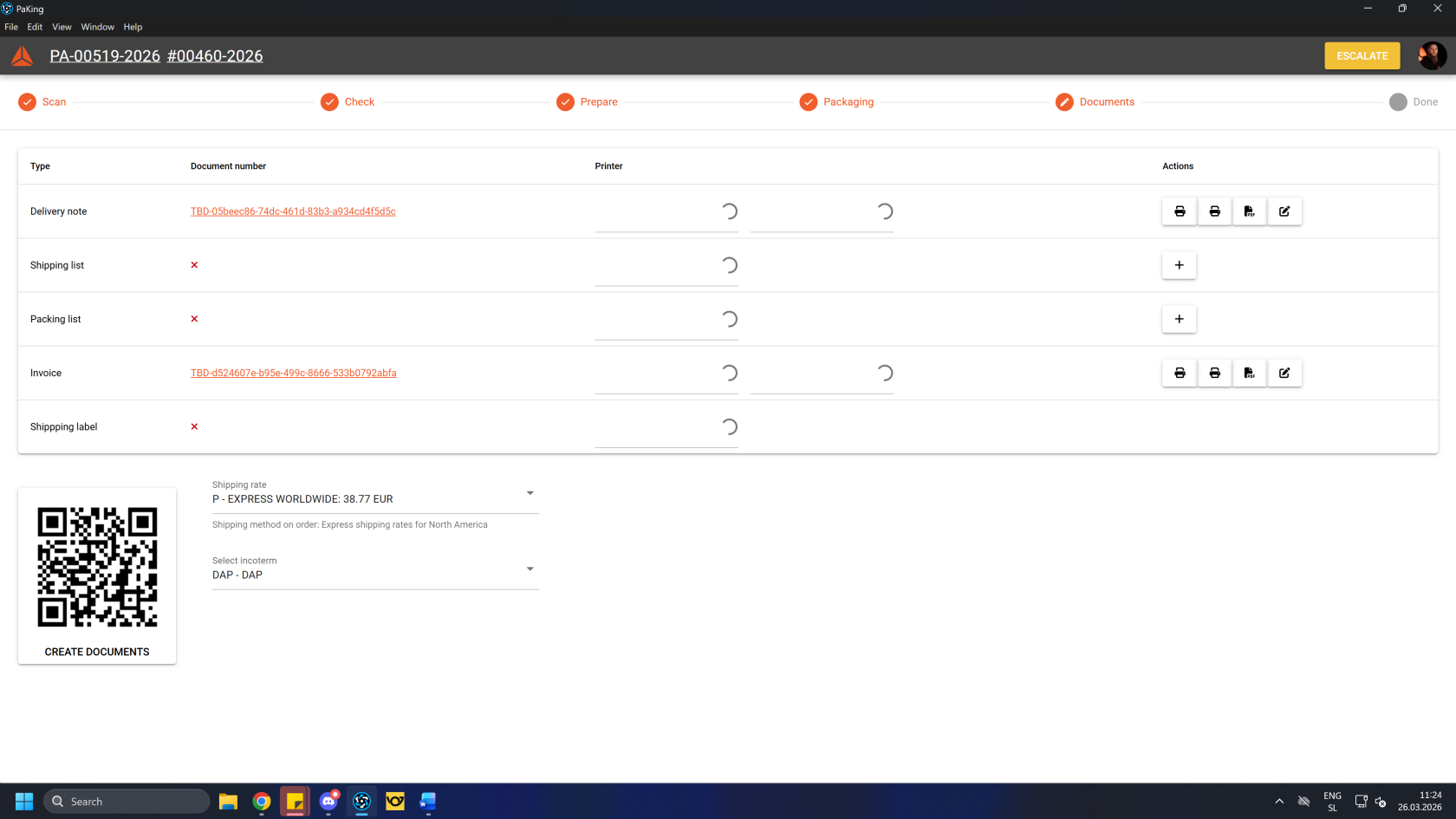 Once all the documents are created, **print** 2 copies of **delivery notes,** 2 copies of order's **invoice,** 1 copy of the **packing list** and 1 copy of **AWB** (air waybill, also known as a consignment note)**.** 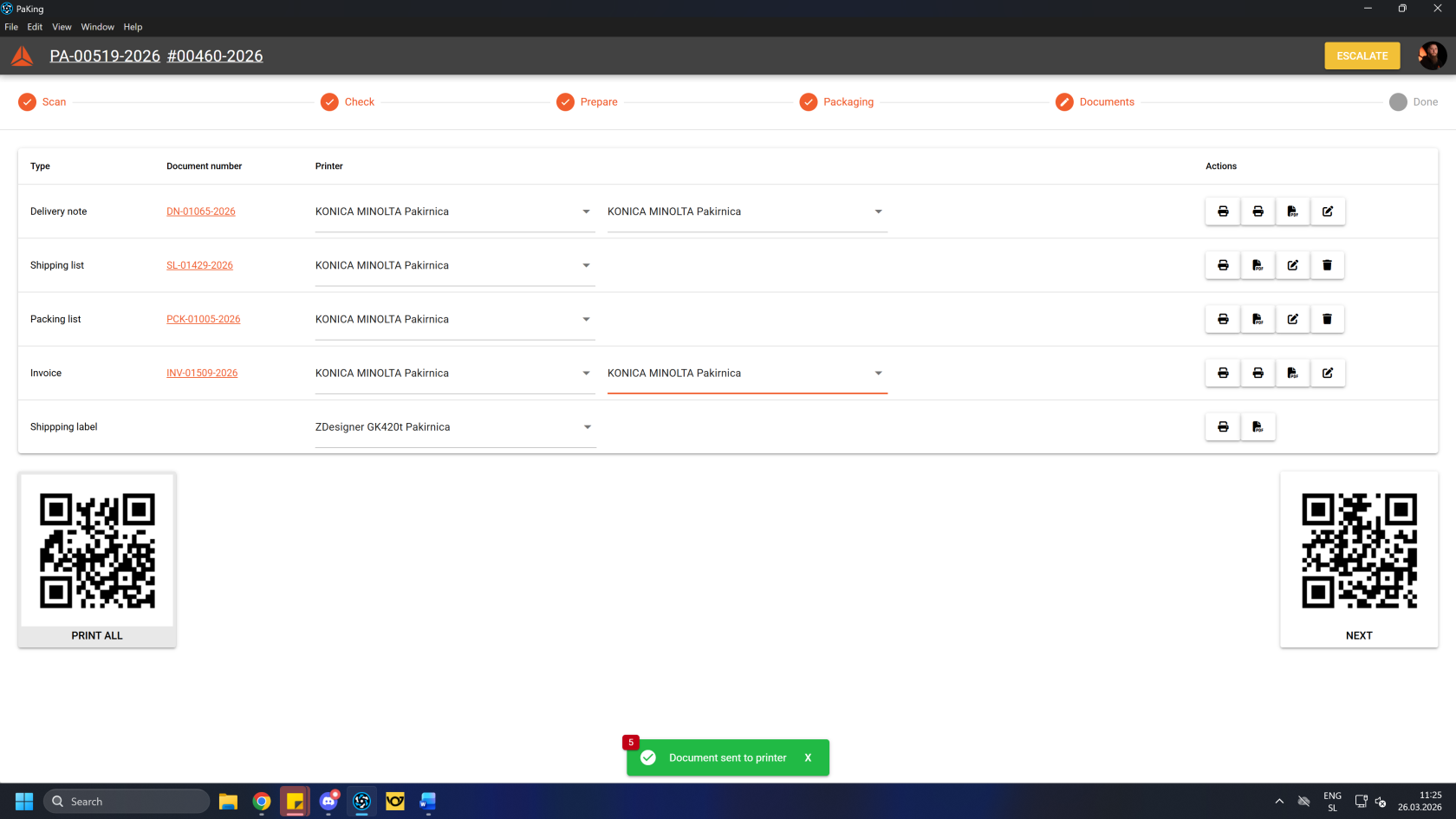Make sure that all products in the packing work order have stock tracking by serials enabled.
All products should be assigned into packing boxes.
Once finished and all requirements have been fulfilled, you can click/scan the **"Next"** button to complete the process.After the process in the PacKing app is completed, take the package(s) to the pick-up location.