This required the **Update** **price** **list** **versions** permission.
To edit a price list version's products, you have to open the product list in editing form. 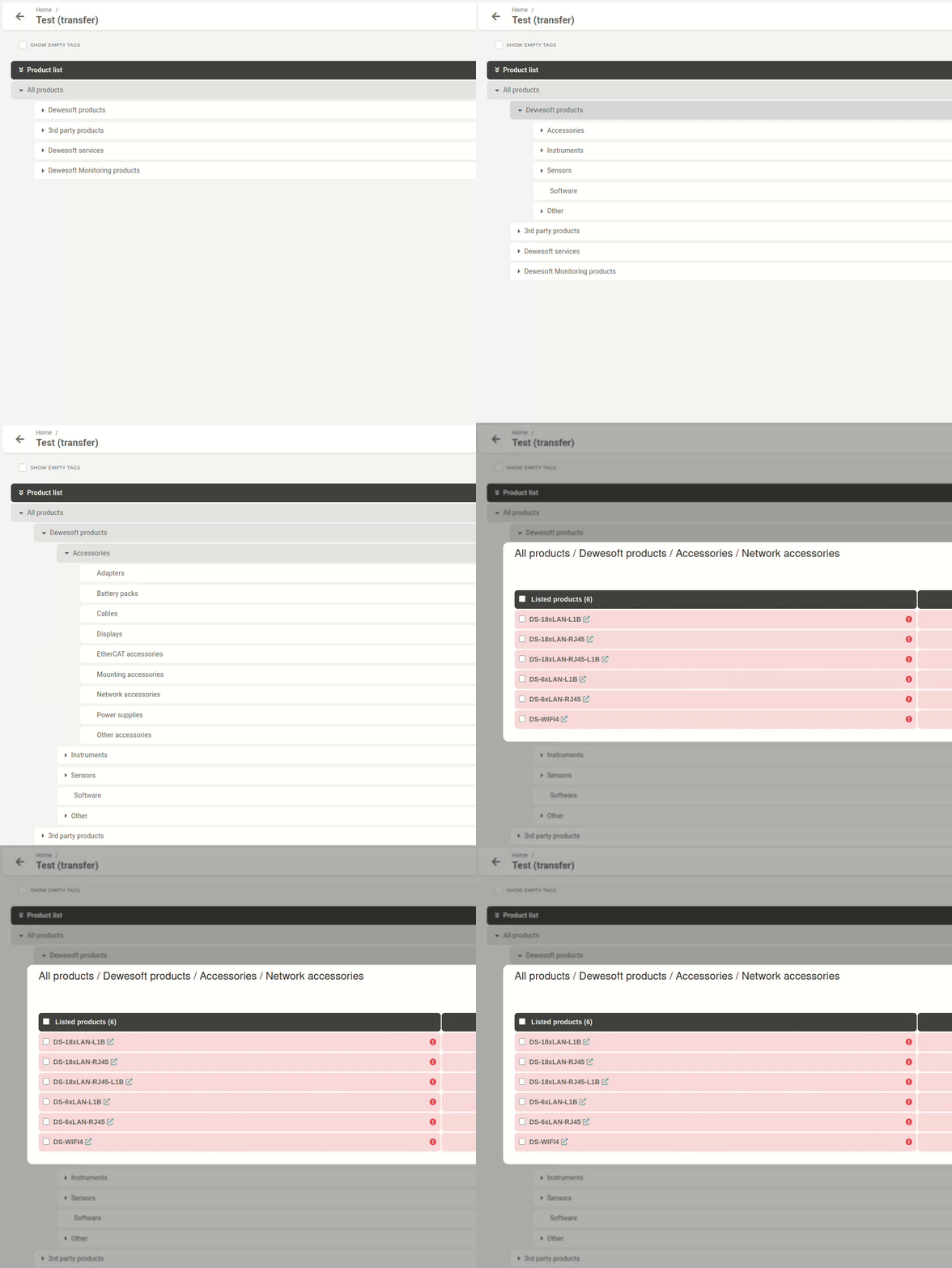Clicking on a **product** **category** in the hierarchy view opens up the **product list for that category,** e.g. **Network** **accessories**.
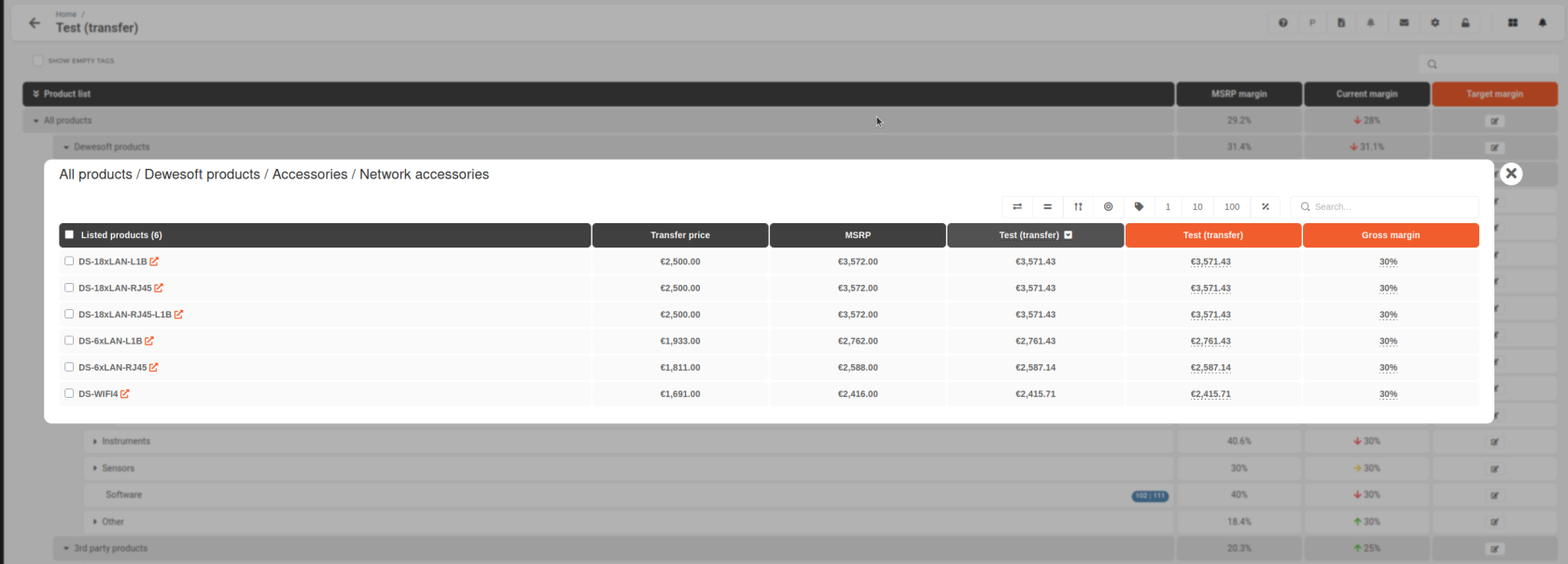 ##### ##### Transfer prices, MSRP, and reference points The three middle columns act as your guidelines and should be used to fine-tune the prices on your price list:  - **Transfer price** - The price at which you purchase from HQ. - **MSRP** - HQ’s **suggested** sales price. - **Select price list version** - Is customizable. You can select a price list from the drop down menu as an additional point of reference. ##### ##### Adjusting product prices and gross margins The last two colored columns are used to adjust your product prices and are interconnected. 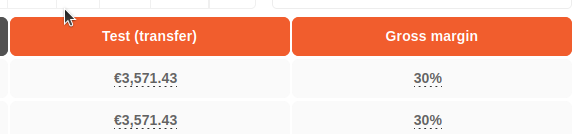 If you **adjust the** **gross** **margin**, your **product price will change.** If you **adjust the product price**, your **gross margin will change.**