Clicking on a **product** **category** in the hierarchy view opens up the **product list for that category,** e.g. **Network** **accessories**.
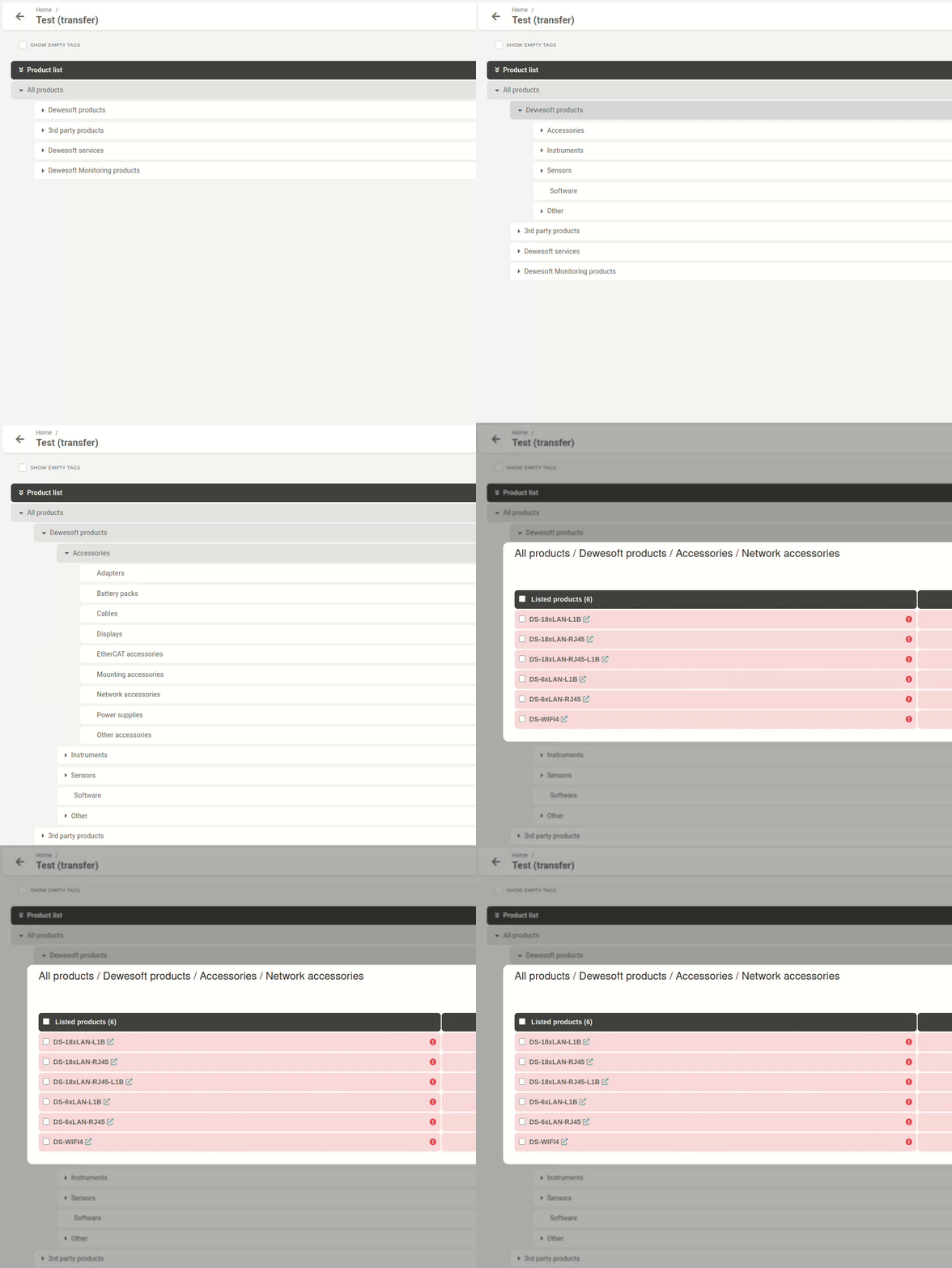The **"Listed products"** column displays product's short name along with a hyperlink icon.
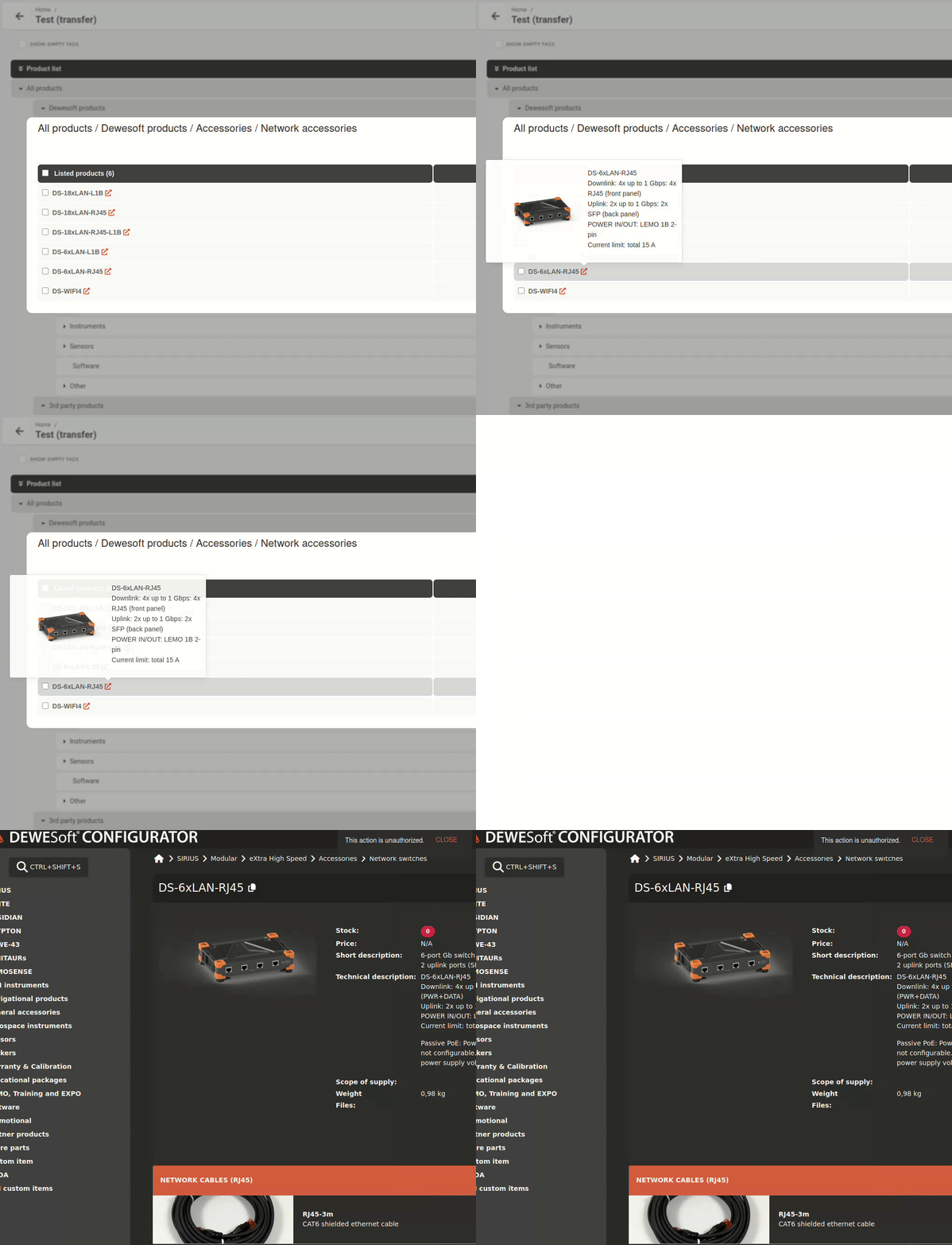You can **hover** the **hyperlink** to **display** some **product info. Clicking** the **hyperlink redirects** you to the product page on **Configurator store**
##### Managing listed/unlisted products Products included in your price list will appear under **‘Listed products’.** Products that have been removed or have not yet been added can be found under **‘Unlisted products’** at the bottom. 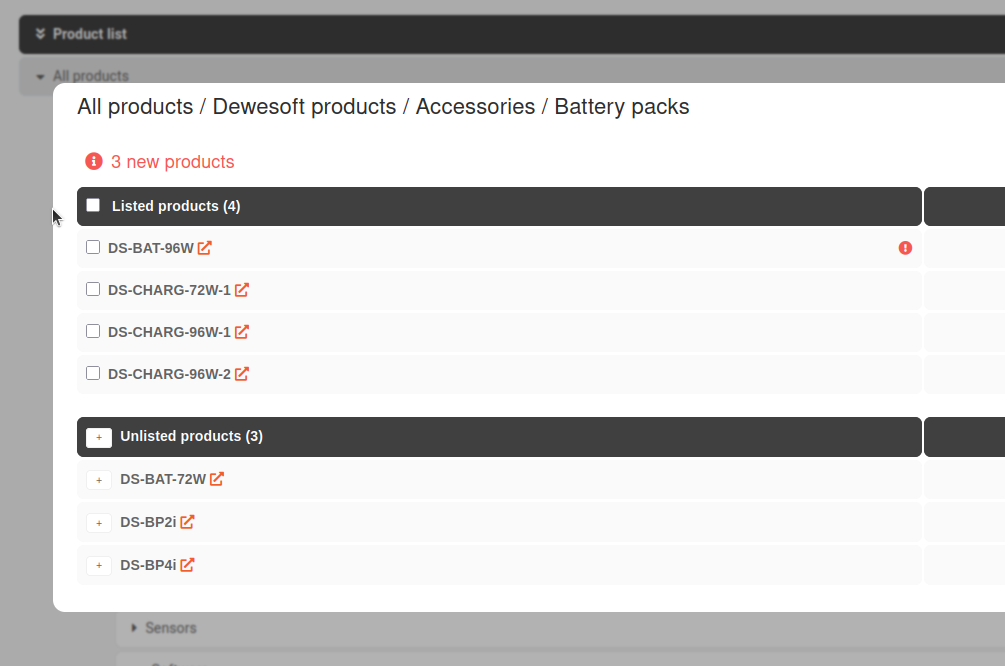 ##### Adding an unlisted product To add an unlisted product into the price list, click the "+" button next to its short name. The product will then be added, allowing for the price and margins to be set. [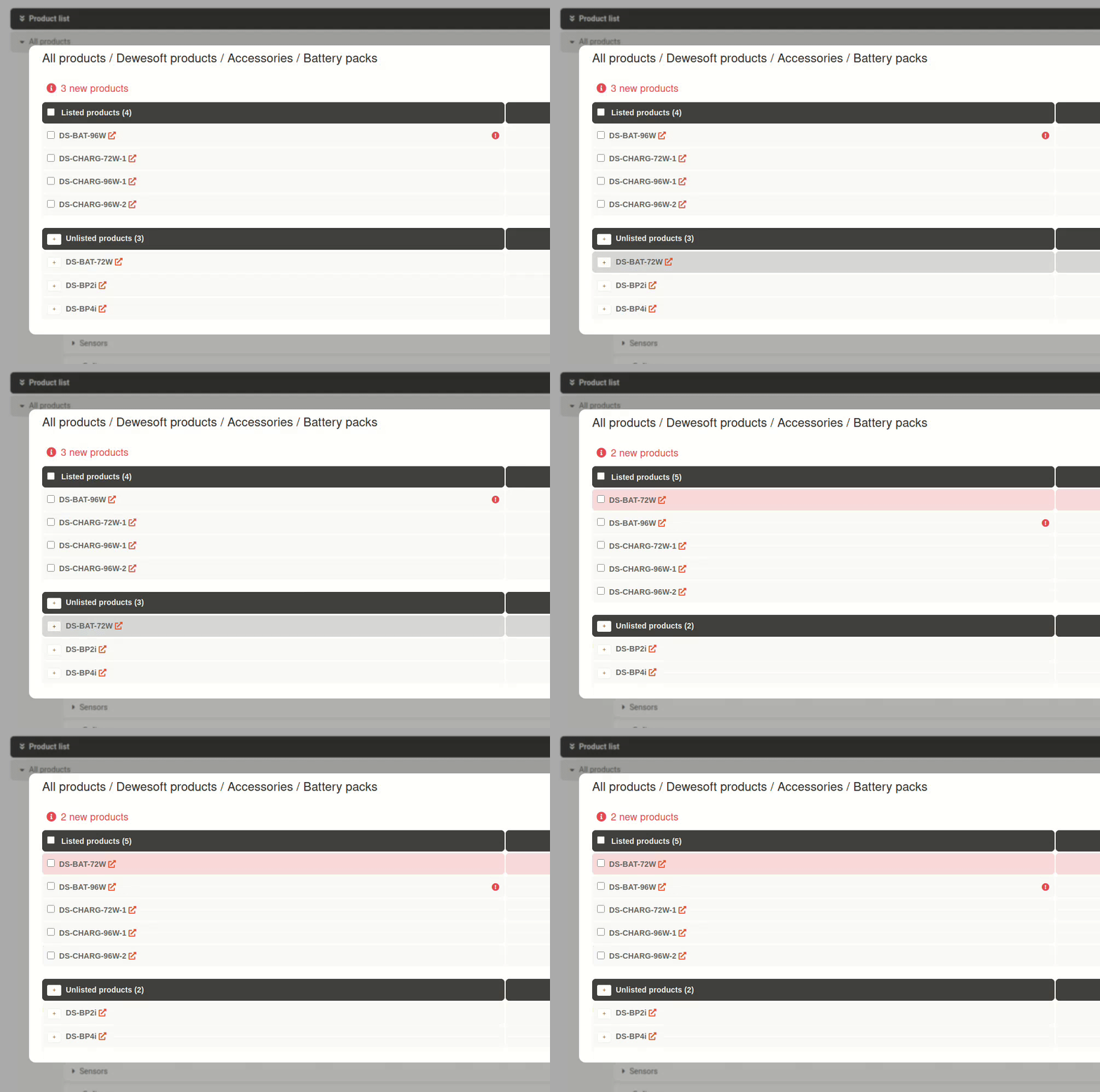](https://how-to-erp.dewesoft.com/uploads/images/gallery/2025-04/Iqdoutput.gif)