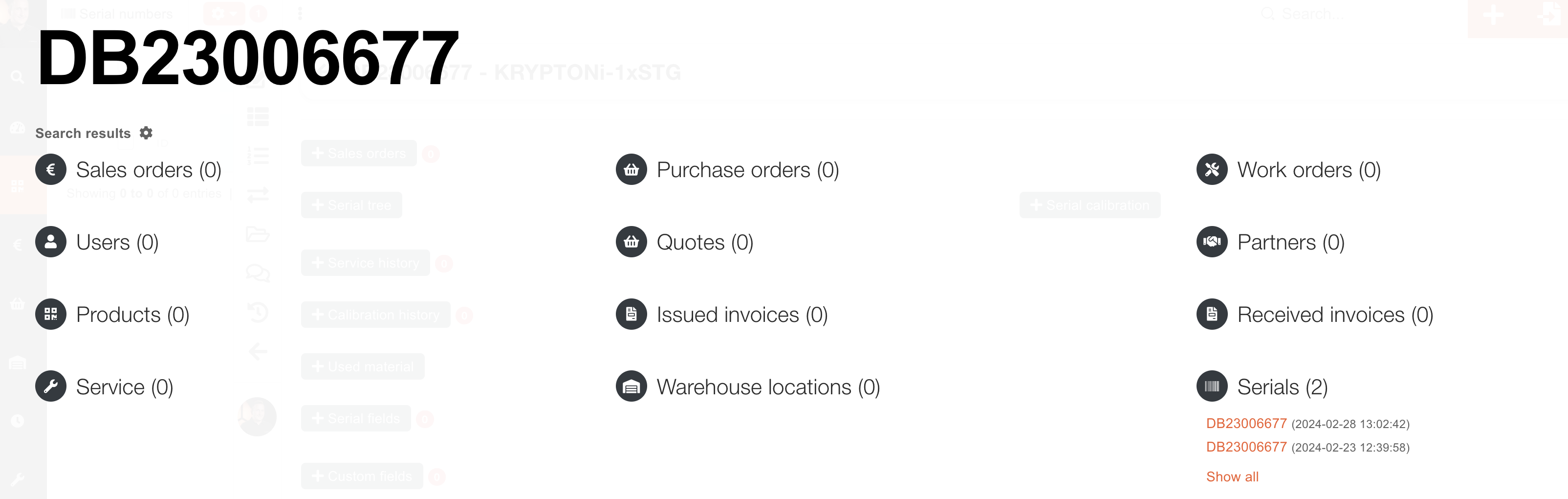
Duplicated serials
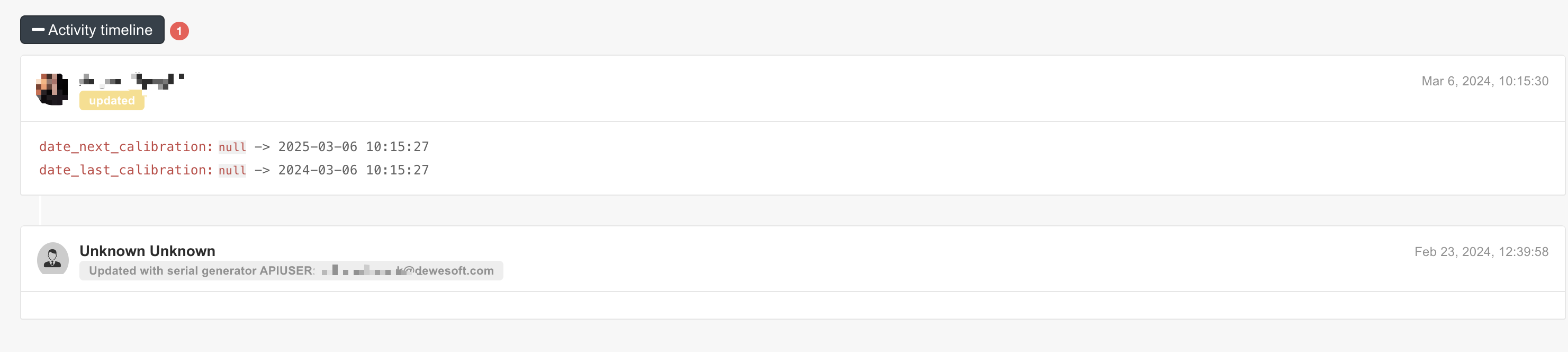
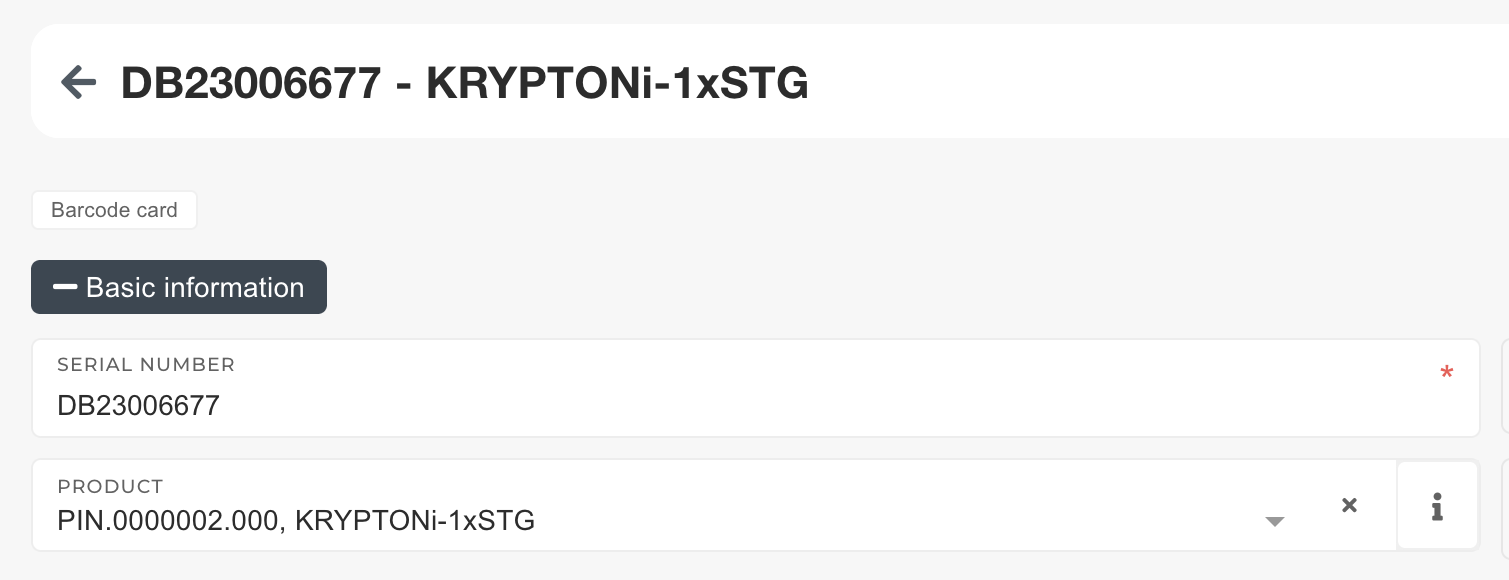
Usually this happens because serial was programmed before creation in ERP:

Solution:
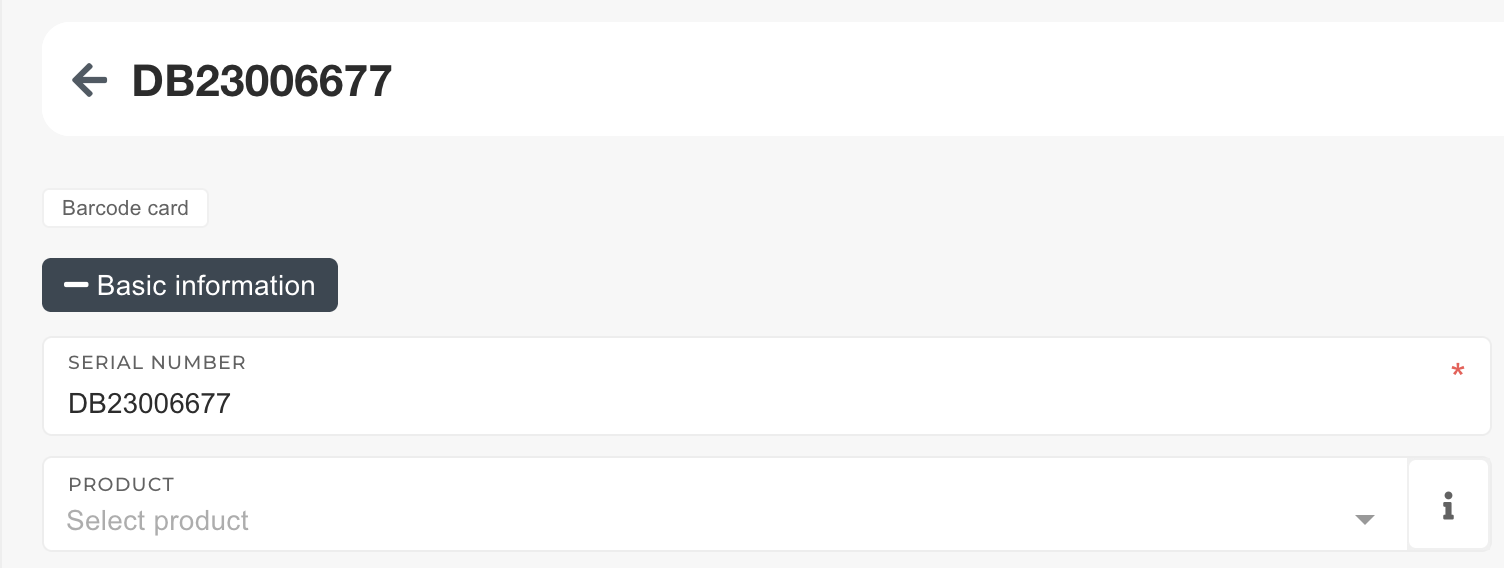
Download calibration files from serial without selected product:
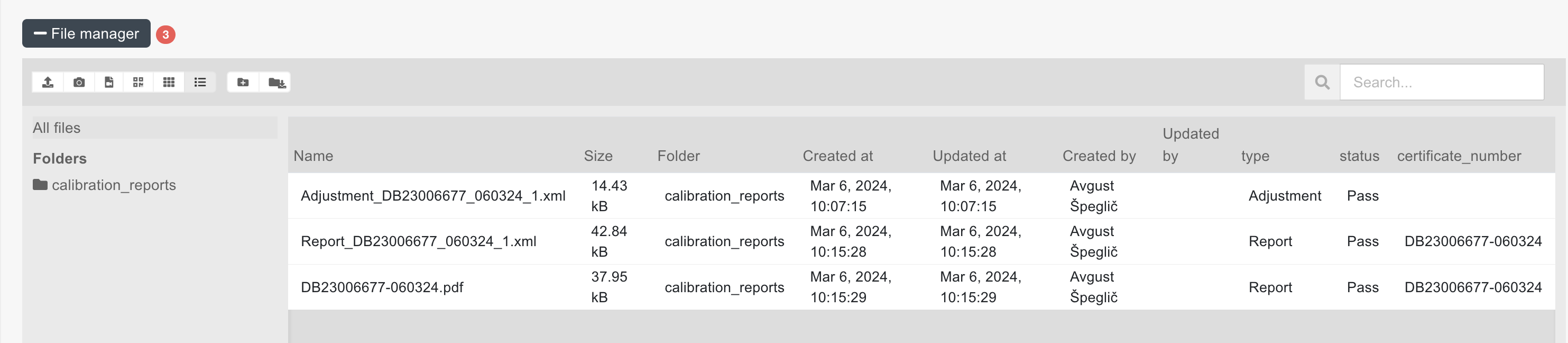
Upload files to other serial to the calibration_reports folder:
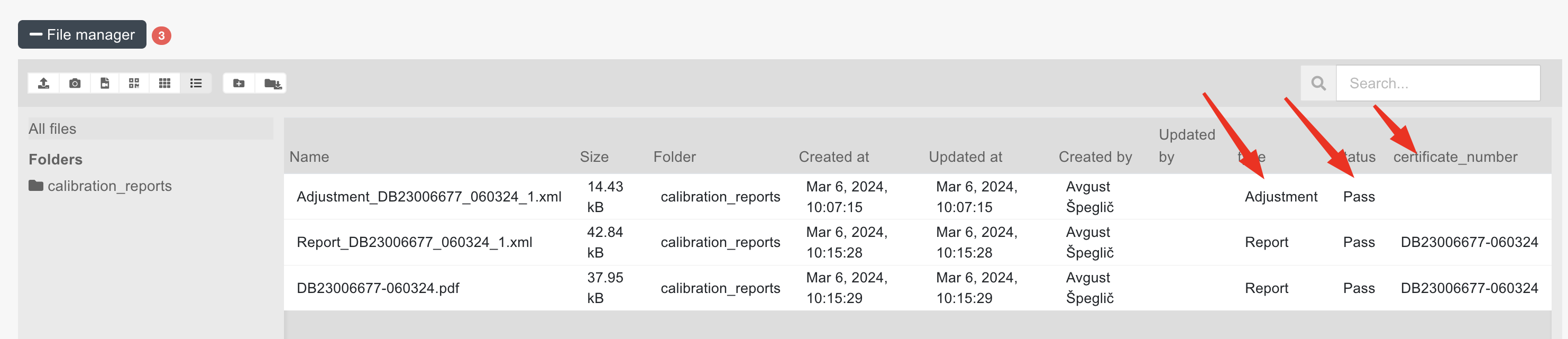
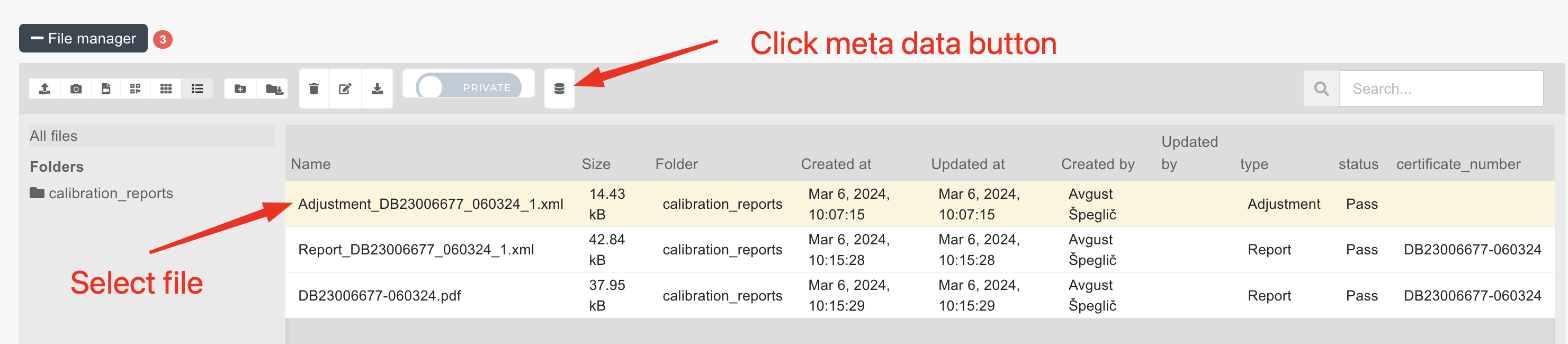
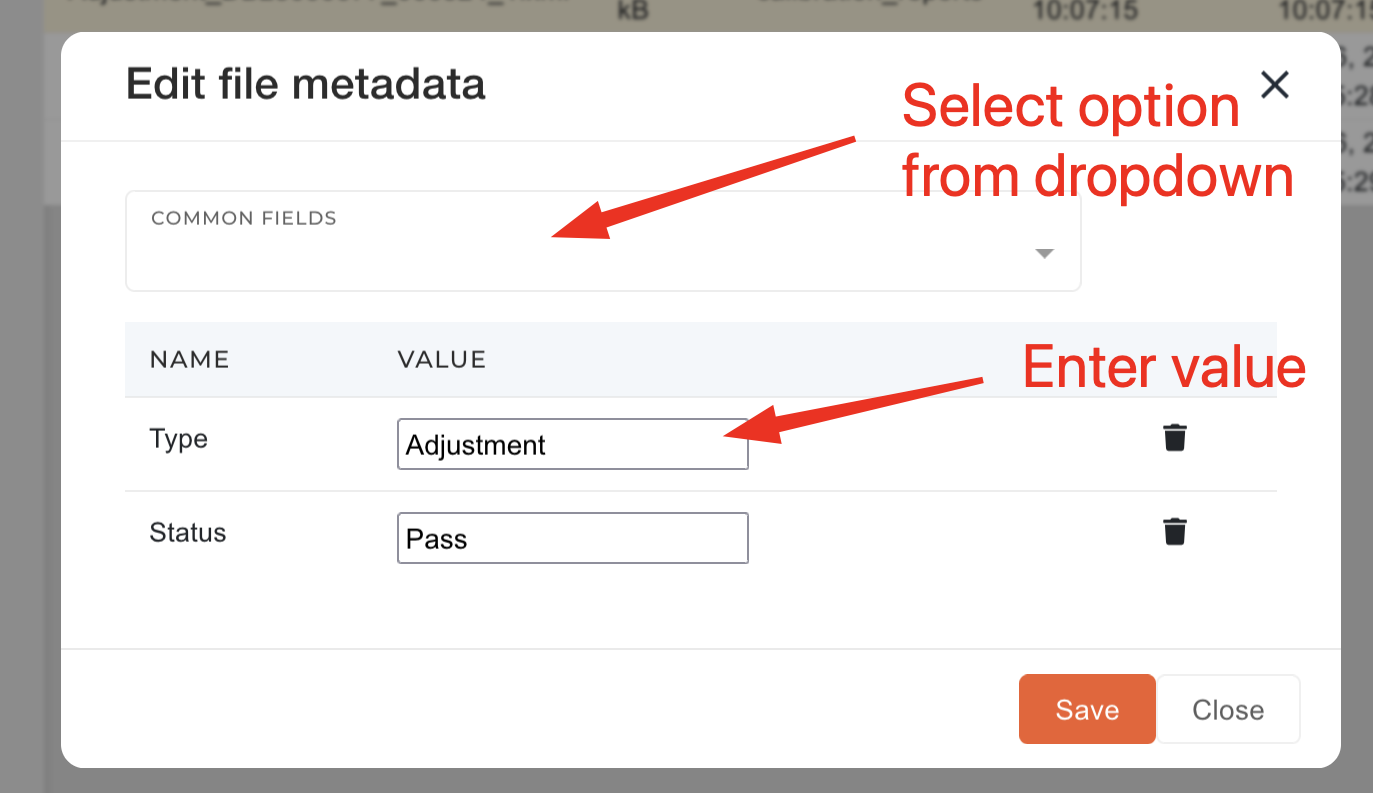
Update additional calibration information on files:
Delete serial without product.