This action requires the **"Reset work order items"** permission.
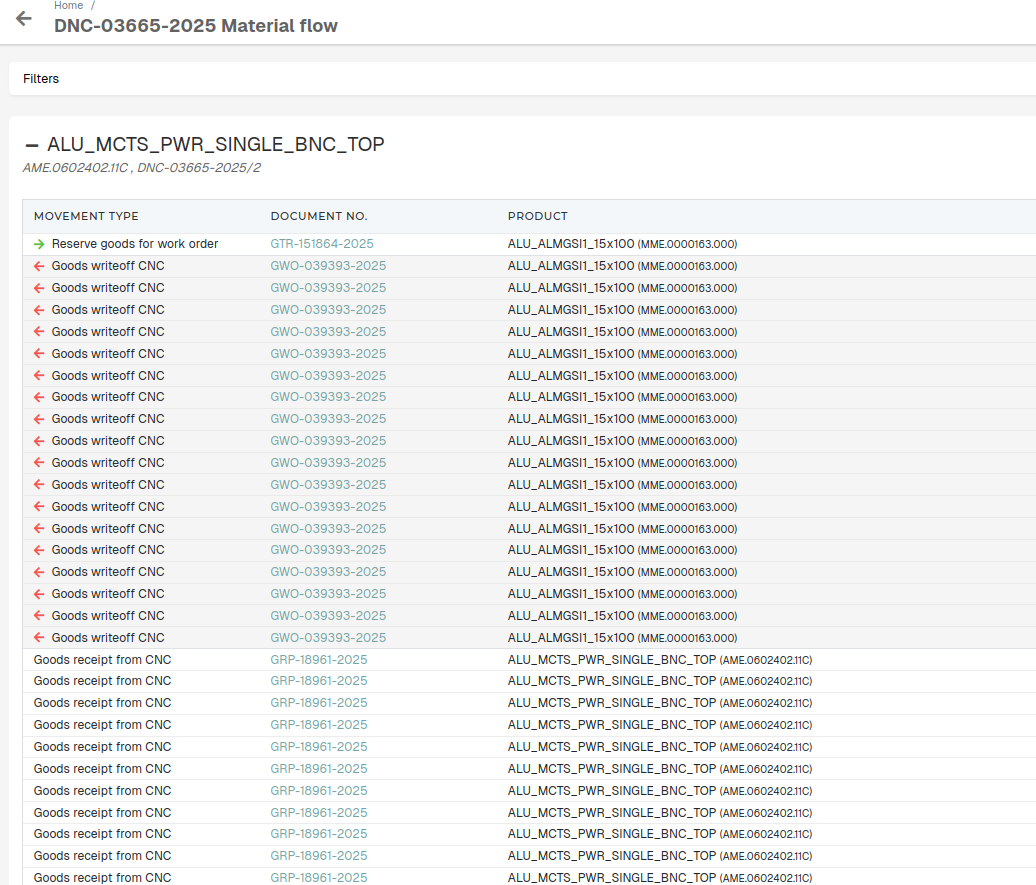
Work order items can be reset, with their material flow getting removed. This means that any and all receipts, transfers and write-offs, connected to a work order item are canceled. 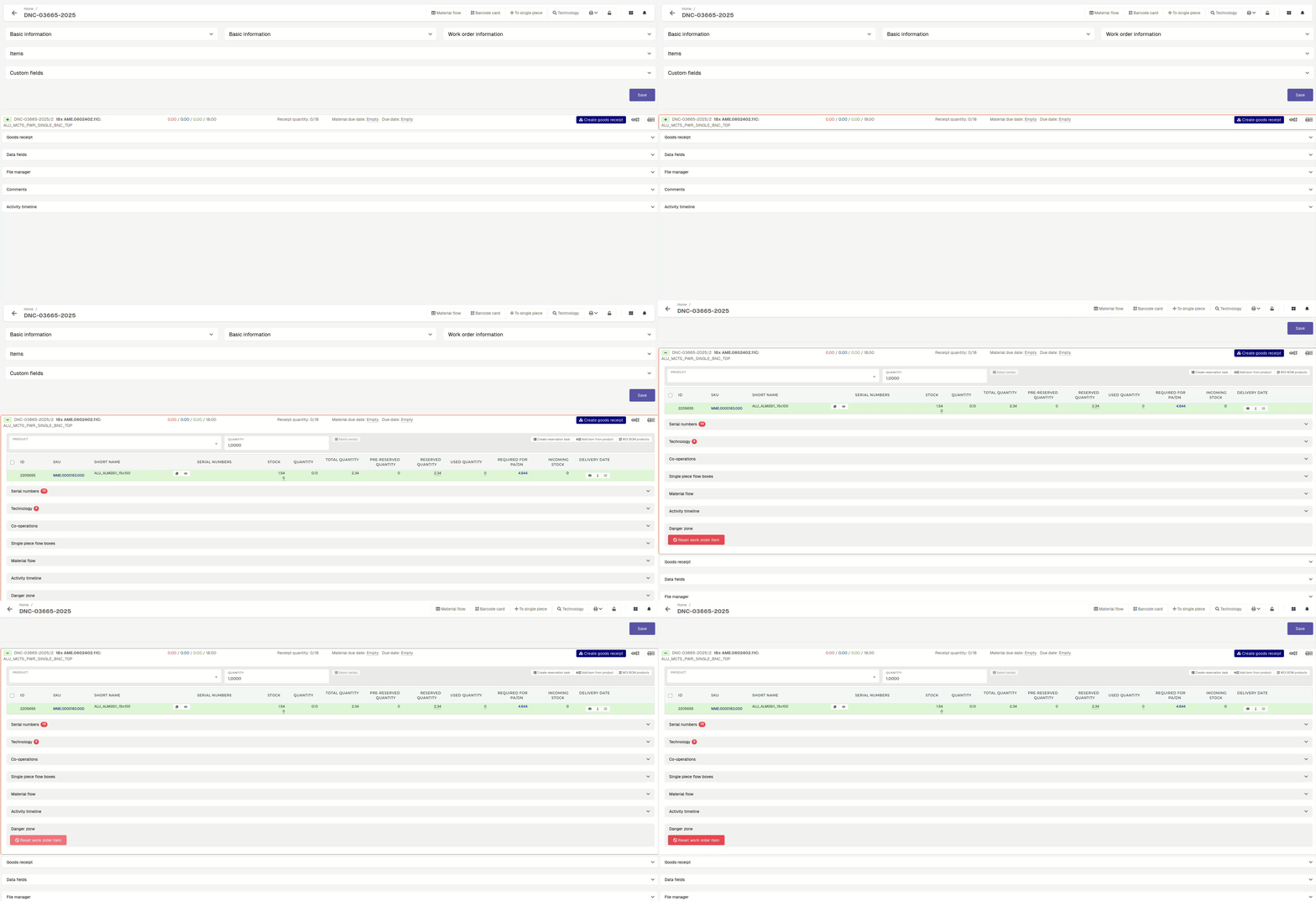 To perform a work order item reset, open the work order item's "**bill of materials**" section and open the "danger zone". Here, the **"Reset work order item"** button will appear. On button click, after confirming, the work order item's material flow will get reset.  If a work order or a work order item already has attached goods receipts, the item reset will fail with an error. When this happens, the goods receipts must be canceled manually before the reset.All goods receipts, that relate to the work order and its items, can be found in the **"Material flow"** section of the work order.