This action requires the **"Create sales forecast"** permission.
To create a new sales forecast, click the "**+**" button above the table. This will open a modal window, where the sales forecast timespan can be set.Forecasts are automatically created for the ERP's root partner.
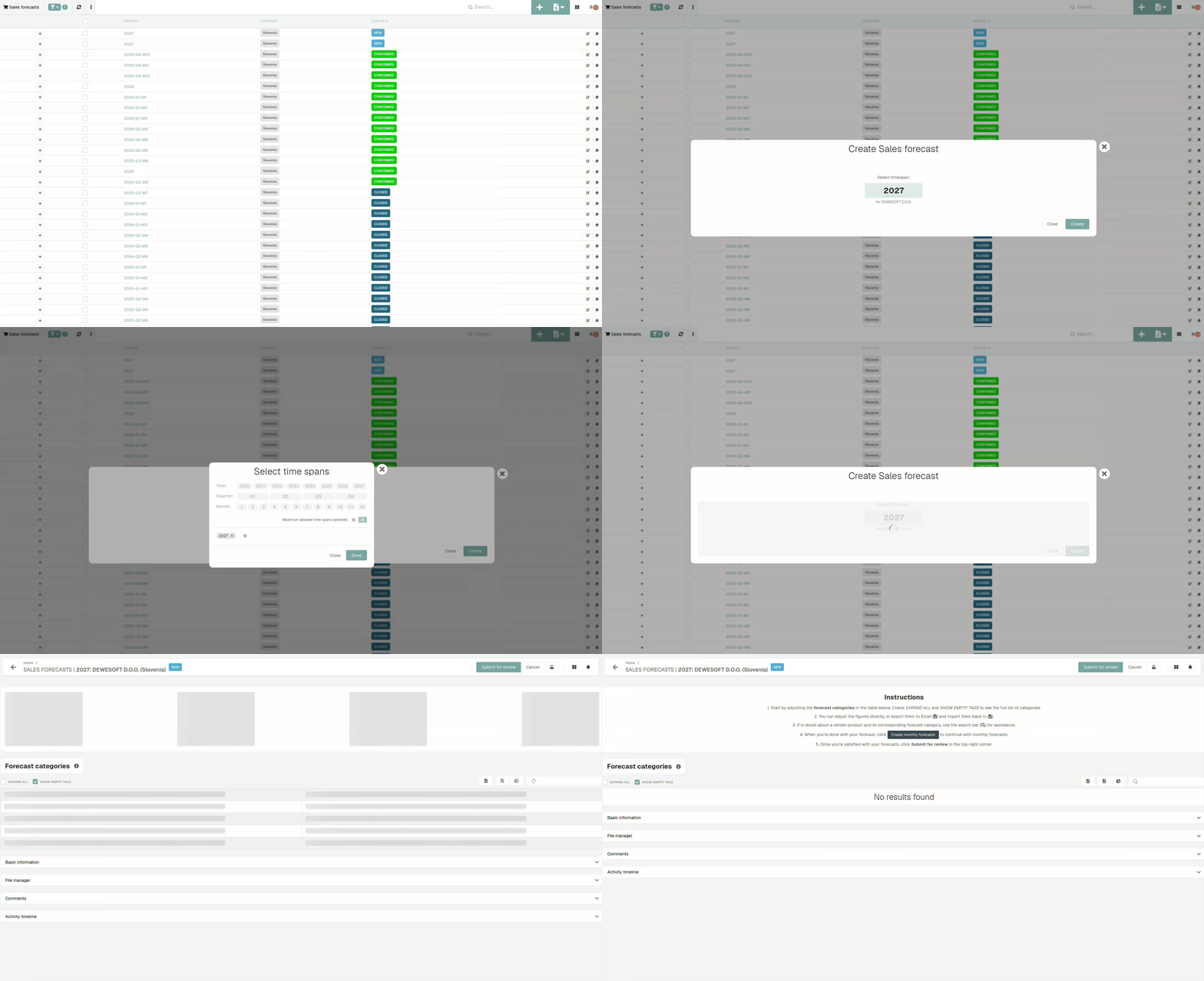 Once the timespan is selected, the page will redirect you to the sales forecast edit page, where can adjust the forecast categories where needed. 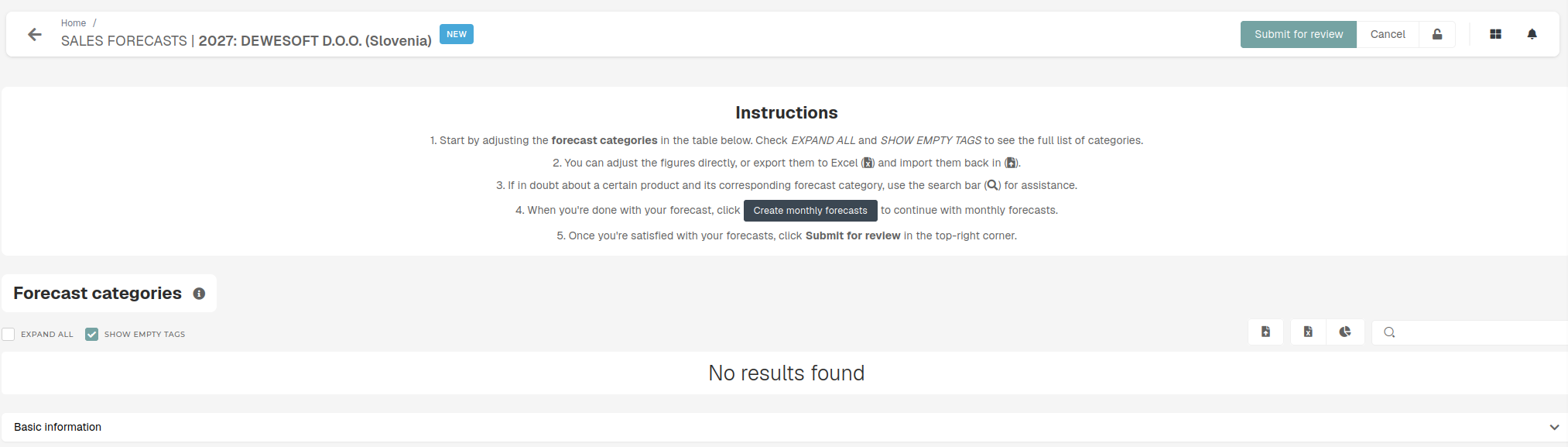 Once the forecast is finished, you can submit it for review, after which you will receive some feedback if required.