**Please note**: you will need **Order processing**, **Human Resources** and **Head of logistics** people to complete this process.
Go to the order's details page and change the **order's** status to **NEW.** 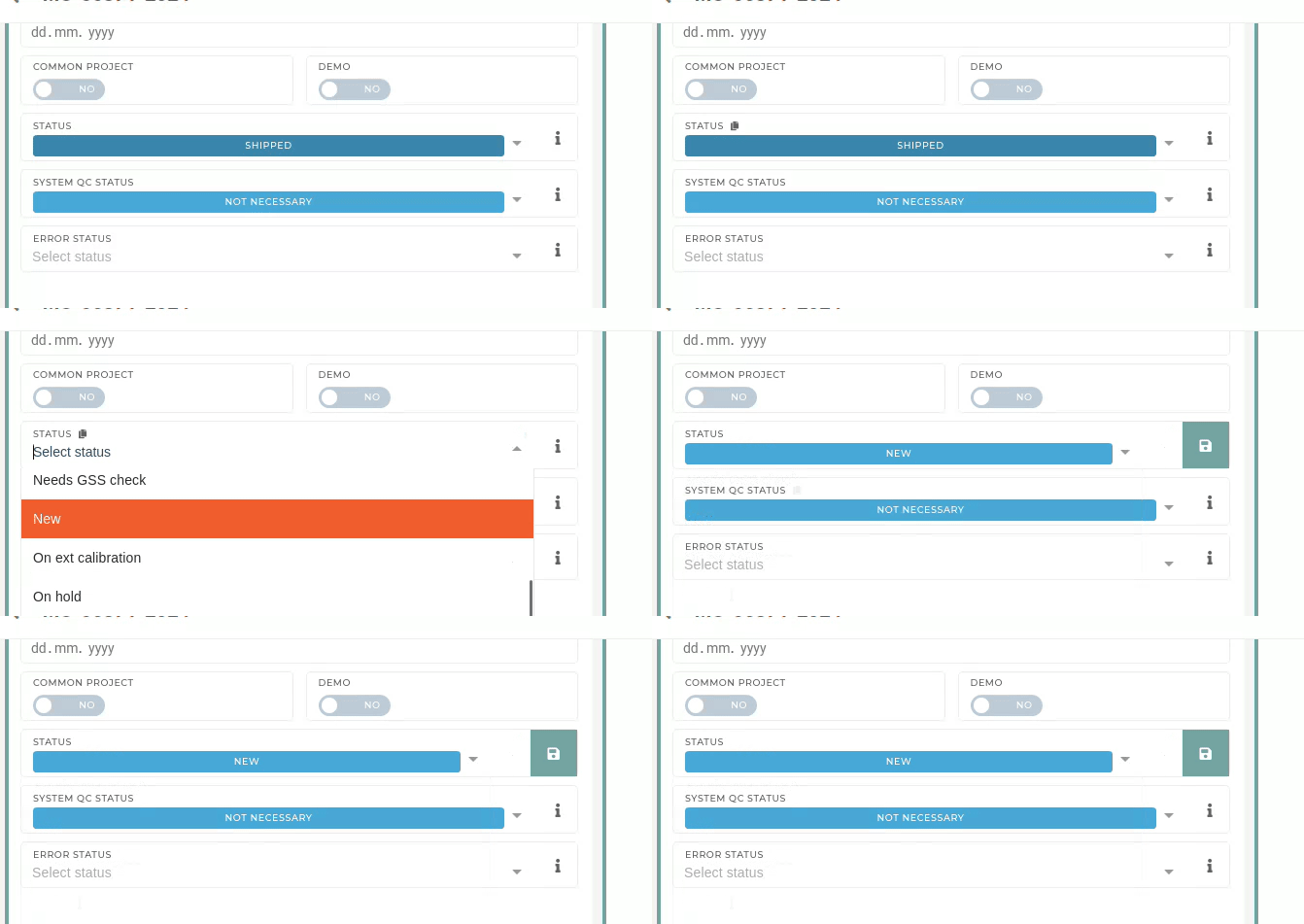 Go to the order's **packing work order** and change its status to **NEW** as well. **Move** the packing work order **item** **to** **another** **packing** work order. Leave everything empty. 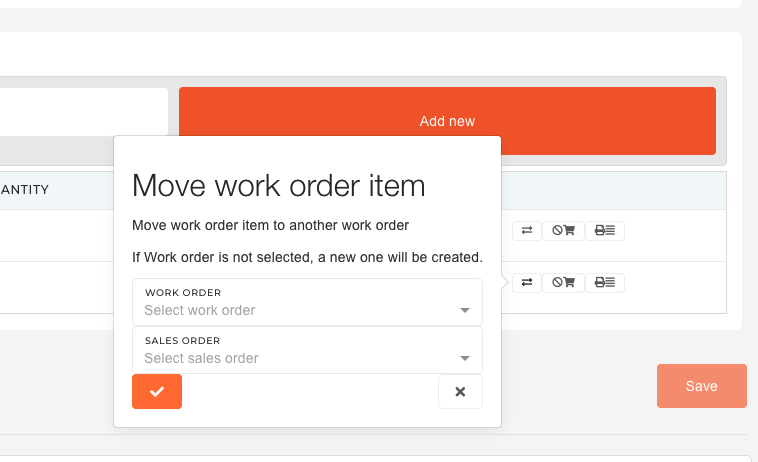 **Find** the **new packing work order** and go to its material flow. Find the **goods writeoff** and click on it. Scroll down and **cancel** **the goods** **writeoff**: 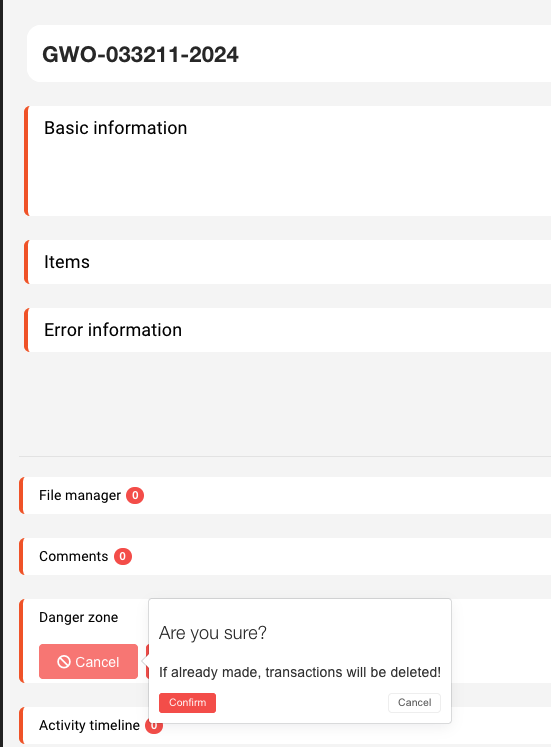Now the material can be unreserved from this packing work order.
After the material has been unreserved form the packing work order, the packing work order must be canceled. With the packing work order canceled, go to work order's issued invoice and delete correct item on it.  The correct item also has to be deleted on the merch order. 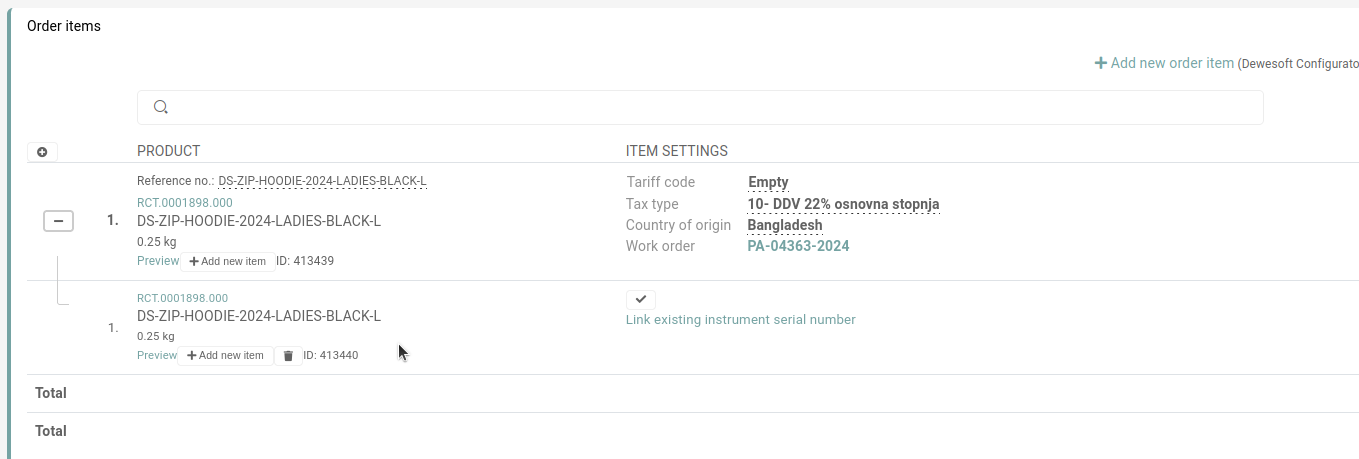 After that, add a new item to merch order. Go to **Order processing** and **add** the **new item** to **existing packing:** 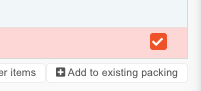 Then virtually and physically reserve item.The item has to be written off. This is currently handled by the Web department. Send an mail to **web@dewesoft.com**)
Change the status of order's **invoice** to **NEW** and update it: 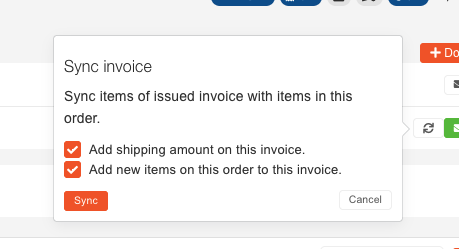 Then, **change** the **status** of the **packing** **work** **order** to **CLOSED**. Lastly, change the status of the merch order to **SHIPPED.****After the process** if finished, the **HR** department must **update** the **user's coupon value** to reflect the changes on order.