This action requires the "**Create user hr profile**" permission.
To create a user hr profile, you must click on the "**+**" icon on the top right corner. You will be redirected to the "[Create new user HR profile form](http://placeholder.erp/user-hr-profiles/create)" 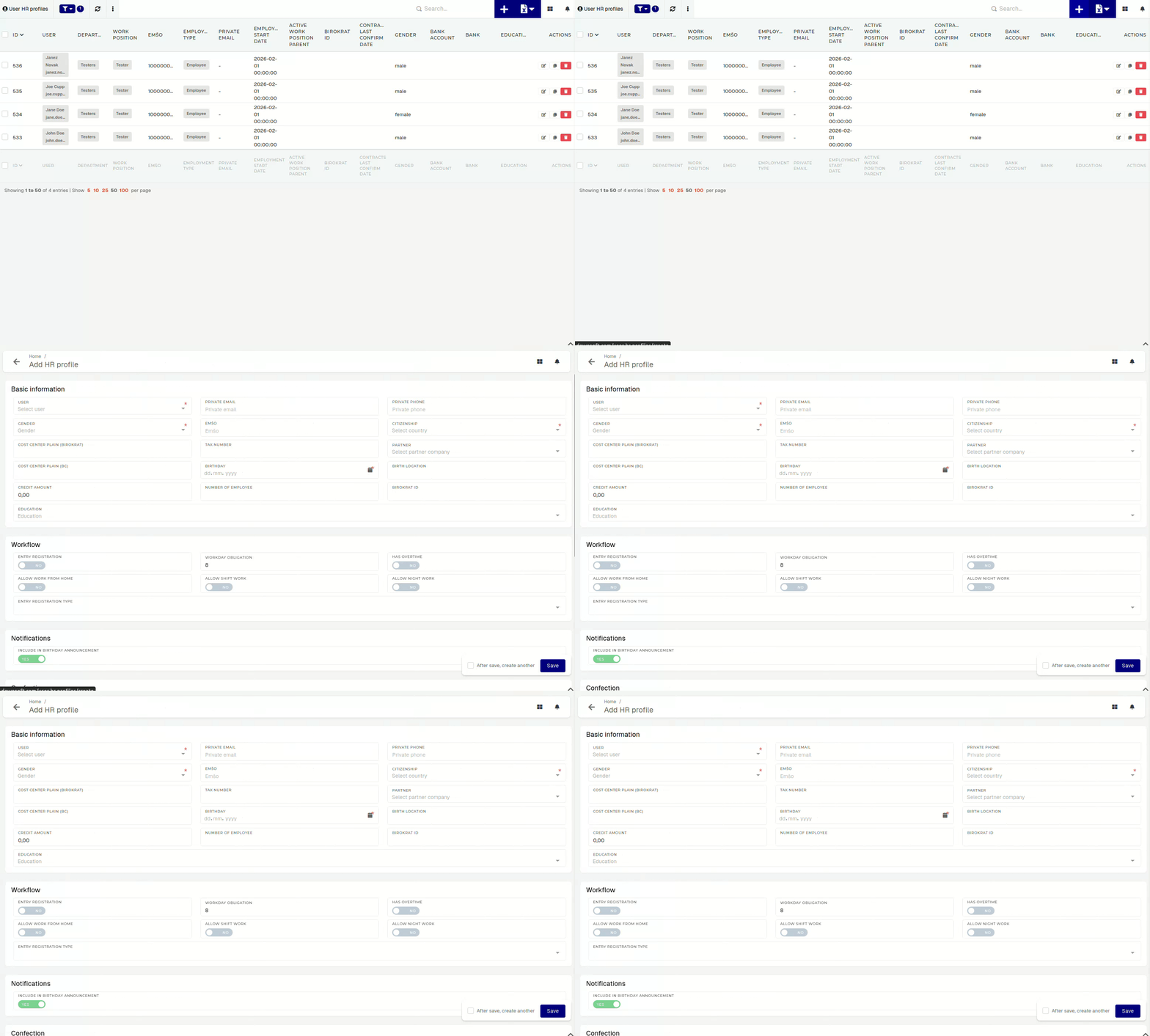A user can have only one HR profile.
To create a new user hr profile, you need to select the user, for whom the hr profile is being created, select their gender and citizenship, and enter their birthday.Certain form sections do not appear in the creation form, but are available in the updating form.