Roles are used to group sets of permissions, that are required for performing a task or general ERP use.
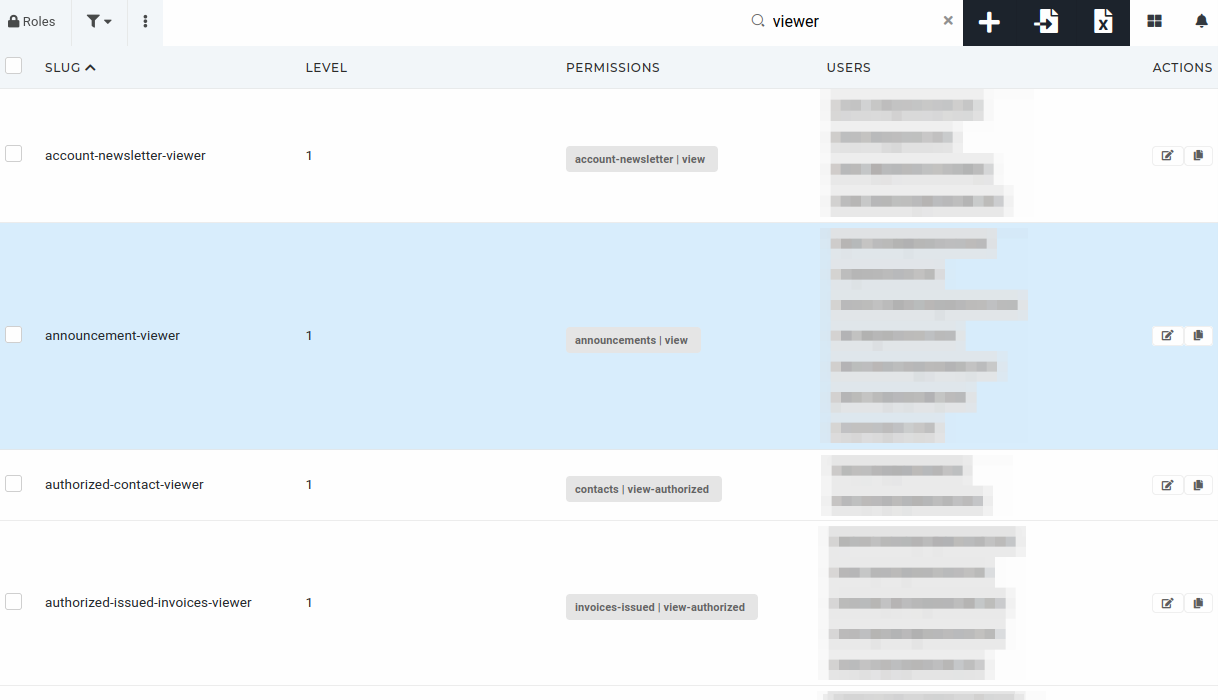 # Create a new role To create a new role, click the "**+**" button above the "[Roles](https://placeholder.erp/roles)" table, to navigate to the "[Create new authorization role](https://placeholder.erp/roles/create)" form.  On the form, fill out the required fields and click save to add a new role. 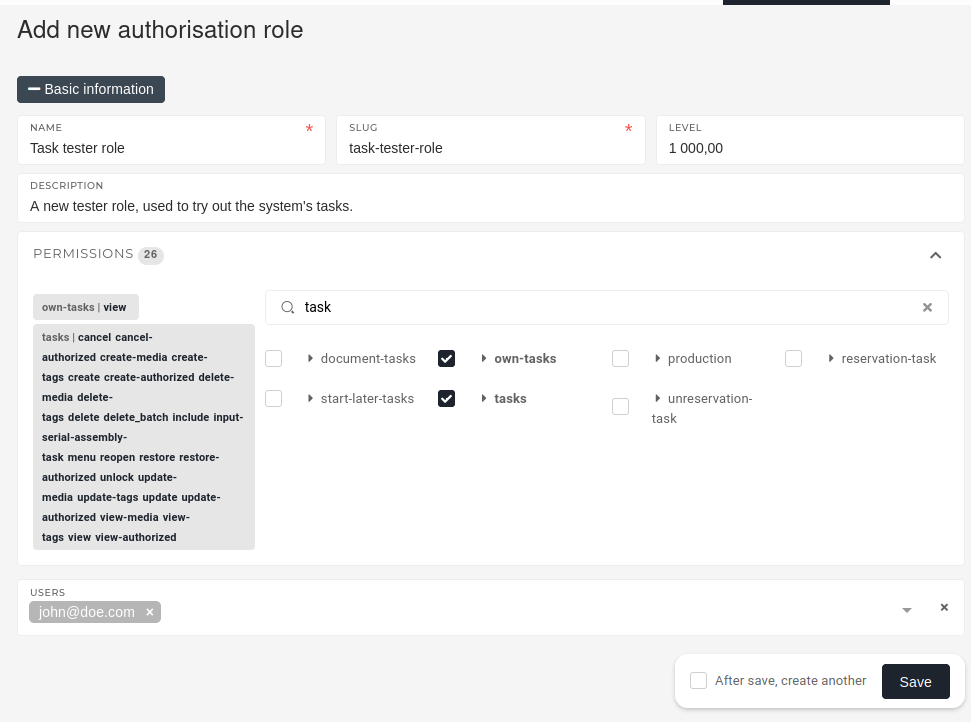 - **Name** - Select a descriptive name for the role (eg. a work position, like **Department Lead**) - **Slug** - Is used to identify the role throughout the ERP. Is usually formatted role name (eg. **department-lead**) - **Level** - A role's level is used to determine it's priority over other roles. Roles with higher priority overrule roles with lower levels. - **Description** - Is not required, but it's highly encouraged that it be added. Used to further explain the roles purpose. - **Permissions** - Select, which permissions are attached to this role. - **Users** - - You can list users, that will have this role here, and it will be assigned to them automatically after role is created. # Update an existing roleRoles should be updated only be people, who know their purpose, as deleting a role that is required for a certain tasks will stop users form performing those tasks.
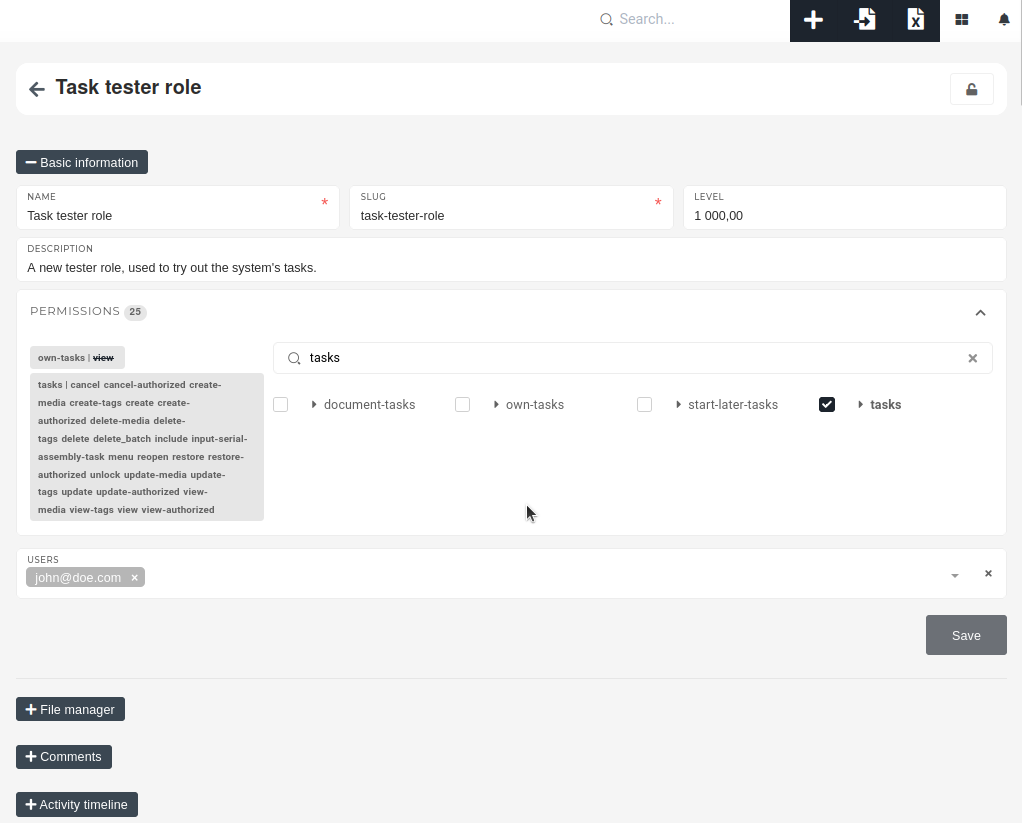
To edit an existing role, find it in the roles table and click on its **"Edit"** button. 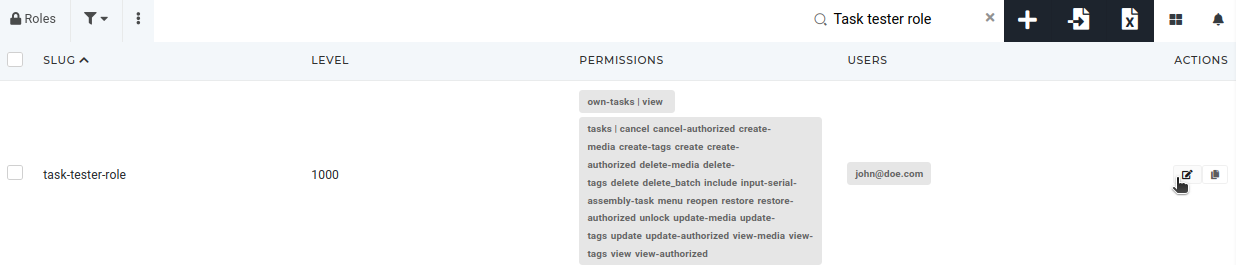 On the role's page, you can update its name and description, its assigned permissions and manage users, that have this role.It is not recommended to update a role's slug, as it may be used for programmatic access control.
 # Delete role(s)Roles should only be deleted by people, who understand the role's purpose and know it's uses.
To delete a role, find it in the "[Roles](https://placeholder.erp/roles)" table and tick its checkbox. Then click and confirm the **"Trash"** button, that appears above the table. [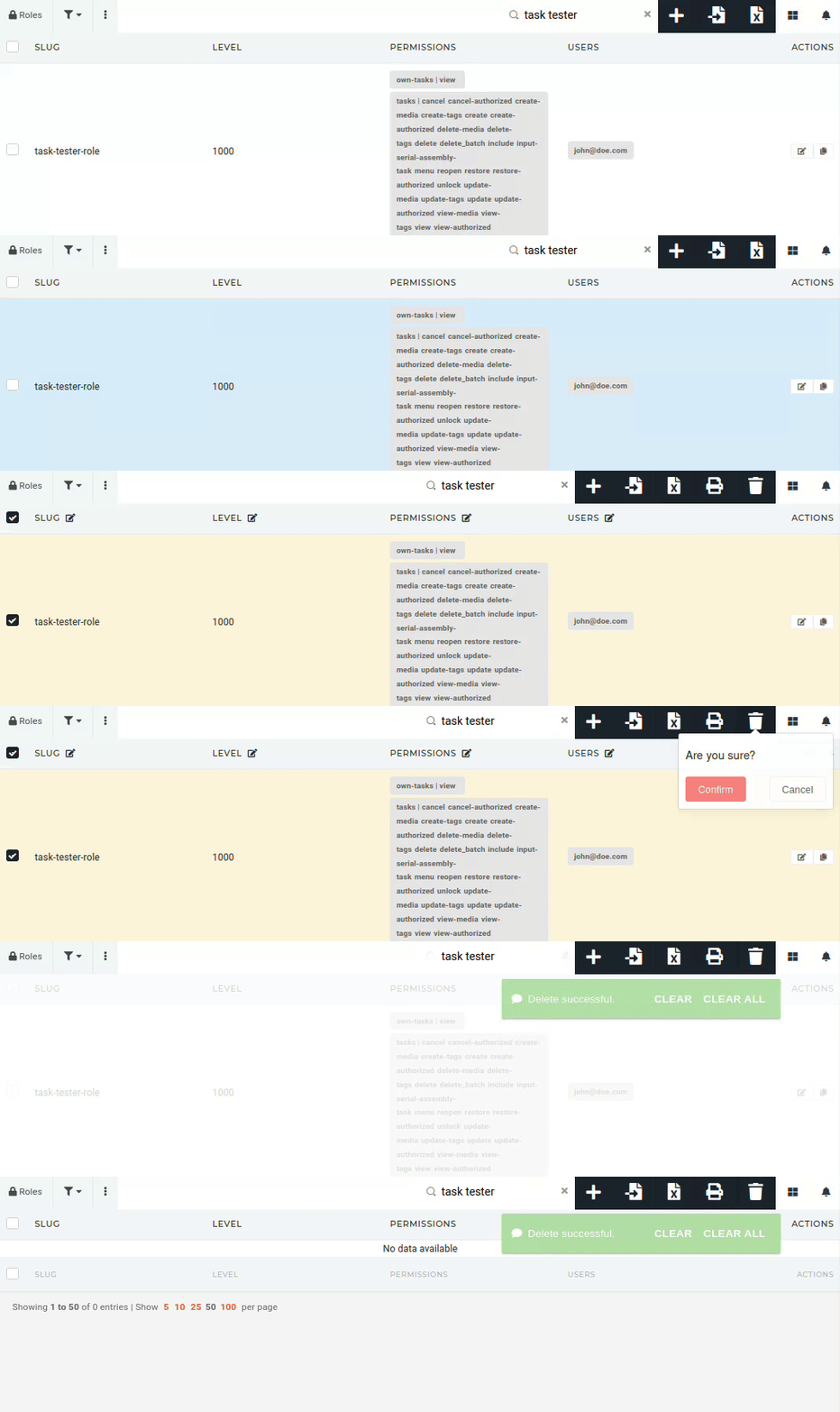](https://how-to-erp.dewesoft.com/uploads/images/gallery/2024-06/AUeoutput.gif)