Every employee should have their own warehouse location, that is used to show items in that employee's possession.
Products (materials, equipment...) can be received to and transferred between these warehouse locations. Warehouse locations are also used to calculate material stock by location. [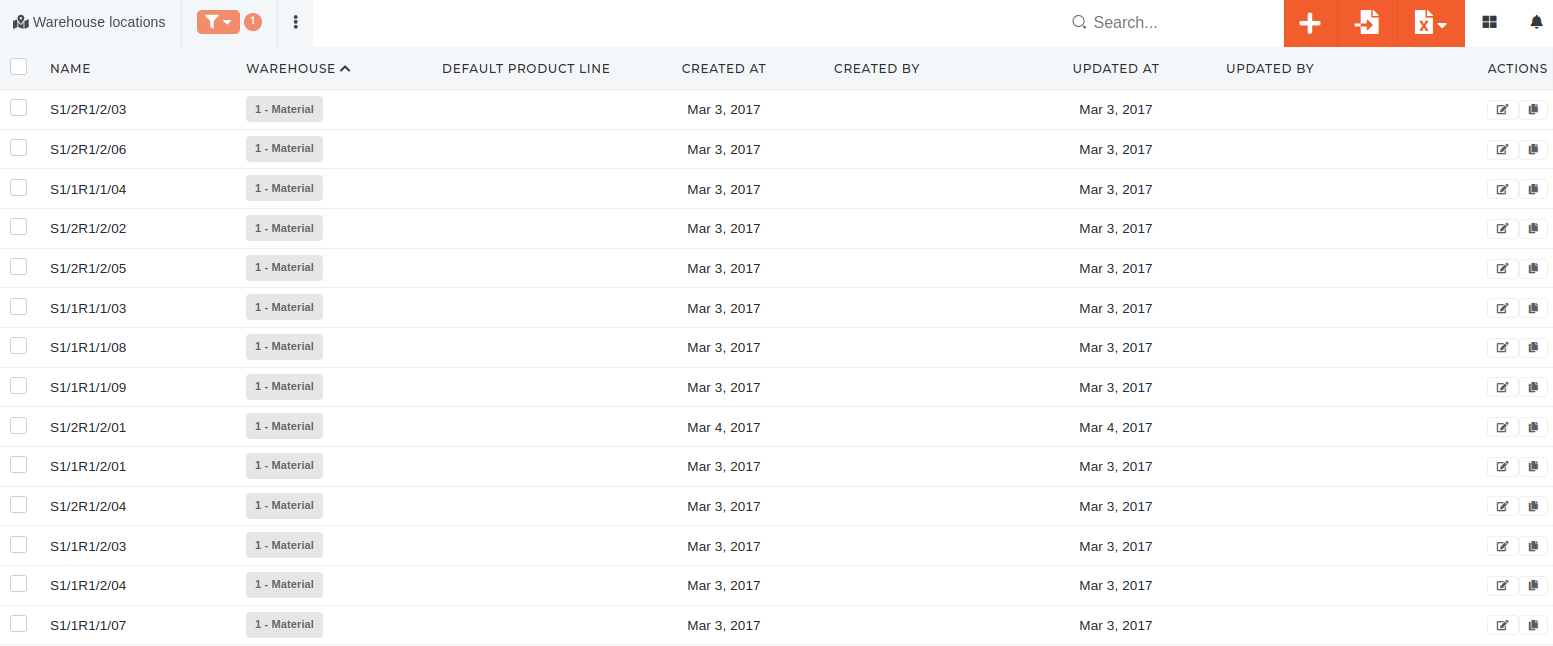](https://how-to-erp.dewesoft.com/uploads/images/gallery/2024-04/Hpuimage.png) # Create new warehouse locationThis action requires the **"create warehouse locations"** permission.
New warehouse locations can be created in the **"Create new warehouse location"** form, that can be accessed [**here**](https://placeholder.erp/warehouse-locations/create), or by clicking the "**+**" button above the **"Warehouse locations"** table. 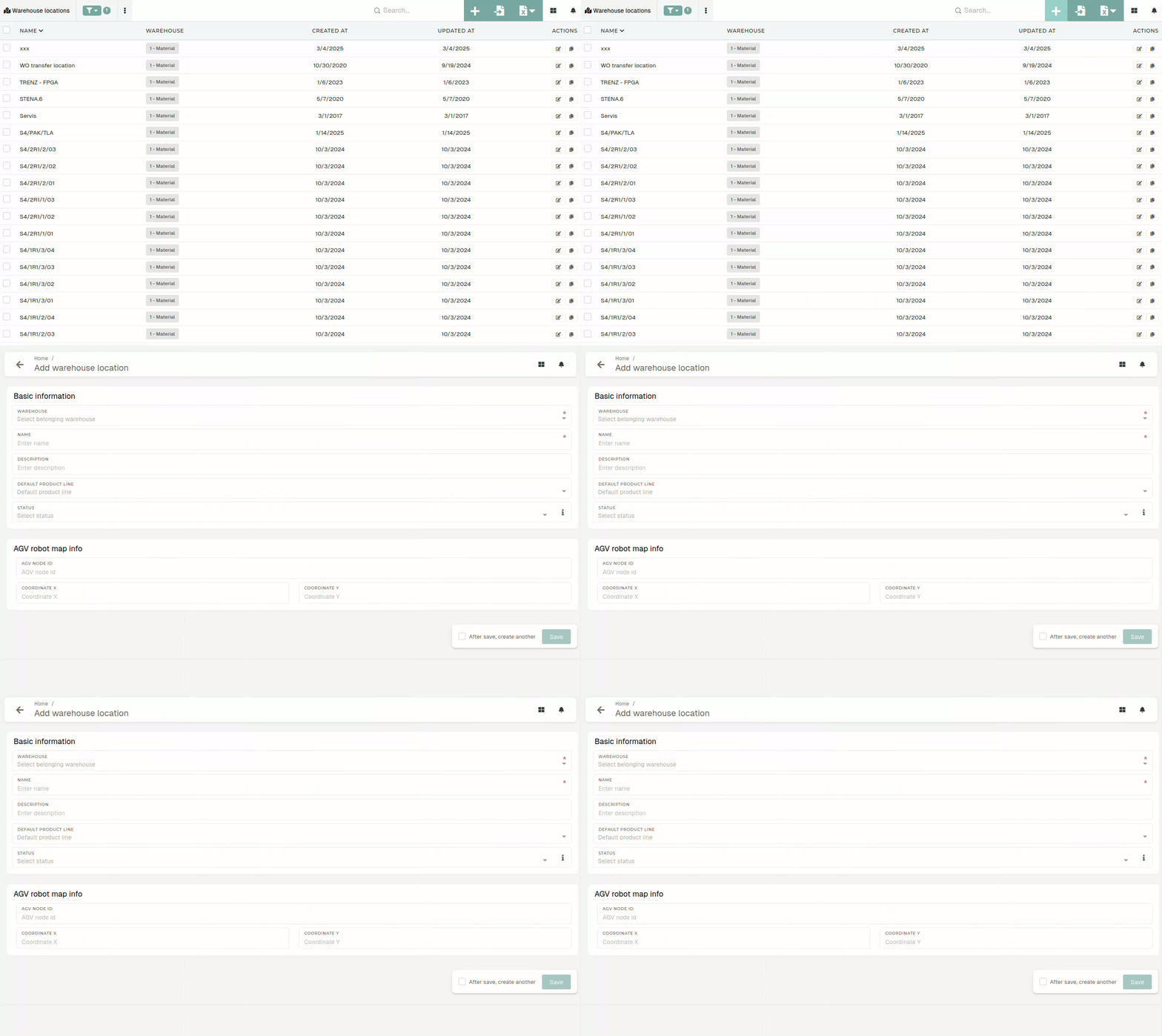 #### Basic information The create form requires two main pieces of information. The warehouse, where the warehouse location is located, and a warehouse location name, to differentiate it from other locations within the same warehouse. 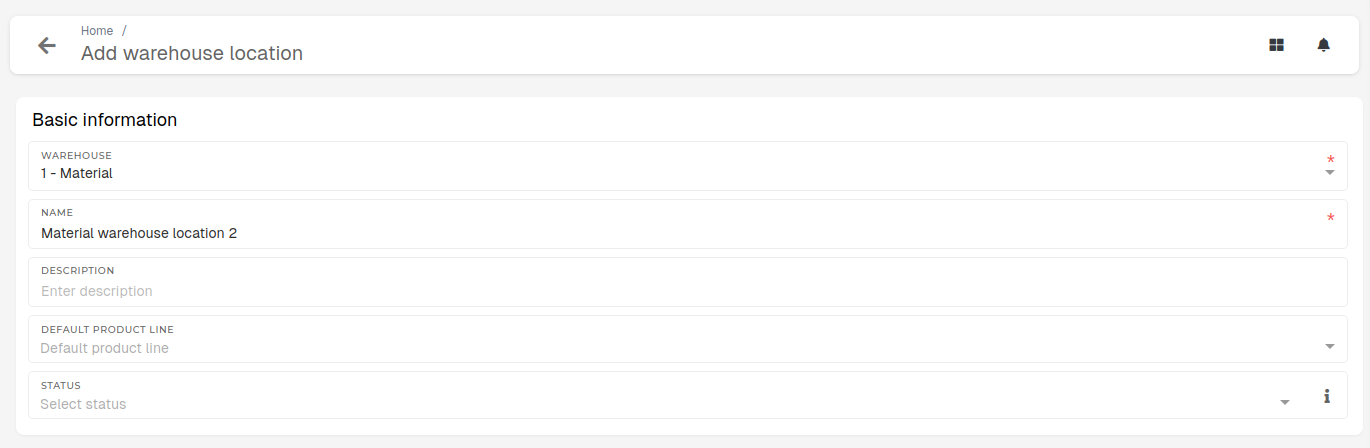Description, default product line and status are optional.
# Update existing warehoues locationsThis action requires the **"update warehouse locations"** permission.
The warehouse location's **name, description** or **product line** can be changed at any time with no conflicts.Warehouse **location's warehouse can be updated**, but should be done **carefully,** as changing the warehouse may impact, how the warehouse location behaves (due to possible differences in warehouse settings).
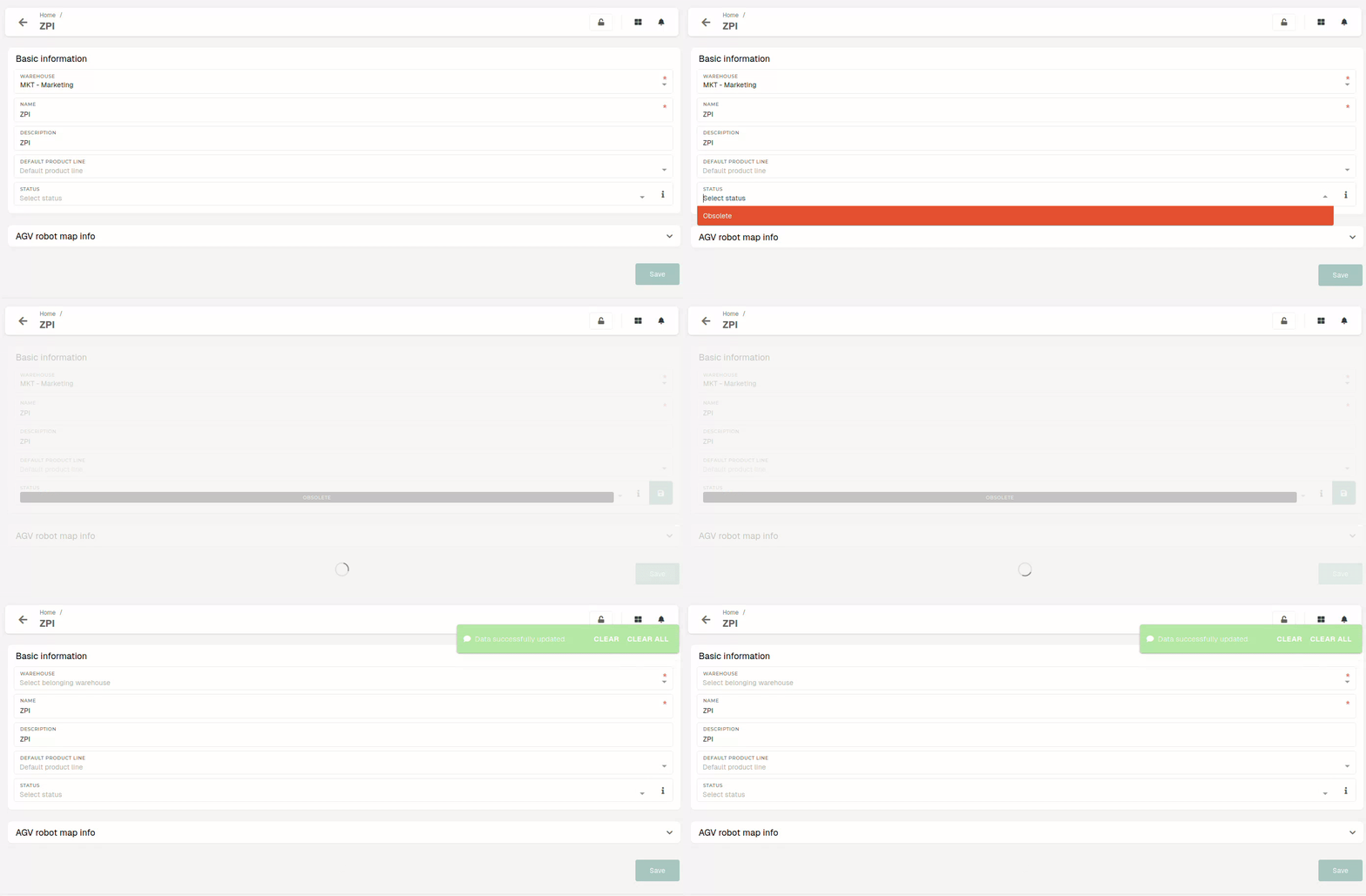
[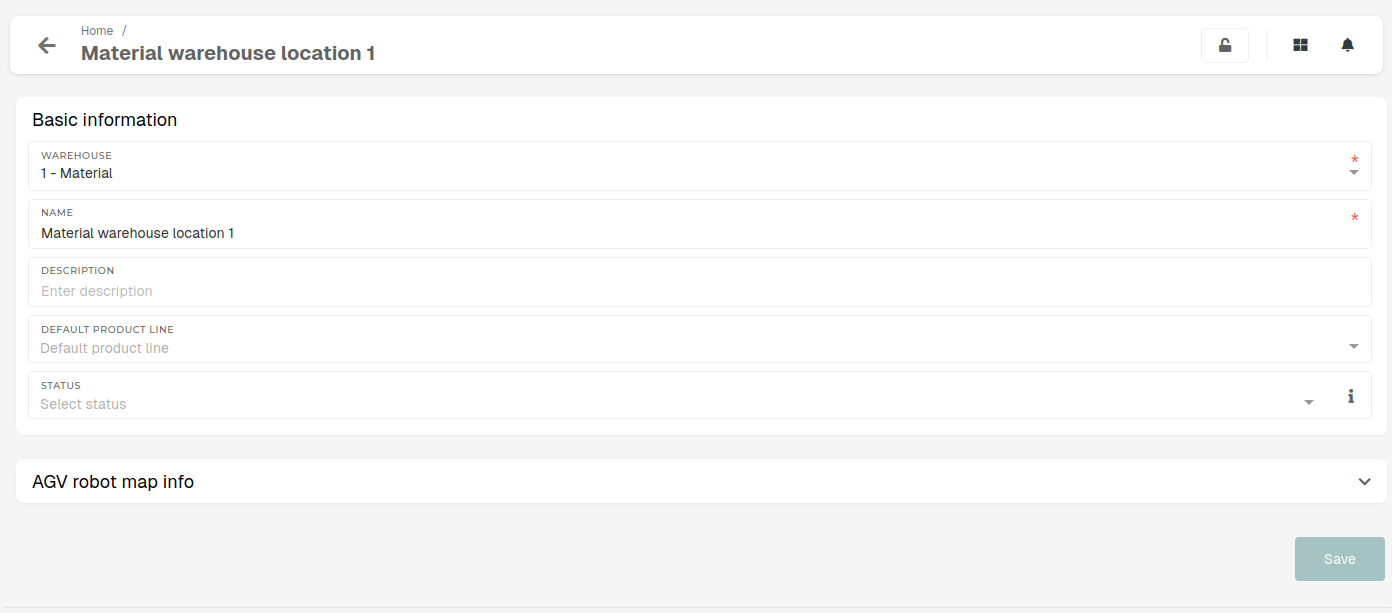](https://how-to-erp.dewesoft.com/uploads/images/gallery/2025-07/IbBimage.png) A warehouse location's **status** can be set to **obsolete,** when the location is no longer "**in use**". # Delete warehouse locationsThis action requires the **"delete warehouse locations"** permission.
A **warehouse location can** only **be deleted,** if there are **no stock transactions (receipts, transfers...),** linked to it, otherwise, the deletion will fail and the **"System error"** message will be shown. 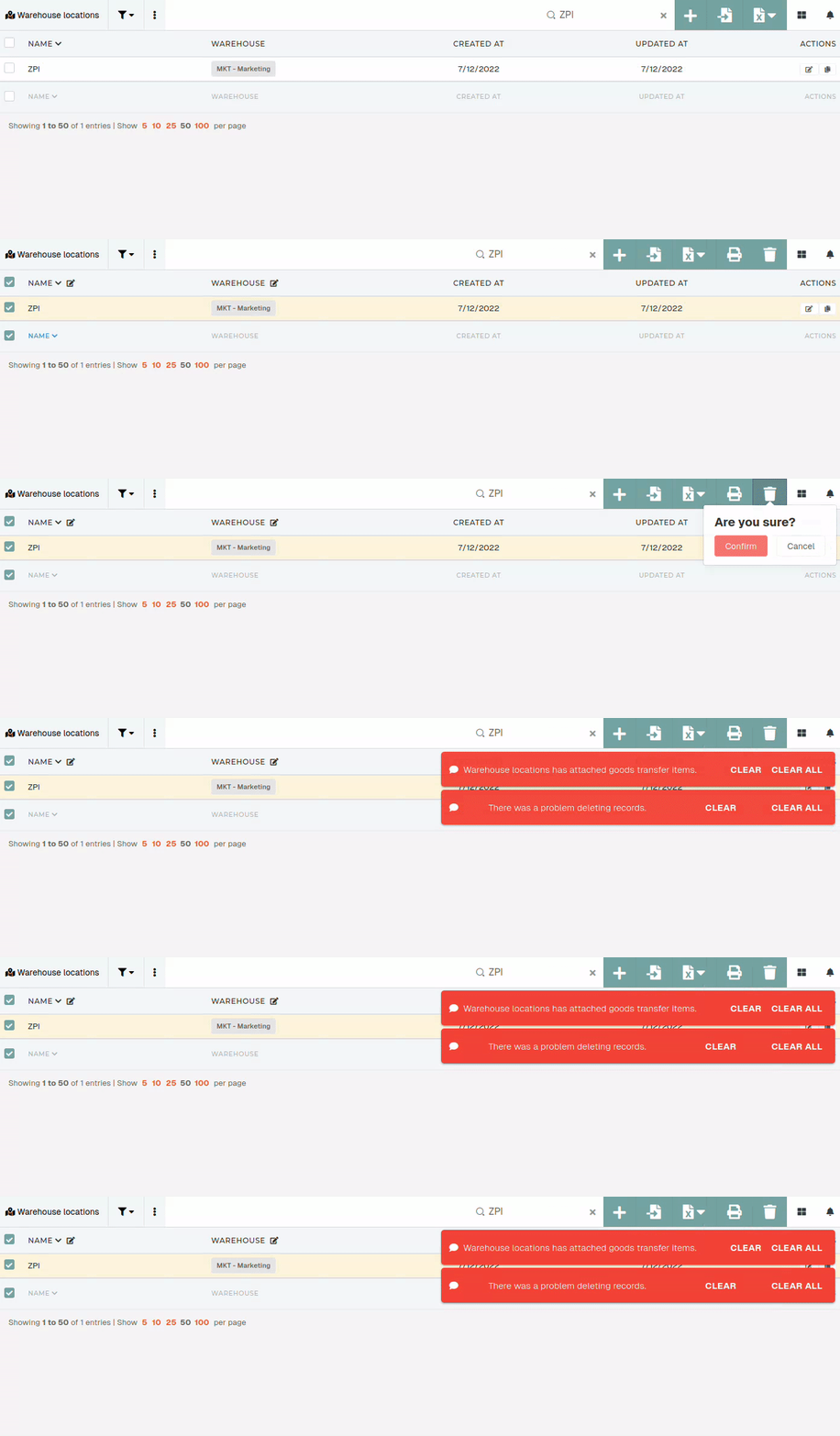**Instead of deleting,** a warehouse location's **status** can be **set** as **"Obsolete".** This removes a warehouse location from active use, preserving it only for stock transaction history.
[](https://how-to-erp.dewesoft.com/uploads/images/gallery/2025-07/TYGoutput.gif)