Work positions
- Overview
- Adding work equipment for work position
- Create work position
- Update work position
- Delete work position
- Adding authorizations on work position
Overview
Work positions are used to determine the role of employee within the company, their tasks, department and authorizations within the ERP.

Adding work equipment for work position
This action requires " view safety standards, view work equipment and update work positions" permissions.
Before adding work equipment for a work position, the work position needs to have safety standard(s) attached.
Work equipment, that can be added for a work position, is determined by attached safety standards.

When the safety standards for work position have been set, we can attach work equipment from those safety standards.
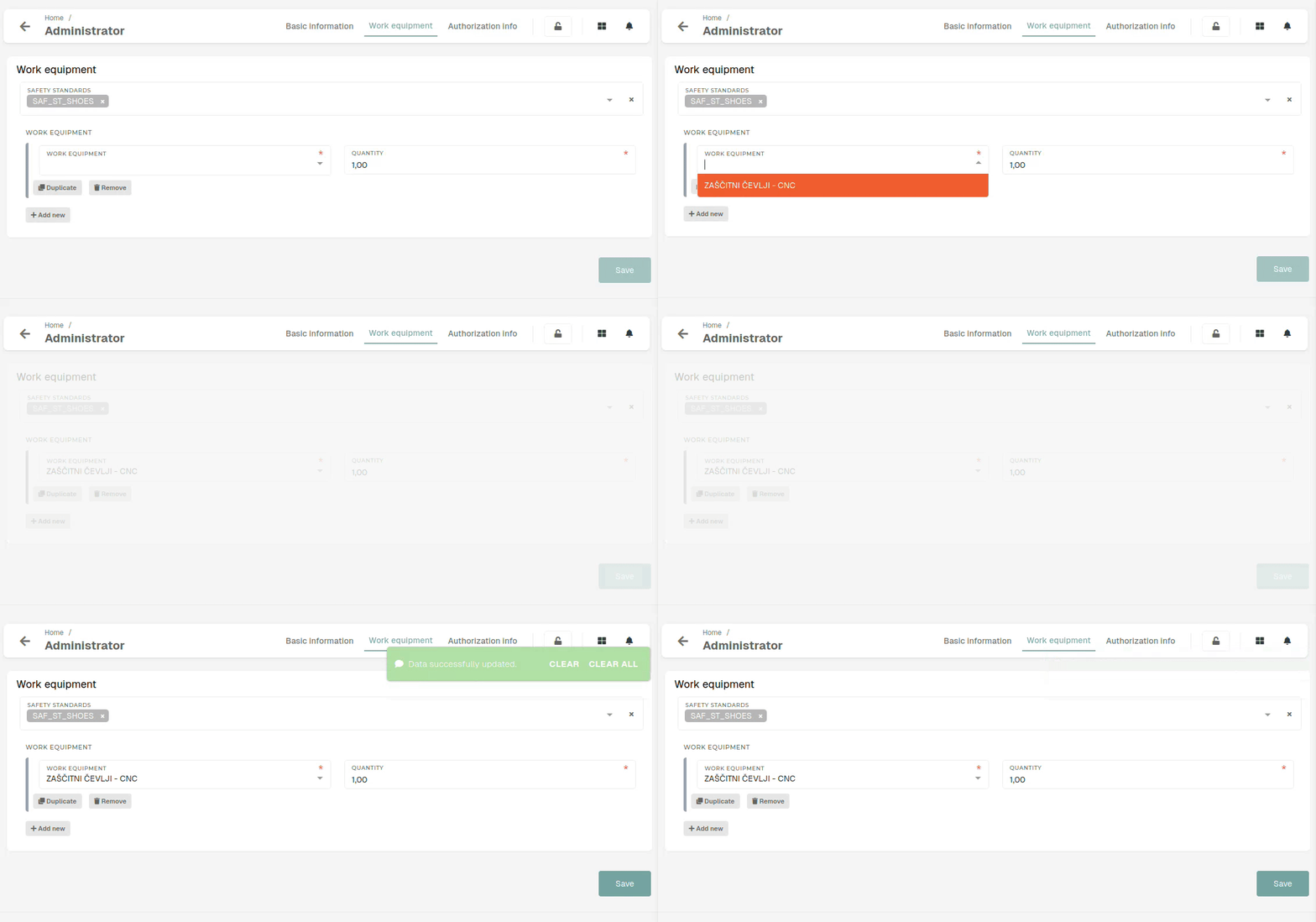
You can set the quantity for each work equipment (how many pieces/pairs of work equipment employees will receive).
Create work position
This action requires the "create work position" permission.
A new safety standard can be created through the "Create work position" form.
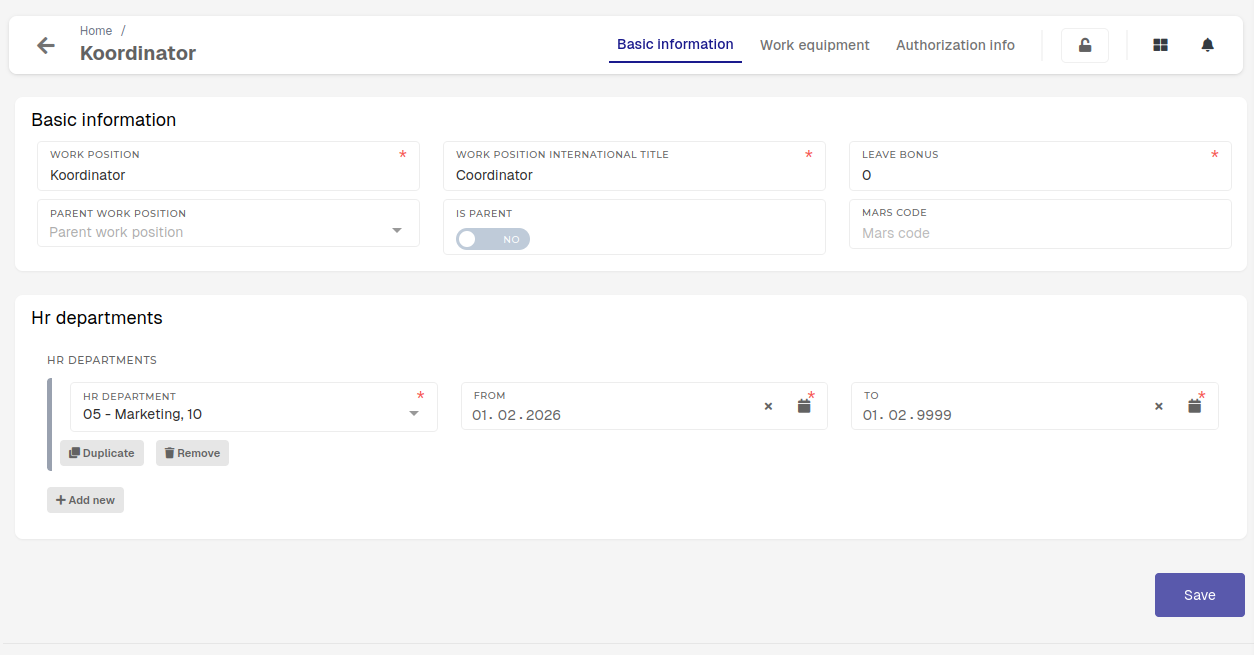
When creating a new work positions, you need at least the work position's name, its international title and leave bonus (number of days). All other information can be entered later.
In order to assign a work position to an employee, the work position must have a valid HR department connected.
Update work position
This action requires the "update work position" permission.
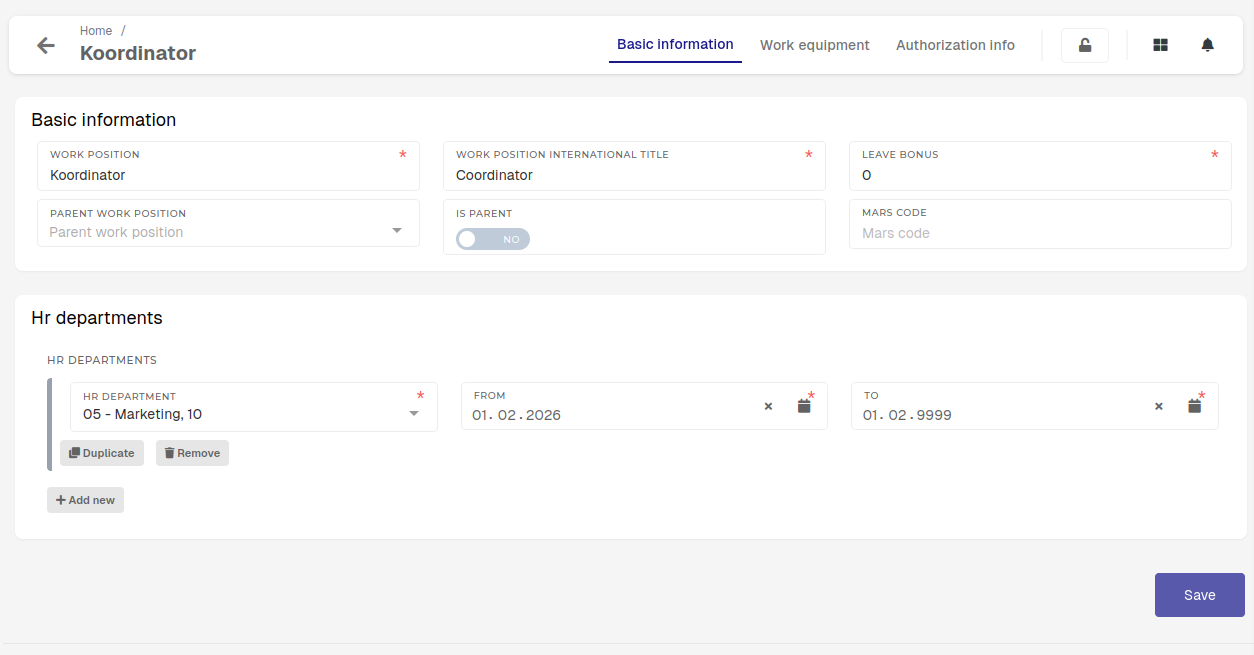
Through the update form, you can manage:
- Name and international title of the work position:
- If the work position does not have a different international title, it can be the same as the name.
- Leave bonus:
- Set the amount of extra leave days that employees with this work positions receive when new vacation reports are generated.
- Parent work position:
- Sets, which work position this is a subset of (a work position can be present in multiple departments at the same time).
- When this is the case, one parent work position is created, and then work positions for specific departments are derived from it.
- Is parent:
- Set work position as a parent work position. Only work positions with this option checked can be selected as parent work positions.
- Set work position as a parent work position. Only work positions with this option checked can be selected as parent work positions.
- Mars code:
- Code is of informative nature, should correspond to the work position code within the guidebooks.
- HR department:
- Work positions need to be linked to HR departments in order to be assignable to users.
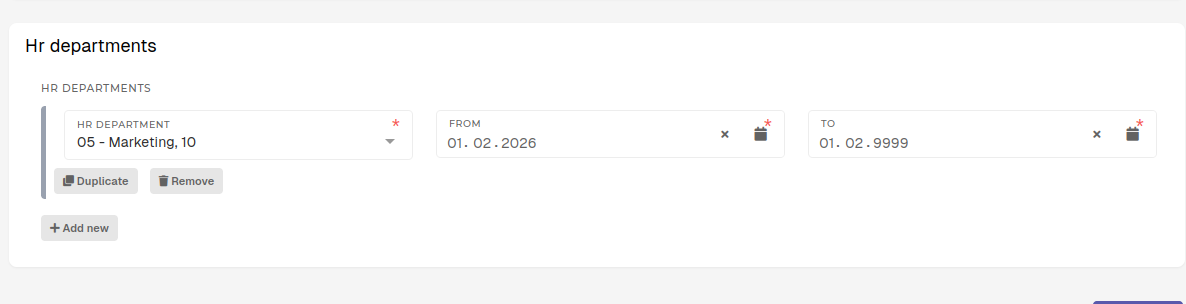
A work position can only be assigned on HR profiles, if it is connected to a HR department.
When a work position is moved from one department to another, you need to update the "To" date on the old department and add a new one. The new one will then automatically become active.
Active links to departments must have the "To" dates set in the future.
Dates for different departments must not intersect.
Delete work position
This action requires the "delete work position" permission.
Work positions can be deleted by toggling their checkbox when viewing in table and clicking the "delete" button.
You can only delete work positions that are not linked to any HR departments or HR profiles.

Adding authorizations on work position
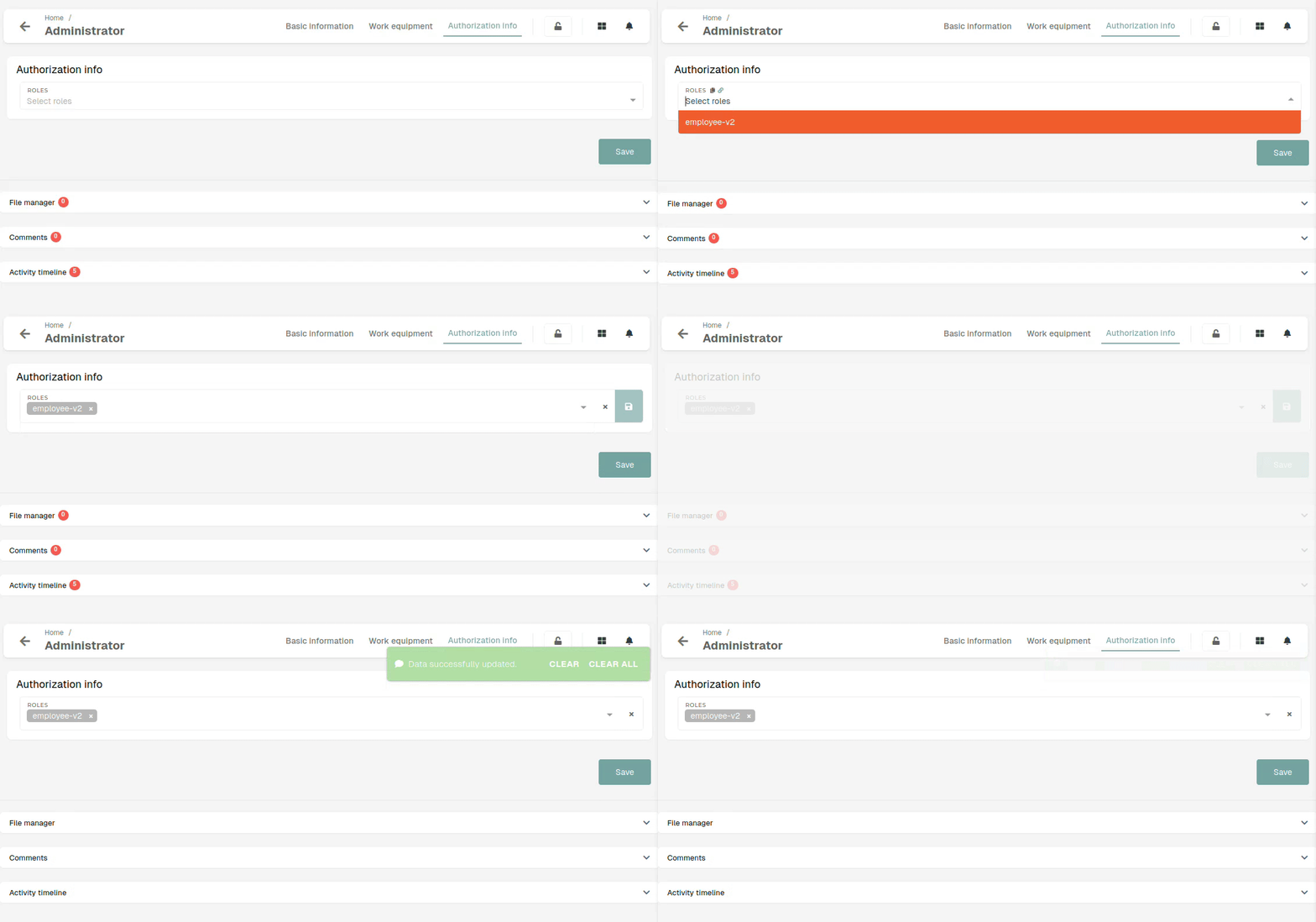
This action requires " view roles and update work positions" permissions.
Work positions can have directly attached authorizations that are assigned to users when their work position is set.
This can be used to standardize authorizations for all employees with a certain work position ad once.
These attached authorizations can be managed in the "Authorization info" tab on work position's form.

To attach "authorizations" (roles) to a work positions, search and select it from the list of roles. After the roles list is saved, the users should re-login to use newly attached permissions.