This action requires the **"update work position"** permission.
[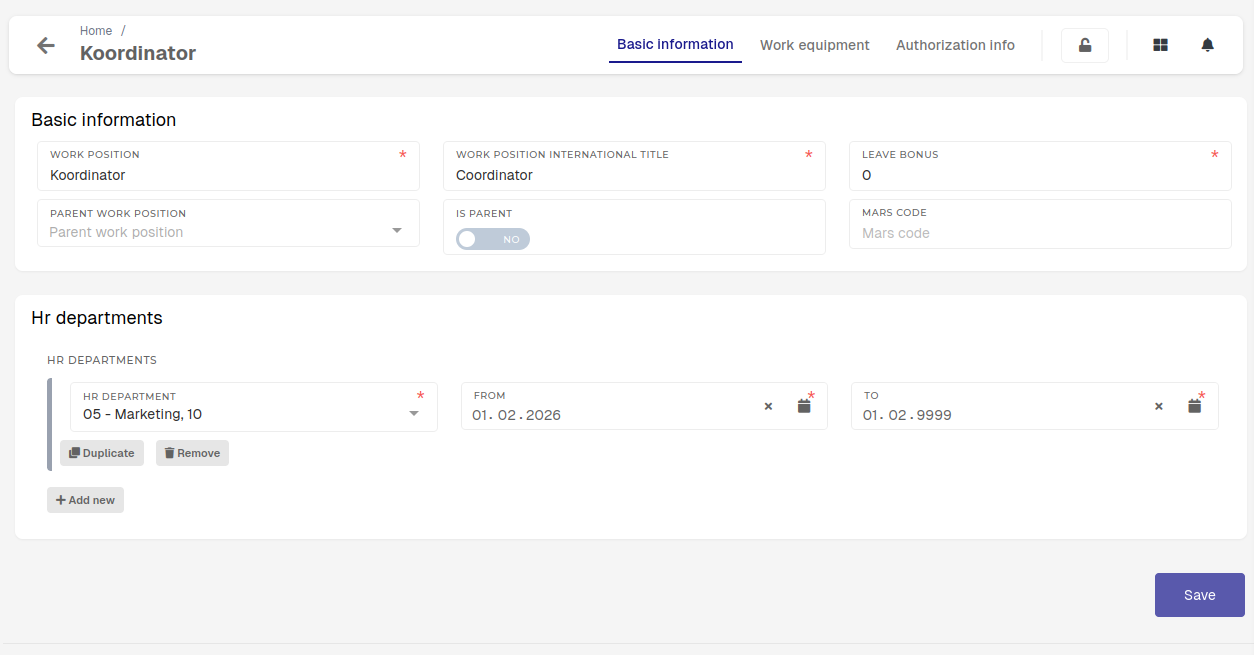](https://how-to-erp.dewesoft.com/uploads/images/gallery/2026-02/4rCimage.png) Through the update form, you can manage: - **Name** and **international title** of the work position: - If the work position does not have a different international title, it can be the same as the name. - **Leave bonus:** - Set the amount of **extra** leave days that employees with this work positions receive when new vacation reports are generated. - **Parent work position:** - Sets, which work position this is a subset of (a work position can be present in multiple departments at the same time). - When this is the case, one parent work position is created, and then work positions for specific departments are derived from it. - **Is parent:** - Set work position as a parent work position. Only work positions with this option **checked** can be selected as parent work positions. - **Mars code:** - Code is of informative nature, should correspond to the work position code within the guidebooks. - **HR department:** - Work positions need to be linked to HR departments in order to be assignable to users. [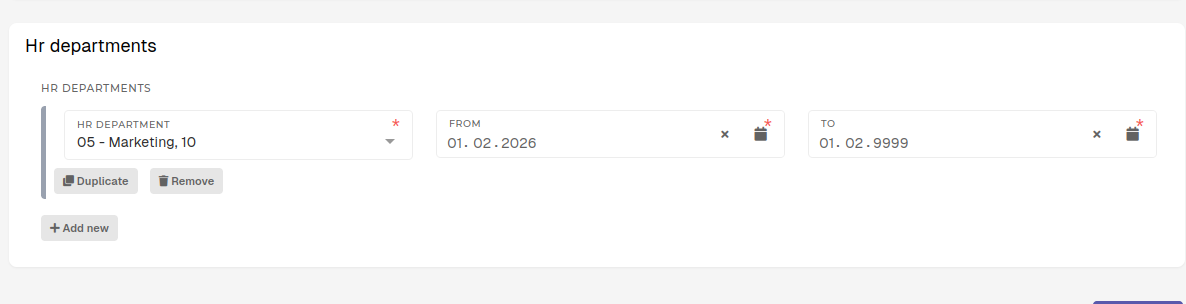](https://how-to-erp.dewesoft.com/uploads/images/gallery/2026-02/YnRimage.png)A work position can only be assigned on HR profiles, if it is connected to a HR department.
When a work position is moved from one department to another, you need to update the "**To**" date on the old department and add a new one. The new one will then automatically become active.**Active links to departments** must have the **"To"** dates set in the **future.**
**Dates** for different departments **must not intersect**.