Workflows
Common ERP workflows
- Adding a new employee
- Create product stock from purchase
- Create product stock from production
- Transferring a fixed asset
Adding a new employee
This document outlines the step-by-step process to add a new employee into the ERP system.
- Summary:
- IT or Web: Created a new user with assigned credentials and access levels
- HR: Creates an HR user profile for the new user and assigns work position, generates contracts...
Steps
Create a new user with access
The IT department must create a new account in the Google workspace.
With the new email account, IT or Web department creates a new user with that email in the ERP.

IT or Web department assigns previously decided-upon permissions (roles) to the new user.
IT or Web must also create a new warehouse location and assign it to the user.

Create a new HR profile for user
HR creates an HR profile for the new user (requires at least selecting the user, gender, citizenship and entering employment start date).

HR assigns the work position and work location, enters bank information and family members and generates vacation an employment contract.
Create product stock from purchase
Create product stock from production
Transferring a fixed asset
This action requires the "Create goods transfers" permission.
Transferring a fixed asset can be performed like a normal goods transfer.
To transfer a fixed asset, open the "goods transfer create form" from the goods transfers table.
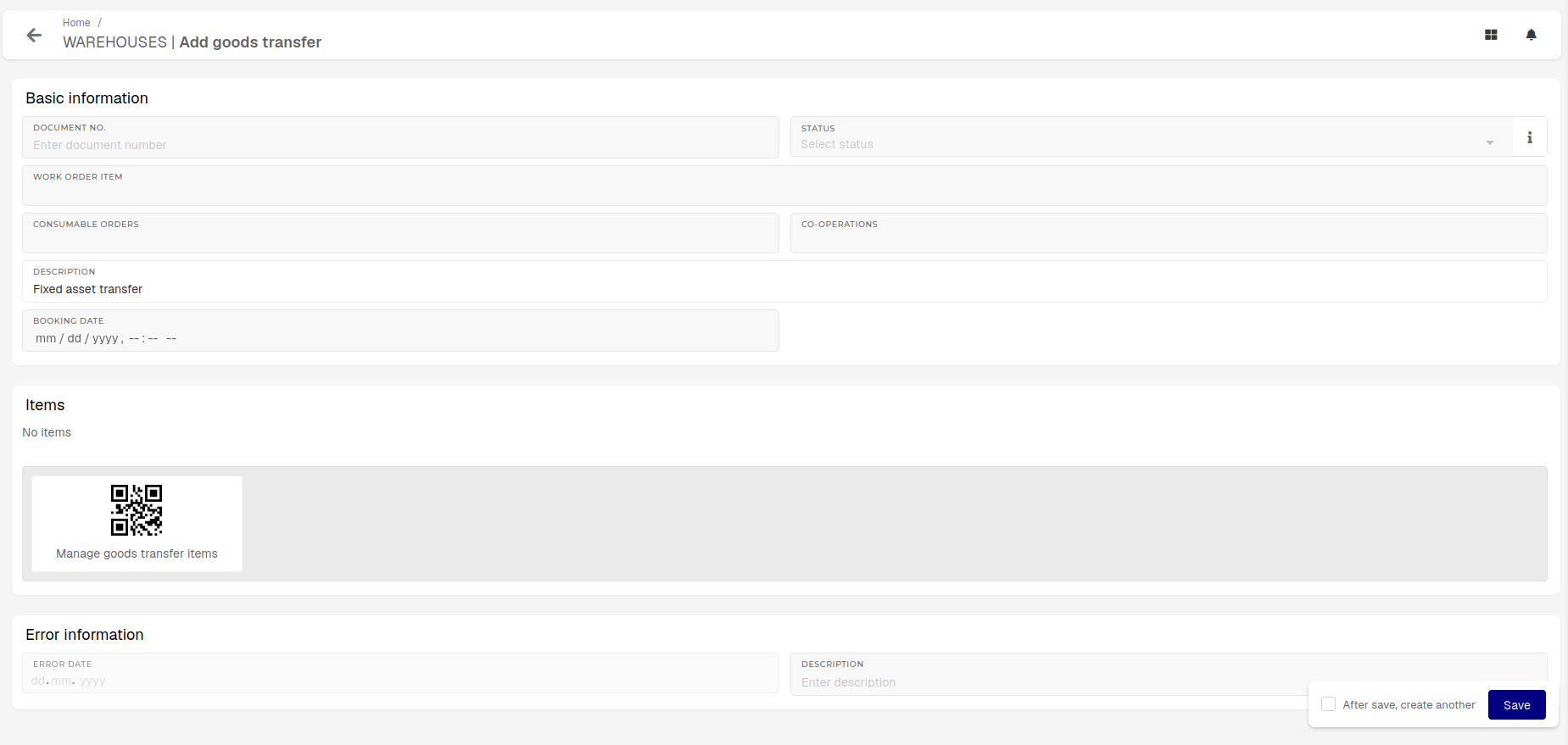
Open the items form and select a "Fixed asset" product. Once the target warehouse location for the transfer is selected, the "Cost center" and "Cost center DW3" fields will appear.
Fixed asset is, in this example, an umbrella term that includes products of type: Fixed Assets Equipment, Fixed Assets Land, Fixed Assets Inventory, Fixed Assets Building, Fixed Assets License, Fixed Assets Building investment.

After a fixed asset's serial number is inputted and cost centers are selected, transfer to the target can be booked.

If stock and warehouse settings are in order, the goods transfer will be booked and the fixed asset moved.