
Request promo
ThisTo pageaccess canthis onlypage, bethe accessed"request bypromo" userspermission withis proper permissions.required.
On this page, users can create promotional material orders for themselves or other users.
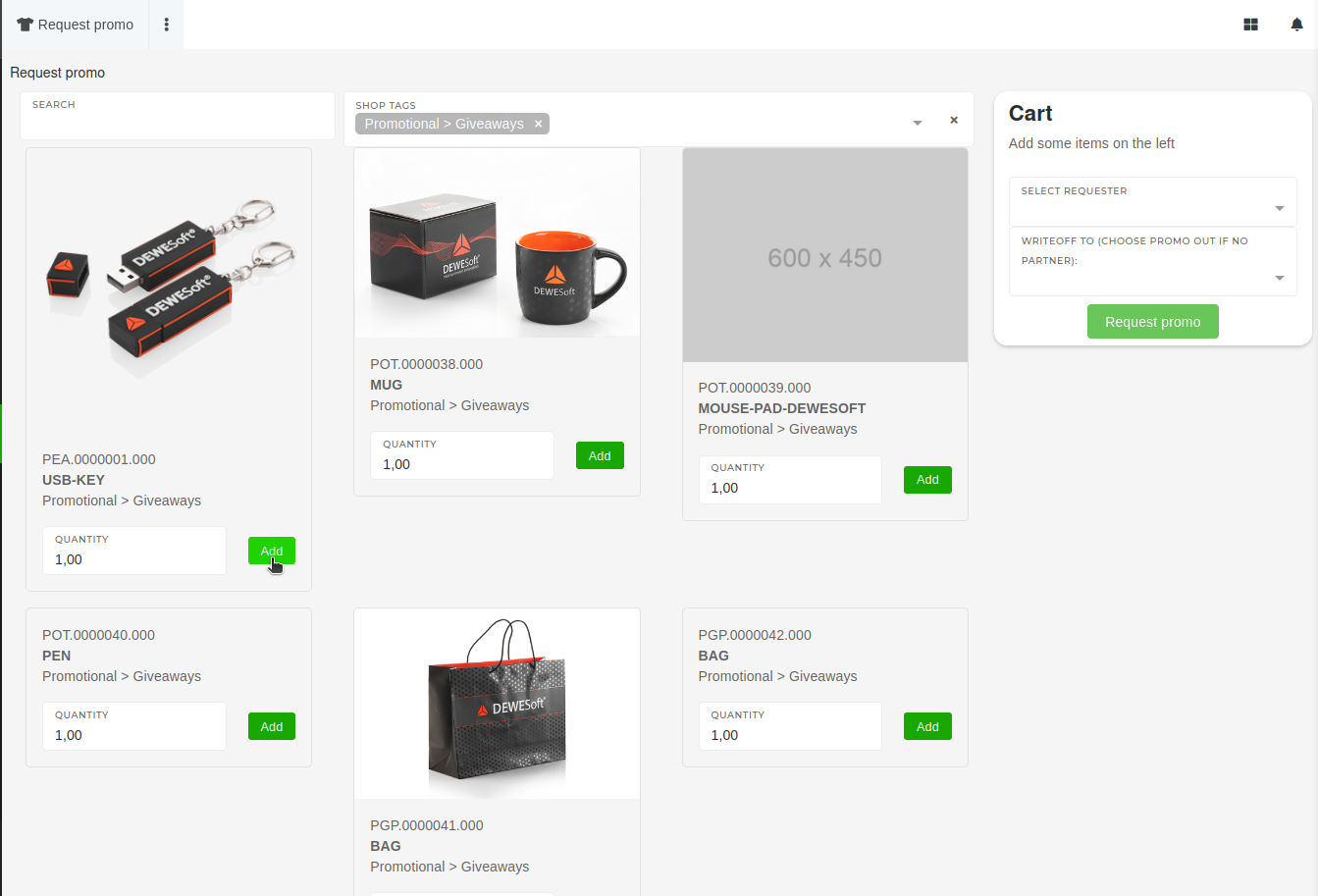
This page only lists products of types Prints and Promotional products with attached shop tags.
To add items to the order, click the "Add" button next to the product, the items and their set quantity will be added and displayed in the cartcart. whereThe youitem quantity can alsothen changebe theirchanged quantity.from the cart, if needed.
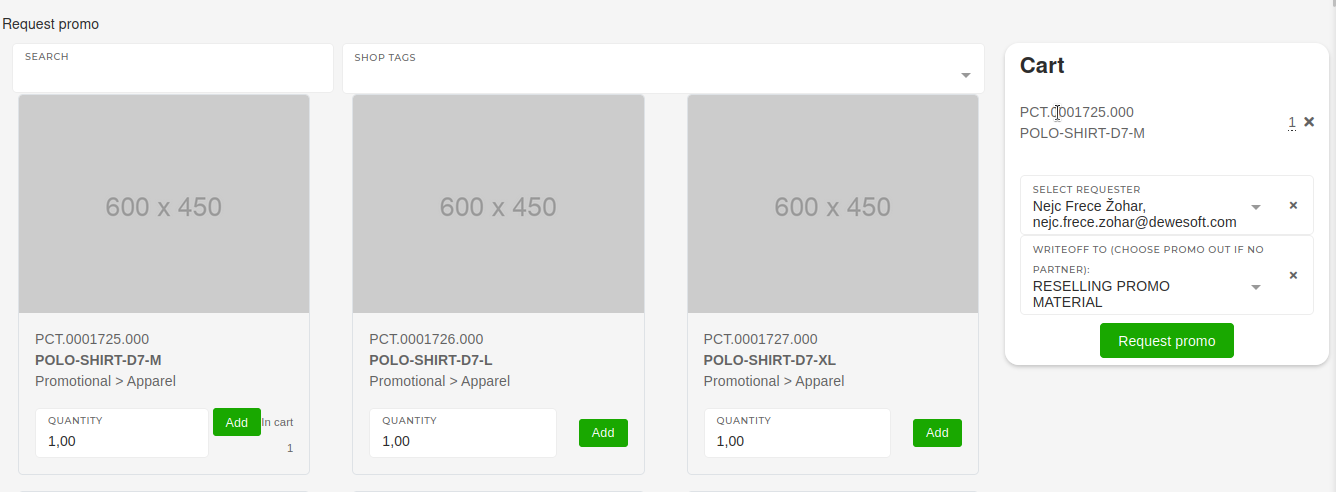
Once all desired items are in the cart, select the requester user and the properright promo warehouse. Once all that is selected, clicking the "Request promo" button will create a promo order, thatwhich will then get processed in the warehouse.