
Create new attendance request
This action requires the "Create attendance requests" permission.
Attendance requests can be created in more than one way.
Create new attendance request through the create form
To create a new attendance request, click the "+" button, this will redirect you to the "Create new attendance request" form.
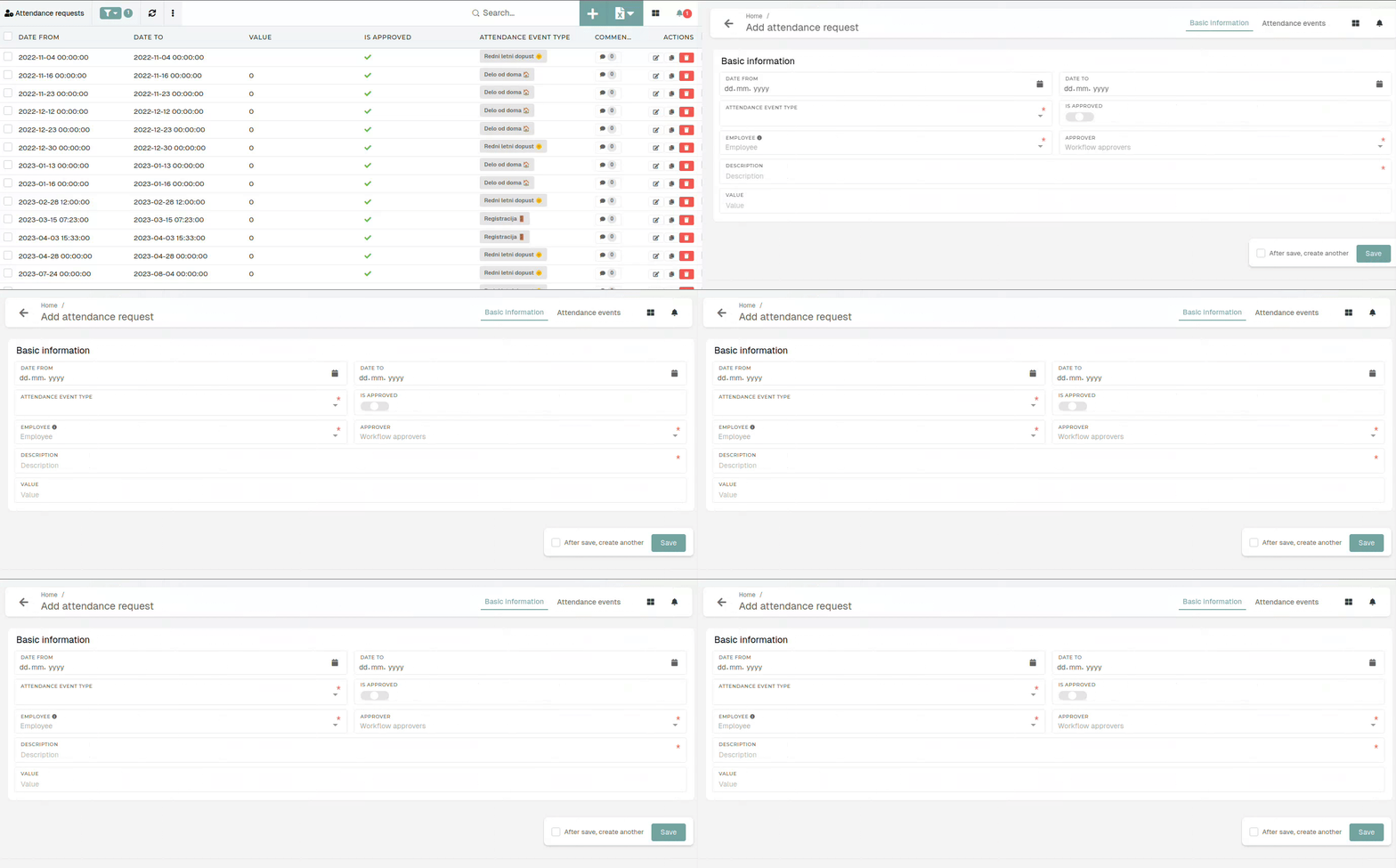
To create a new attendance request, you need to define the "from" and "to" dates, select an attendance event type, select the employee (for who the request is being create), the approver (who will approve/decline the request) as well as a mandatory description.
Create a new attendance request from your profile
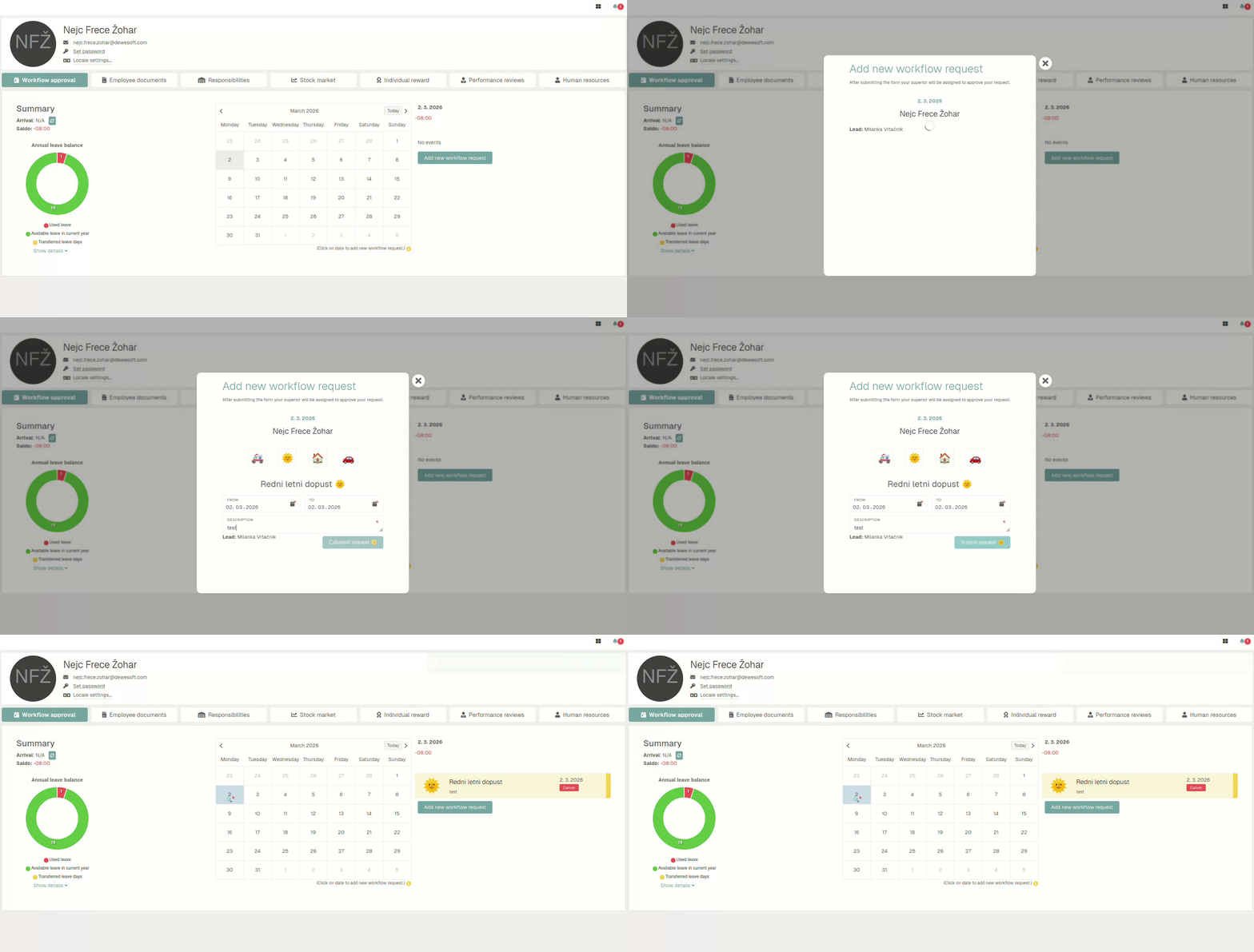
Click on a day in the calendar, click the "Add new workflow request" button and fill out the new request form.
Submitting an attendance request from this page will sent an email to your lead, who will then approve/decline it.
Department leads can also create attendance requests for their employees on the "Workflow approvals" page.