
Releases
The ERP system is continuously being improved, with new features and reported bug fixes being implemented.
When an new version of the ERP is ready, the development team releases it to "production", updating the live version of the page. When this happens, a pop-up id displayed in the middle of any open ERP page.
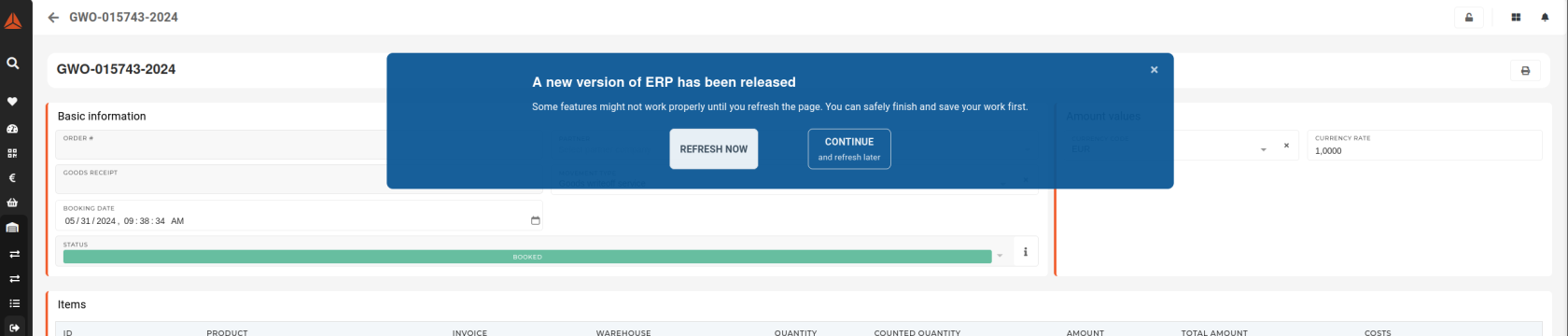
When the "new release" pop-up appears, two options are available:
- Refresh now
- This option refreshes your current page.
- Continue and refresh later
- This option closed the form, allowing you to finish your work and refresh the page, when you are ready.
After a new version release, every tab has to be refreshed separately. This is designed for cases when multiple important forms are being edited at once.