
Attendance report
The attendance report tab allows for exporting of an employee's attendance records as an excel sheet.
User attendance event exports excel files, similar to the "Workflow user details" page.
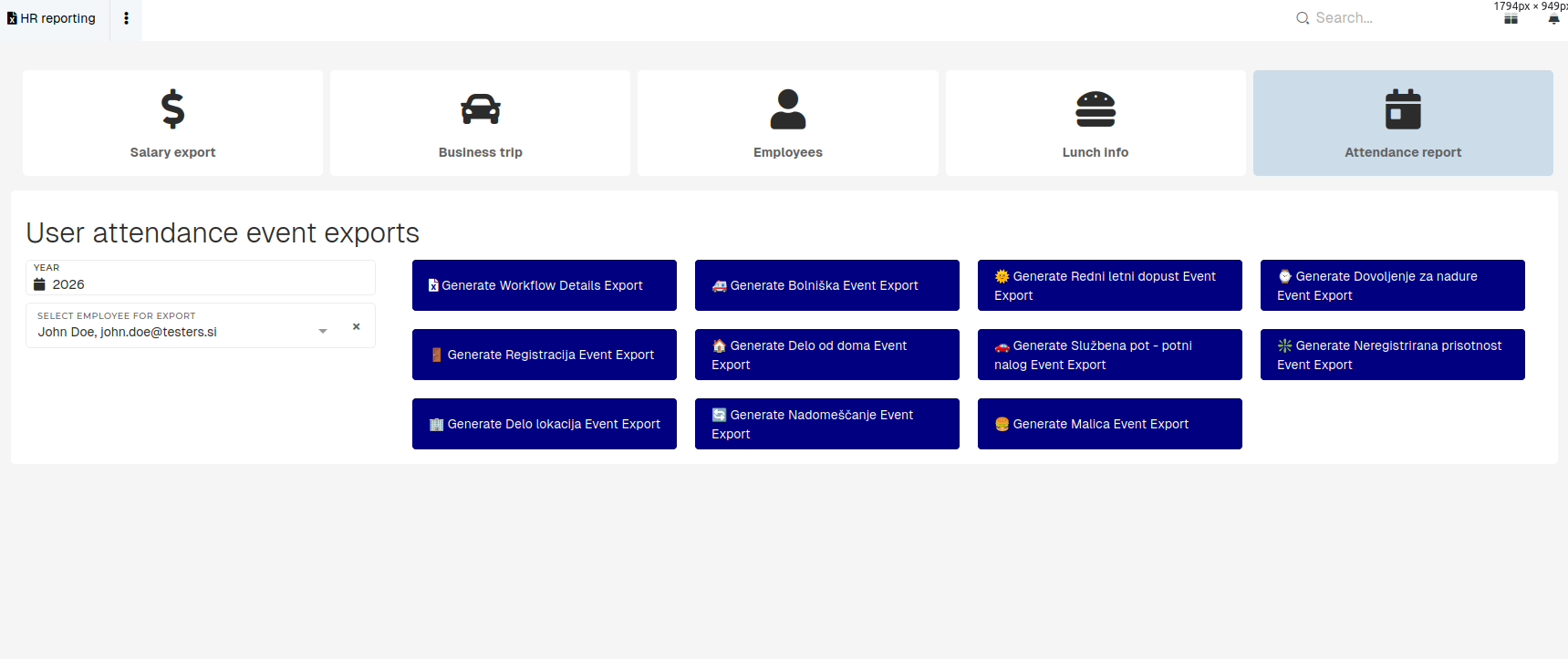
To export employee's attendance details, en employee has to be selected. The year, for which the export will be created, can also be selected. When the employee is selected, the options for exports will appear.
You can create an export of all attendance events with the "Generate Workflow Details Export" or create a filtered export of specific attendance events by selecting any of the "Generate [Attendance event type] Event Export" exports.
The export may more time to generate. If the export generation takes too long, it will be generated in the background and sent to your email.
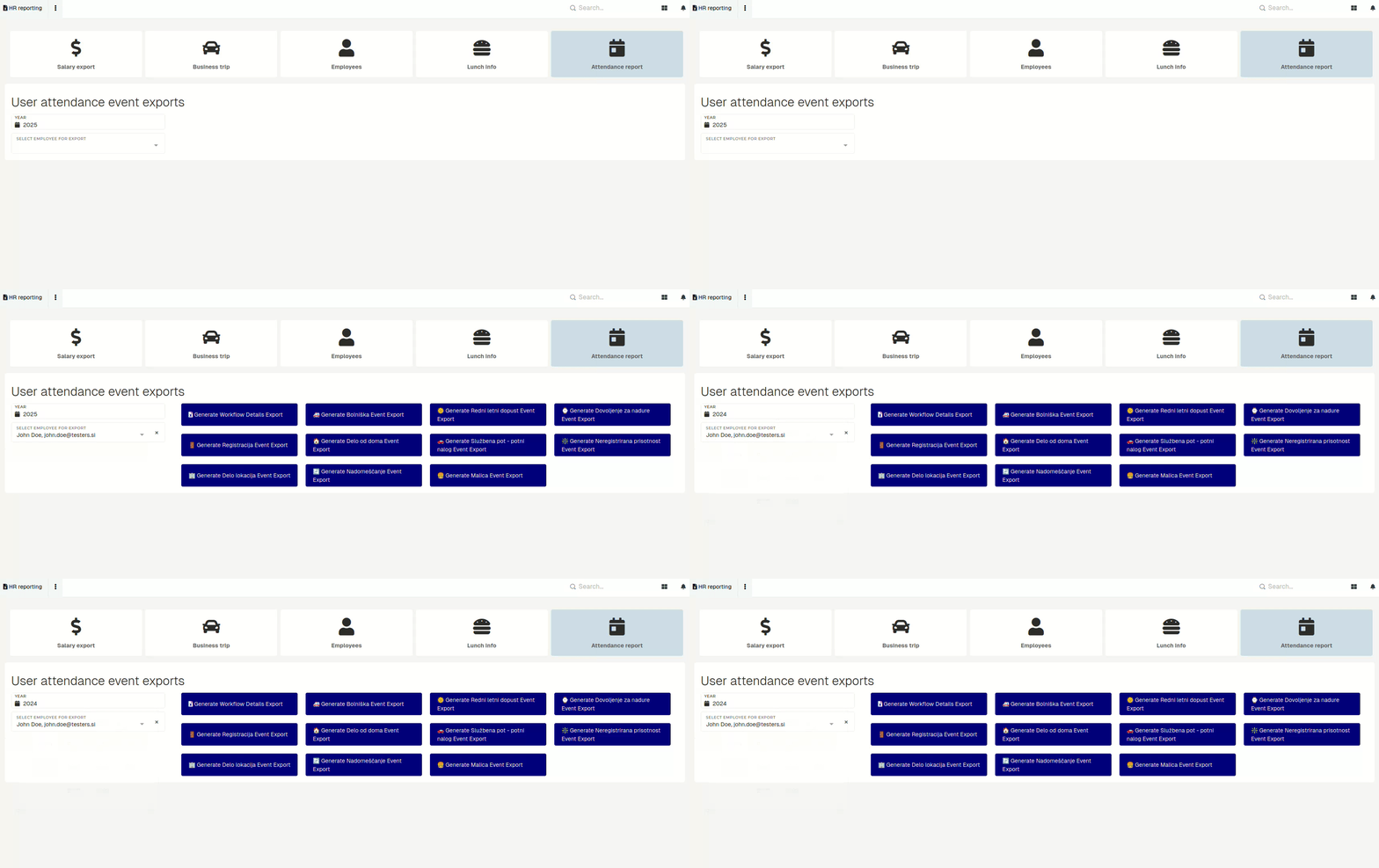
Attendance export of the current year exports only months up to the current one (e.g. export in February will exports only sheets for January and February).
The generated export has a summary, containing attendance event count by month, on the first sheet and attendance event details, split by month on all subsequent sheets.

