
Generating employee vacations
This action requires the "Update user HR profile" permission.
Employee vacation can be generated in the "contracts" section of HR profiles with the "Vacation contract" button.


The vacation contract sums transferred leave days, leave days bonus and additional vacation days from active work position. Family members (i.e. children under 15) and work conditions (i.e. night work) are also taken into account, as well as employee's age.
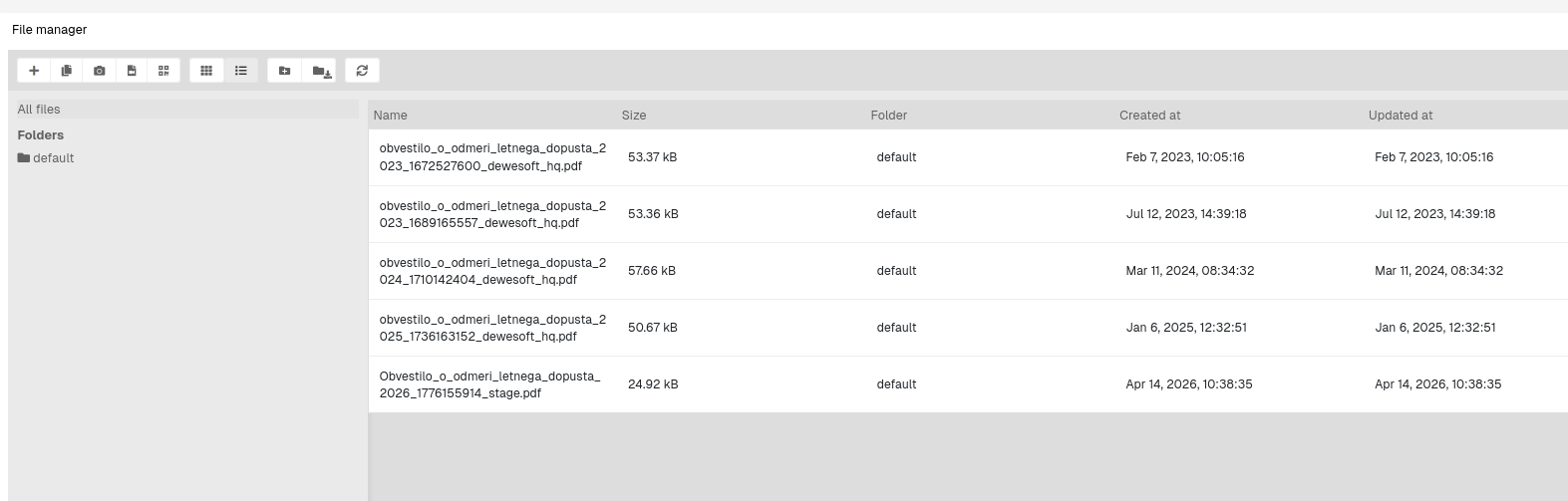
Once the contract is generated, generated vacation document is saved and accessible in the file manager.
A scheduled automation can be enabled that generates vacation contracts for all active employees on the 1. day of a new year.