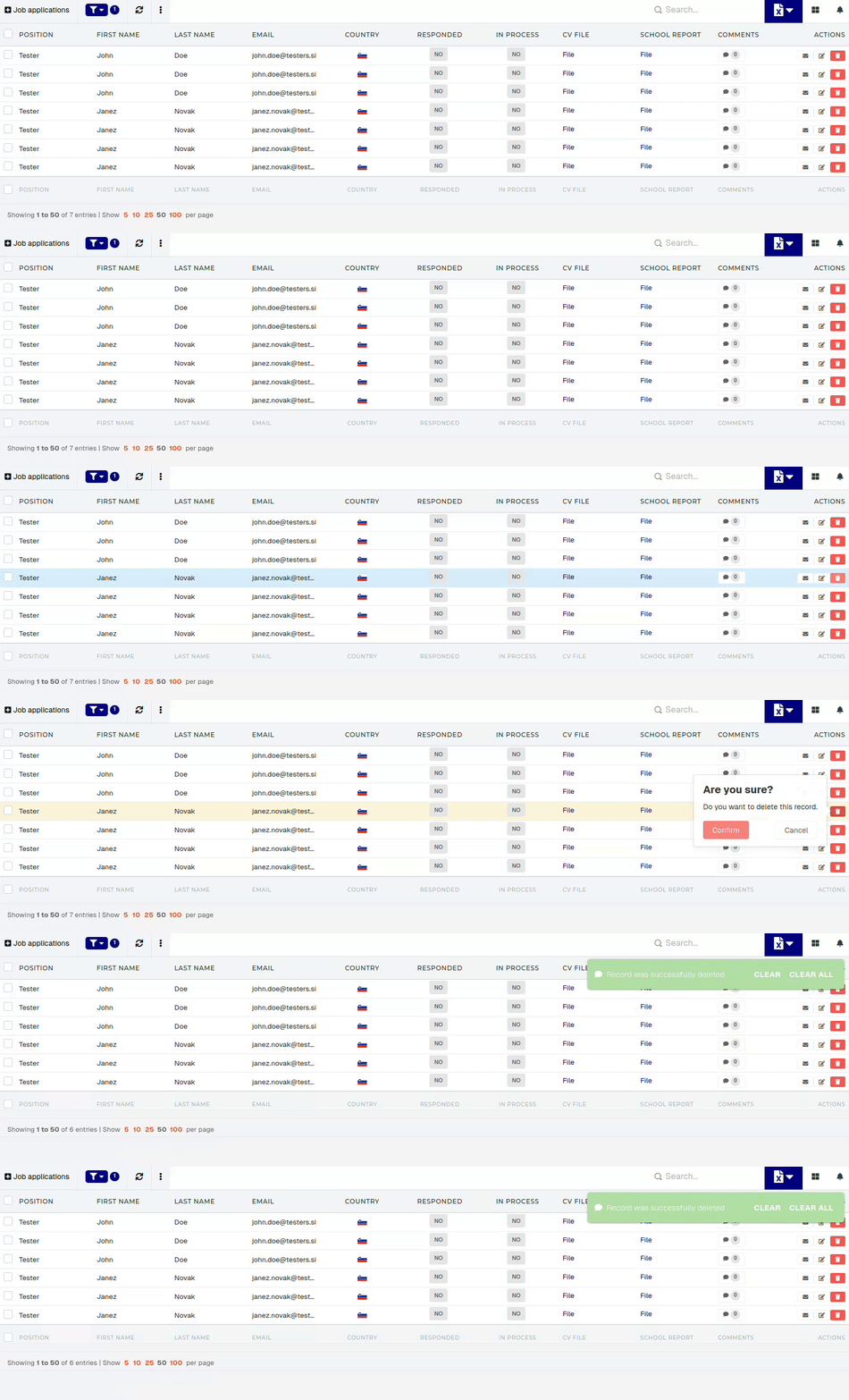
Managing job applications
Create new job application
New job applications cannot be added from within the ERP system.
To create new job applications, an external form must be added for submission of job applications (e.g. a form on company's official website).
Update job application
This action requires the "Update job application" permission.
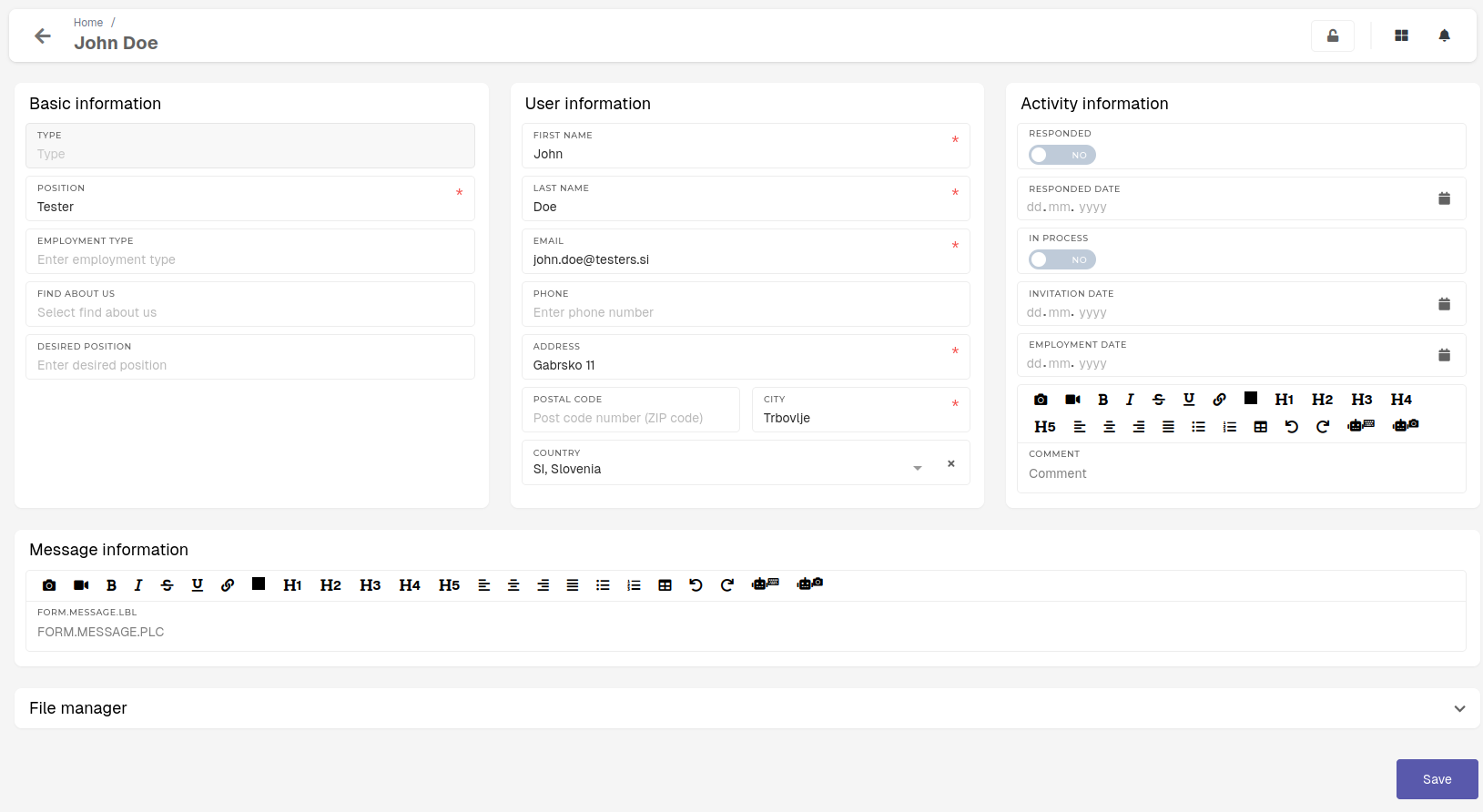
All information within a job application can be altered.
Any changes will be reflected on the "PDF Job application" print, that can be generated from a job application.
Delete job application
This action requires the "Delete job application" permission.
Job applications can be deleted from the system in two ways. Applications can be deleted by clicking the "Trash" icon.