
Step 4: Packaging
In
this step, the order's packaging is set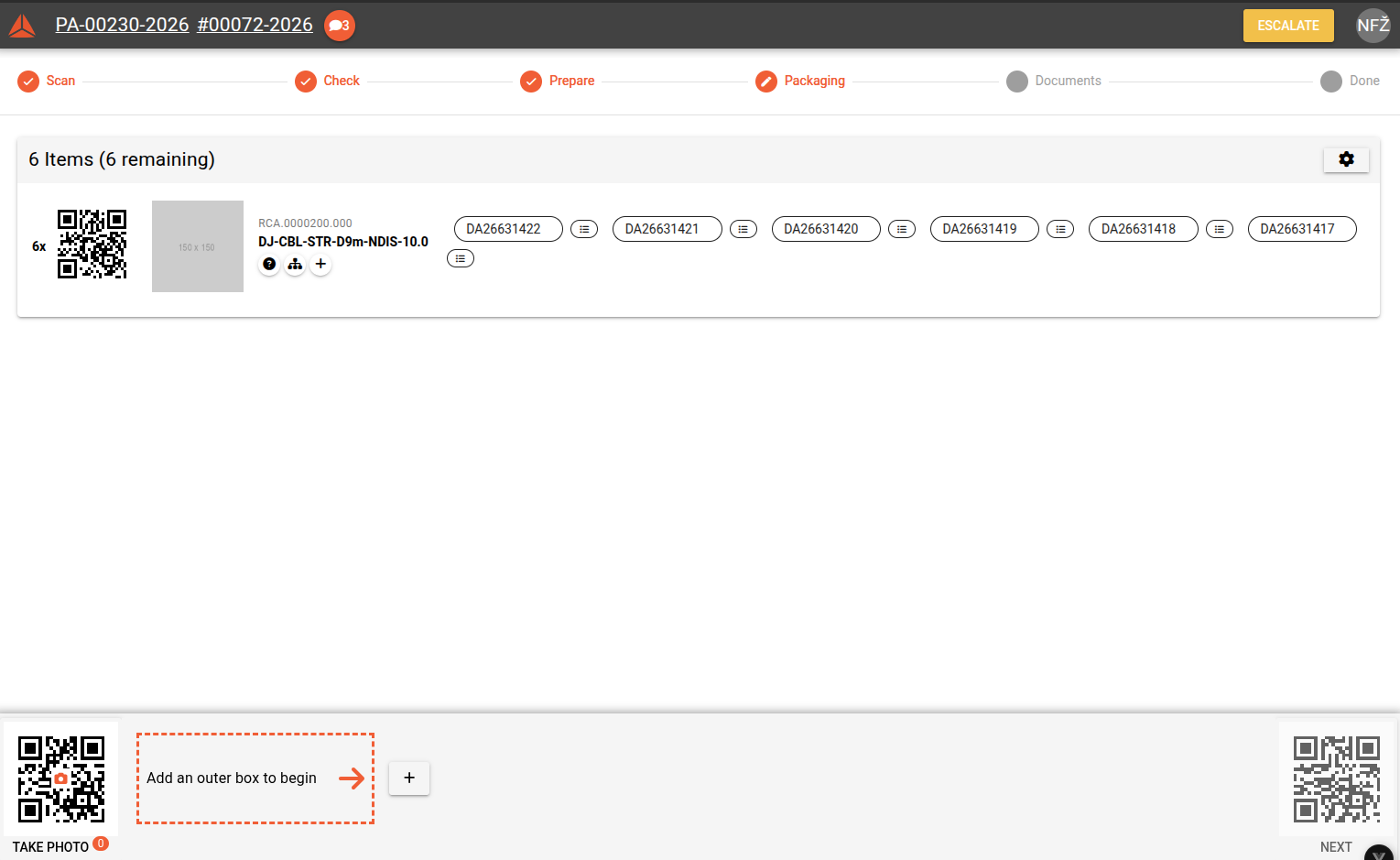
Take photo
First, take a photo of the product before packaging. Scan the QR code for camera with phone to connect phone camera

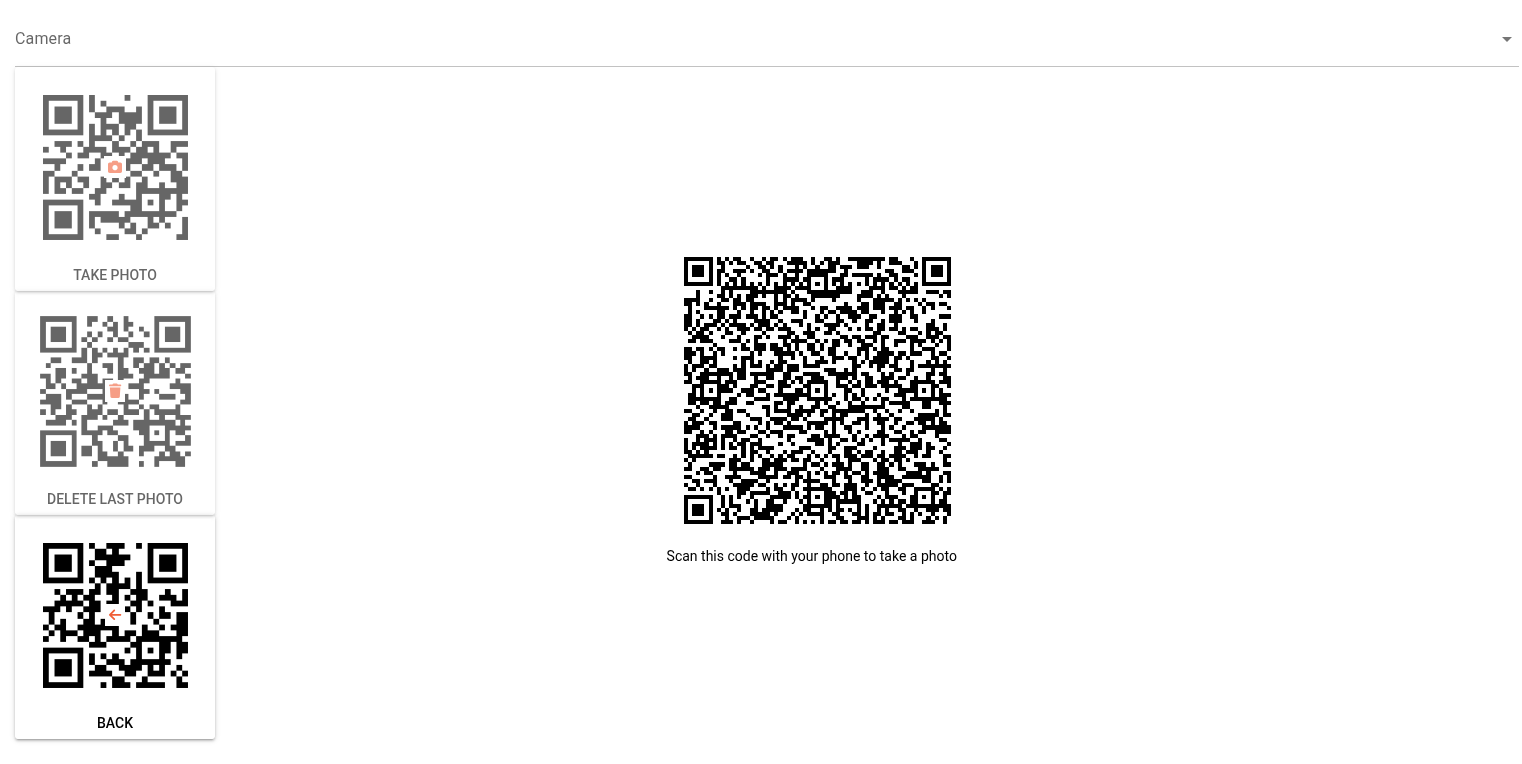
TakeThis opens a pop-up with QR codes. Scan the big QR code in the middle to open a link on your phone, where you can take a photo of the product and uploadsend (photosit willto bethe shownpacking in UI)app.
Open postavka of order
Scan serials or click + (add all) to add all serials at once
Scan actual product serial
Enter actual weight of box if calculated weight not correct
Add box for order (edit if needed)
Next