Update an existing user
UsersThis shouldaction only be edited by administrators or members ofrequires the HR"Update departmentusers" with proper permissions.permission.
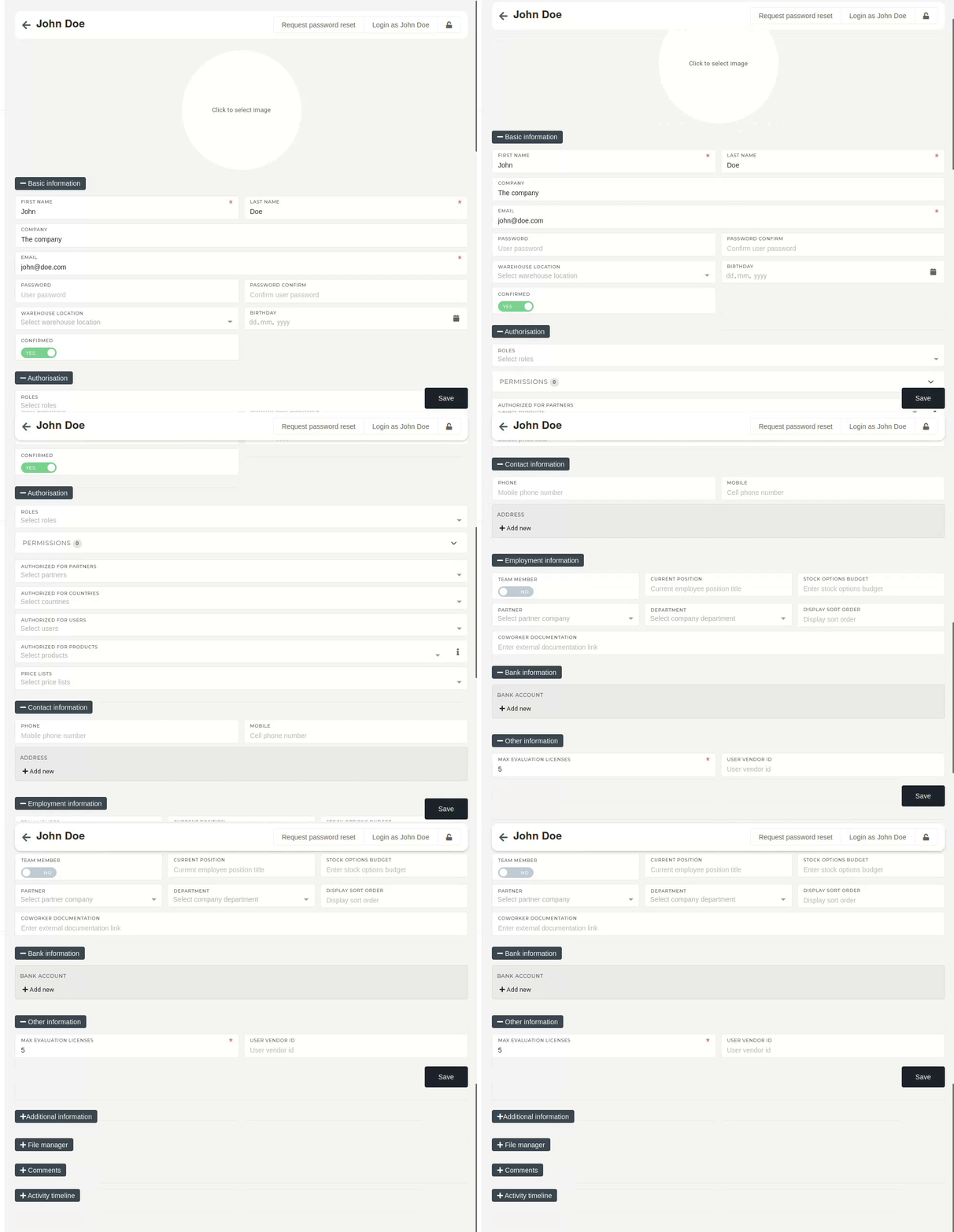
Updating the user is done by finding the user in the "Users" table and its clicking "Edit" icon.

This redirects you to the user's edit page, where you can update most of the user's basic information (photo, name, address, authorization, contact information...) or send a "Password reset" email to user.