
Managing negative stock
In the stock view, product stock with negative values can be managed (i.e. nullified).
This method should only be used when no other method of stock management can resolve negative stock.
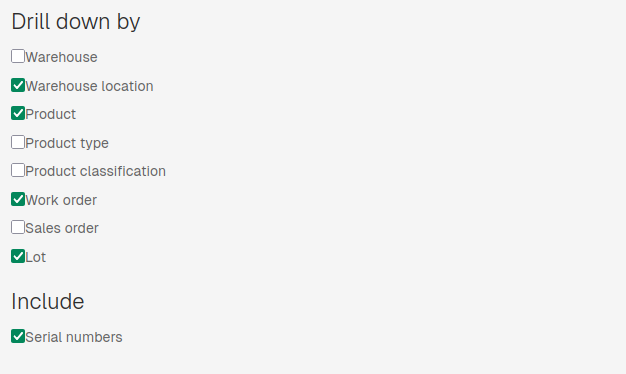
In the "Drill down by" section, select Warehouse location, Product, Work Order and Lot. Serial numbers should also be included.
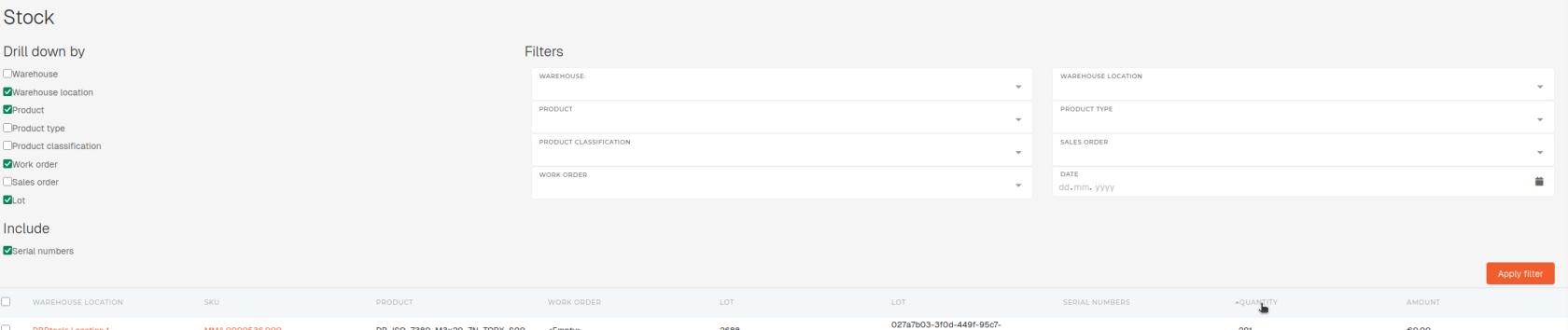
Once columns and includes are selected, click "Apply filters". Once the table with selected data loads, sort it by "Quantity", sorting ascending (^ Quantity).
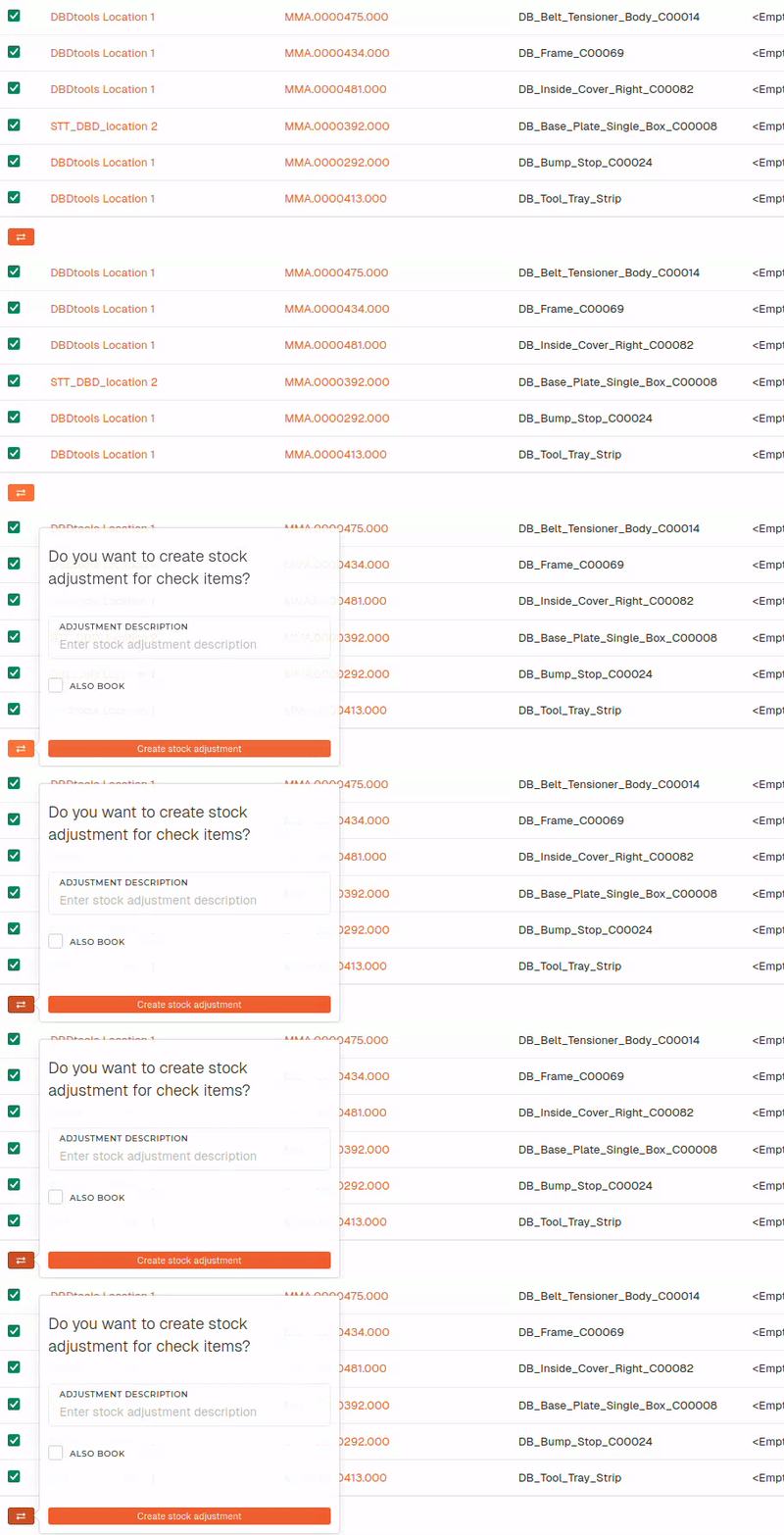
After the sorted table is loaded, tick the checkbox for all products with negative stock, that you want to nullify.
When products are selected, the "Make stock adjustment for checked items" button appears under the table.
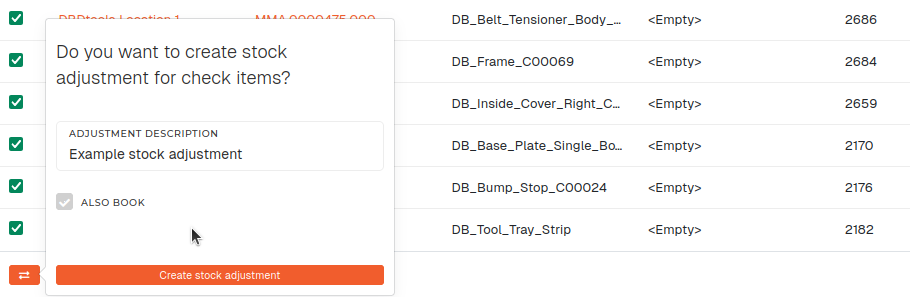
Note that this only creates the stock adjustment. To book it, "Also book" checkbox must be ticked.