Transferring a fixed asset
This action requires the "Create goods transfers" permission.
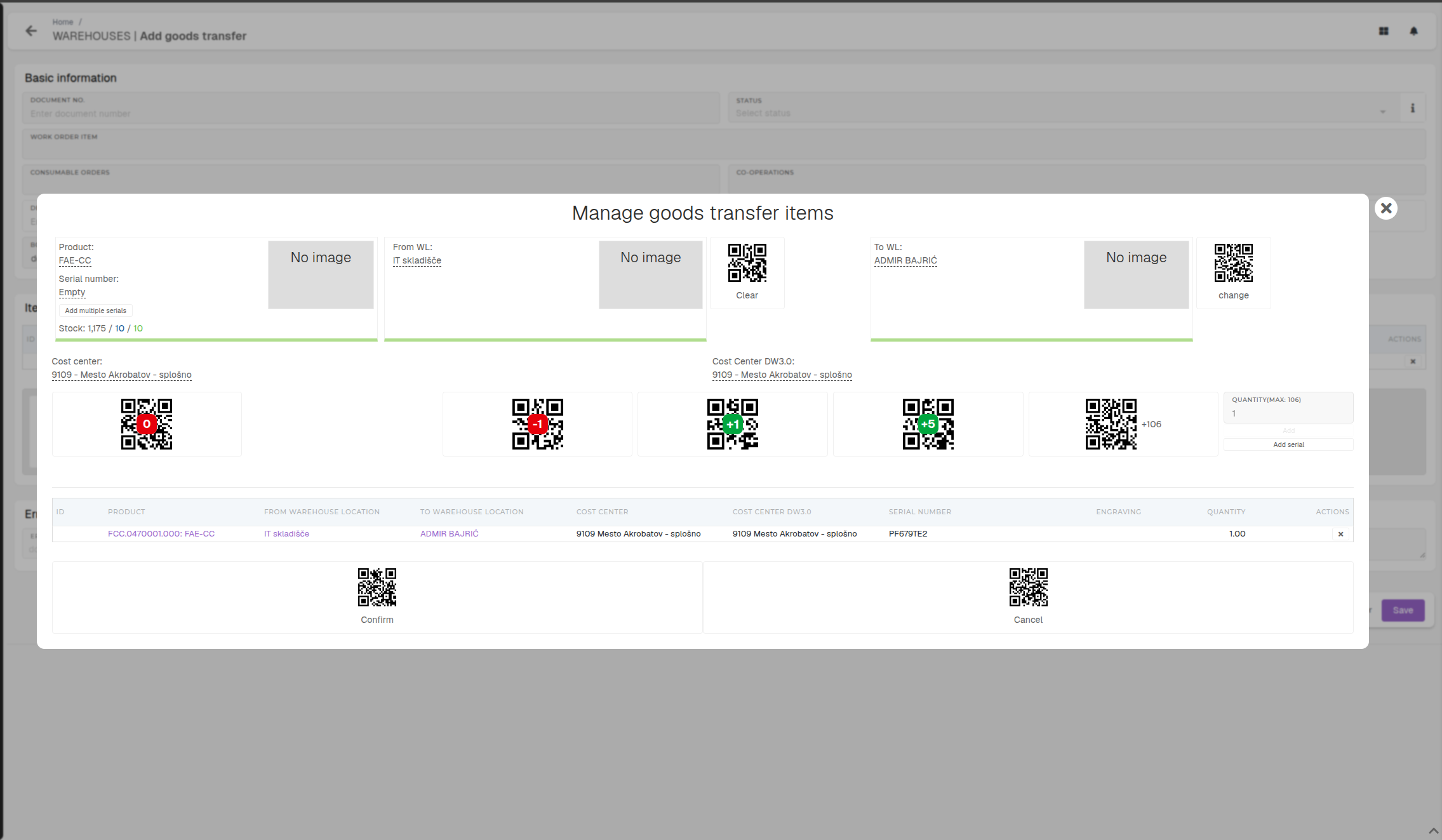
To transfer a fixed asset: Warehouses → Goods transfers → Create → Unlock → Manage goods transfer items → Select product + serial + From/To warehouse locations → Verify cost centers → Add serial → Save → Book.
Šele ko je izbran destination warehouse location, se pokažeta Cost Center / Cost Center DW3.0.
Transferring a fixed asset can be performed like a normal goods transfer. To transfer a fixed asset, open the "goods transfer create form" from the goods transfers table.
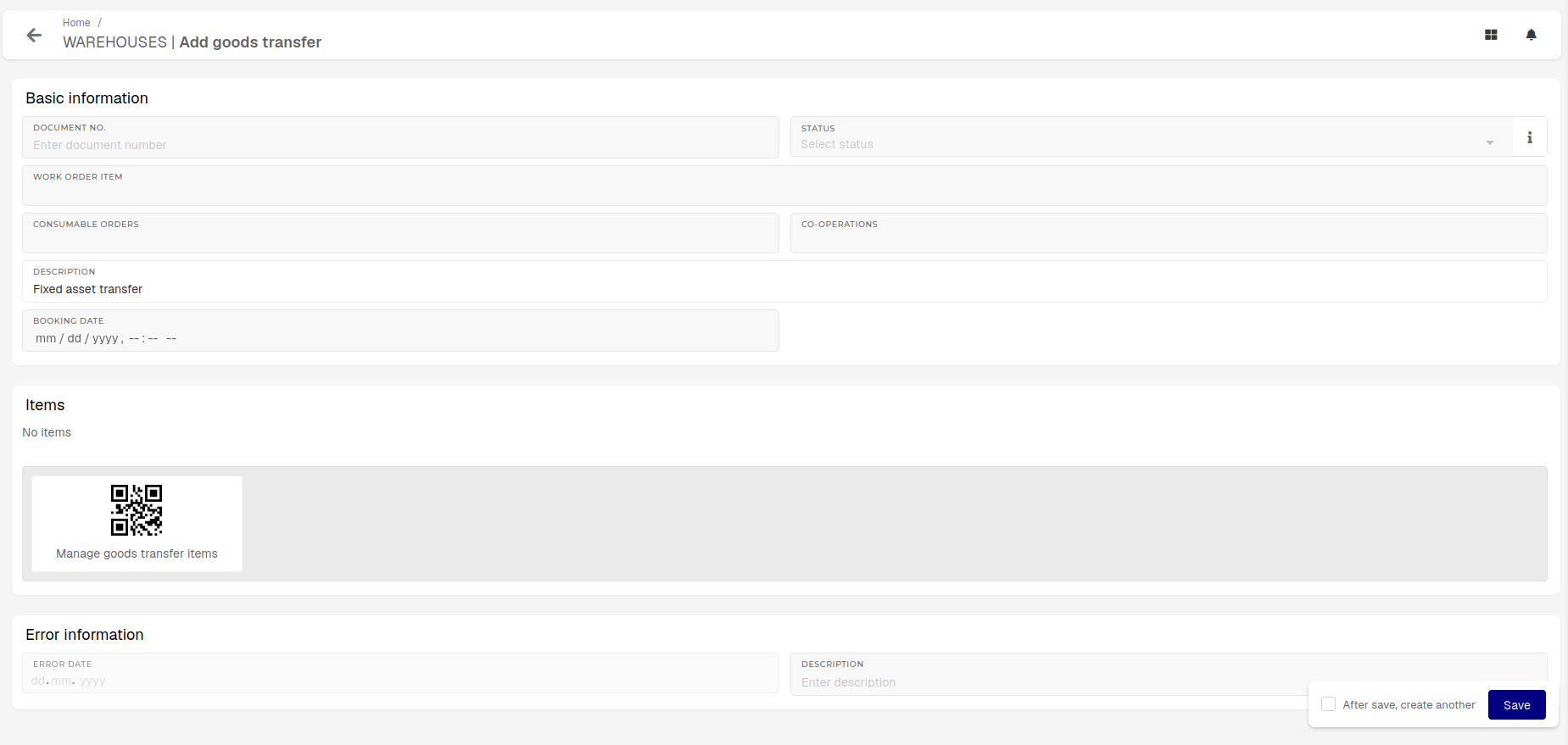
Open the items form.