
Create new event action
This action requires the "create event action" permission.
To add a new event action, navigate to the "Add new action" form, by pressing the "+" button in the top right corner above the table.
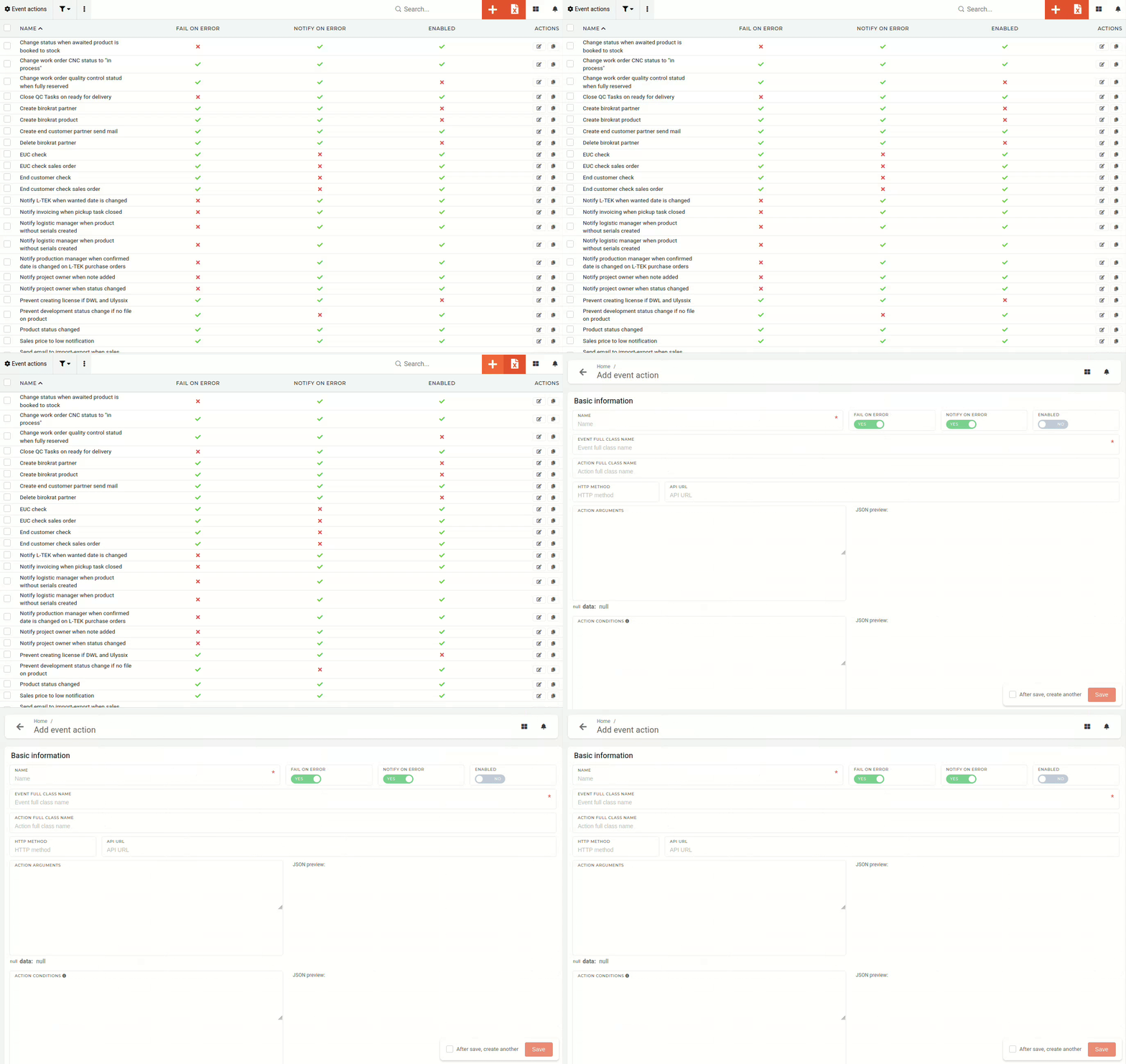
Event actions should (at current time) only be added by administrators with access to the code base, asdue ato class names withand their full pathpaths arebeing mandatory when creating a new event actionactions. and thatThat information is only available to developers.
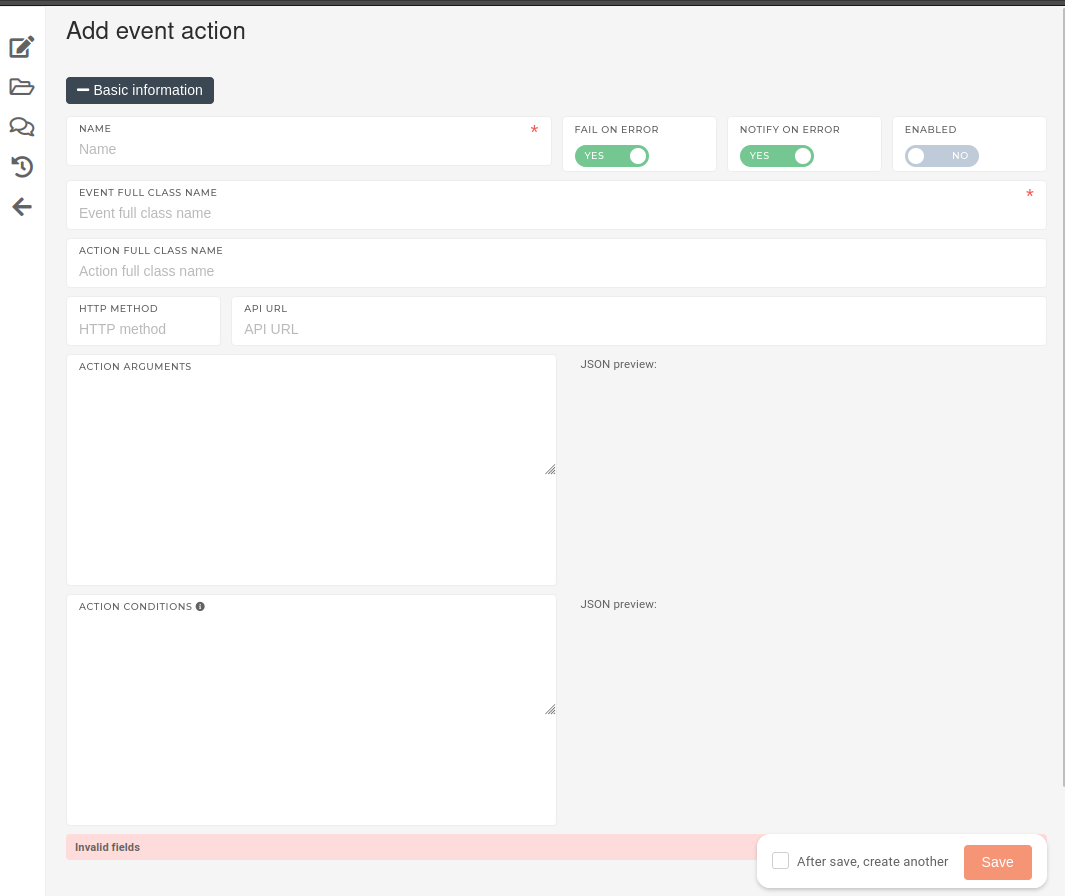
OnThe creation form consists of several fields, required for creation of a new event action:
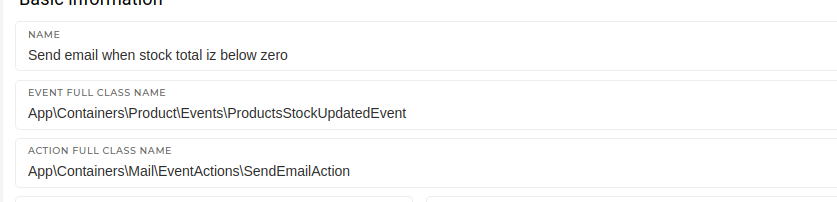
With the form,name onceset, allthe aevent name,that triggers the event action and the action that is performed by the event action need to be defined.
With the name, event and action defined, the three top switches shouldcan be toggled on/off.

- Enabled:
- An event action can be either
activatedactive or not.DeactivatedInactive event actions will never run.
- An event action can be either
- Fail in error:
- When this
option is toggled on, any error that appears when running the event action, will cause the action to stop and report an error. If notify optionswitch is toggled on, theerroraction will beemailedperformedtoasthenormal,developmentbutteam.will stop immediately on encountering an error.
- When this
- Notify on error:
- When this
optionswitch is toggled on, whenever the event actionruns andencounters an error, an email is sent to the development team to inform them of a failure when performing the event action.
- When this