Update existing attendance request
This action requires the "Update attendance request" permission.
When updating an attendance requests, keep in mind that this information is depended upon by the HR module to work properly, in regards to salary generation and attendance management.
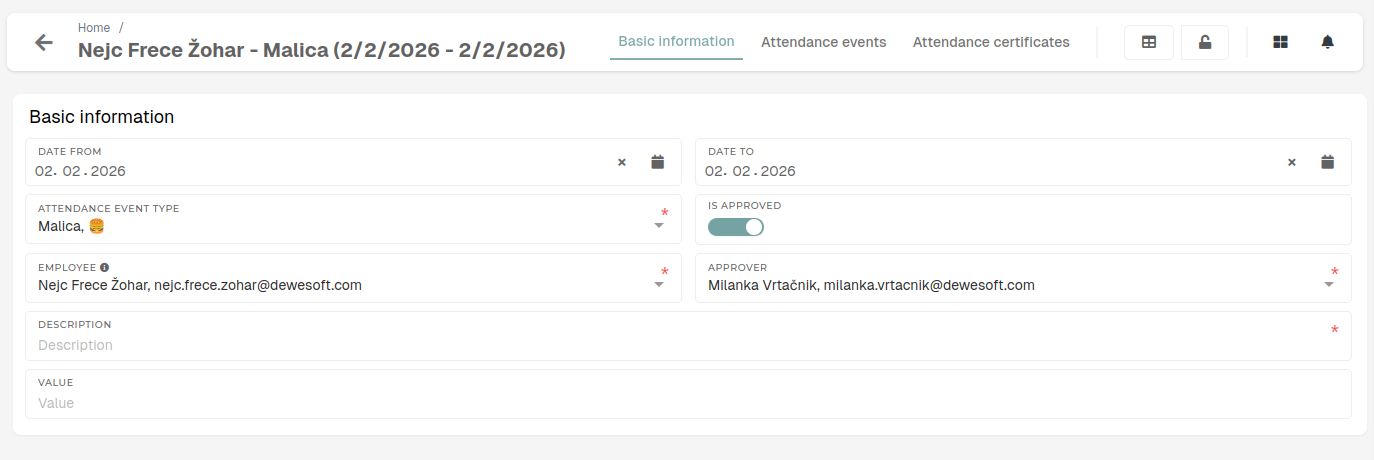
Basic information
Details of the attendance request.
- Date from
- The start date of the attendance request's date range.
- This date should be before "Date to".
- Date to
- The end date of the attendance request's date range.
- This date should be after "Date from".
- Attendance event type
- The type of the attendance request and its attendance events.
- This type determines the behaviour of the request and events within the HR module.
- Is approved
- Toggle that shows if the request is approved/declined.
- This gets updated by the request approver.
- Employee
- The employee, to who this attendance request relates.
- A request can be submitted by the employee themselves of by their lead.
- Approver
- The lead, who will approve/decline the attendance request.
- Description
- A mandatory description, that should contain details about the attendance request.
- Description is always mandatory here.
- Value
- The value of hours of events in this attendance request.
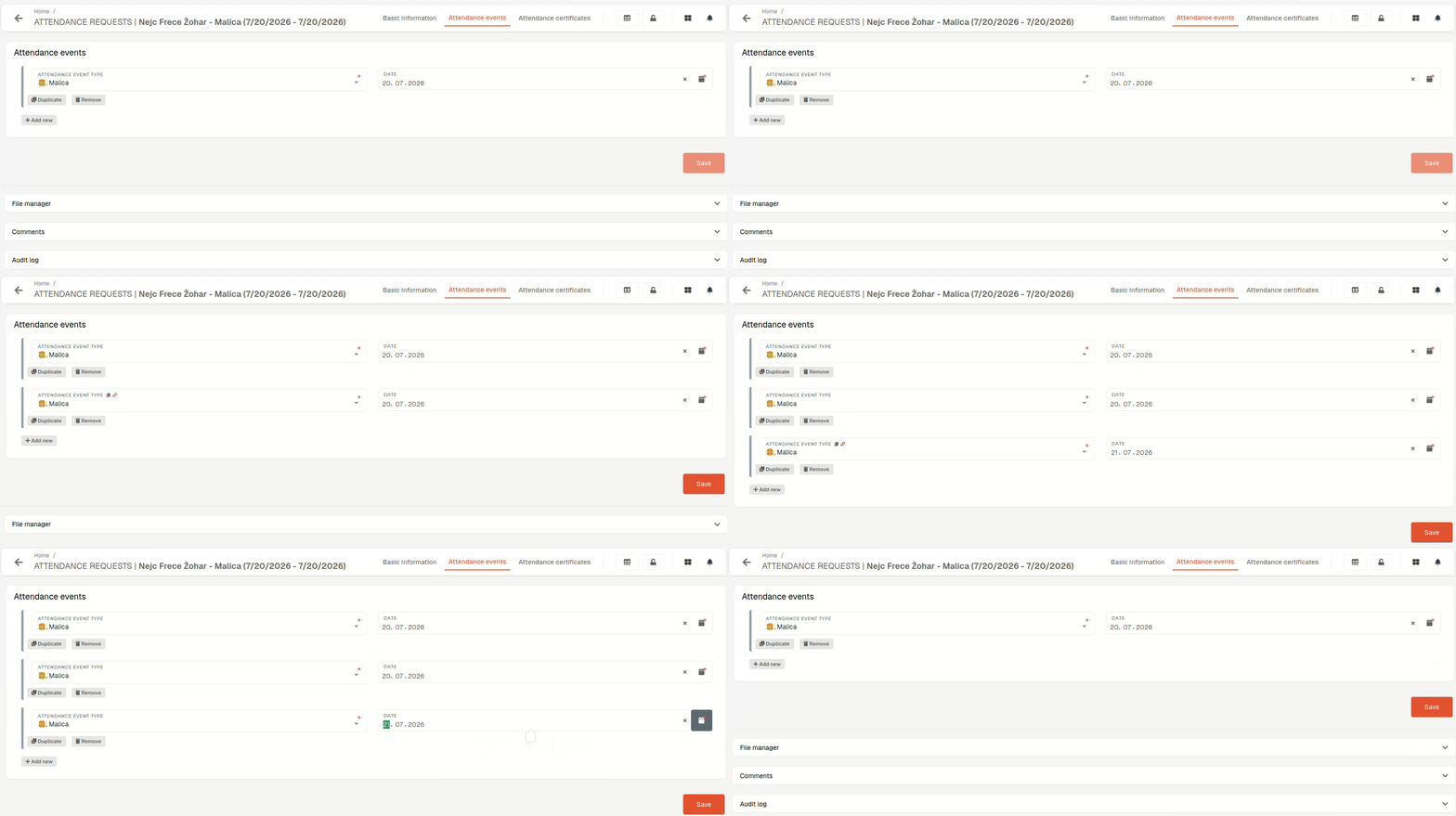
Attendance events
This section lists all events that belong to the attendance request.
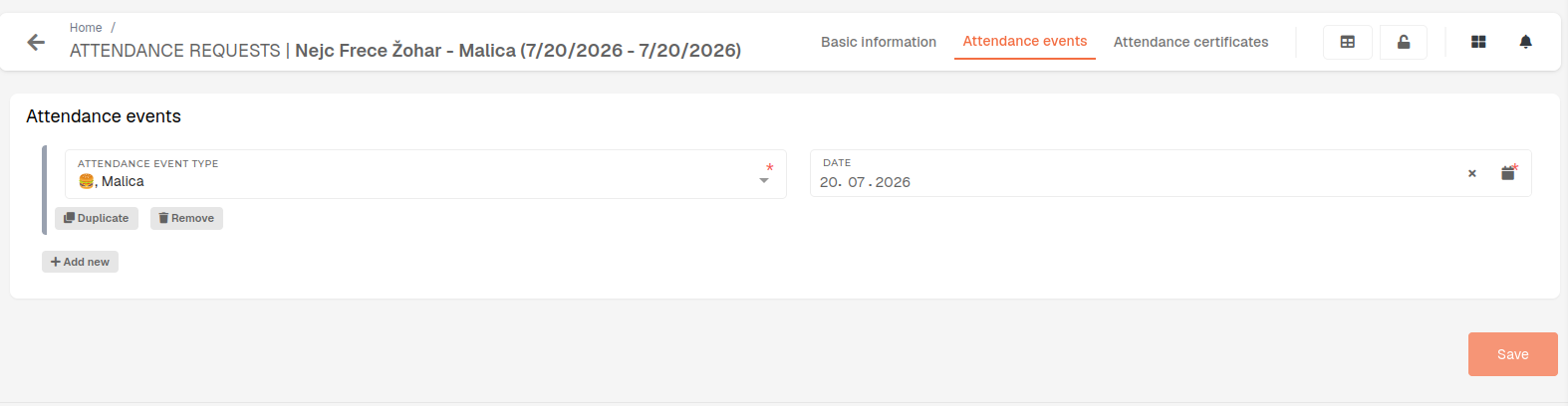
Here you can add, update or remove events that belong to the attendance request.