
Create a new user
New ERP users should only be created by users with administrative or HR authorizations.
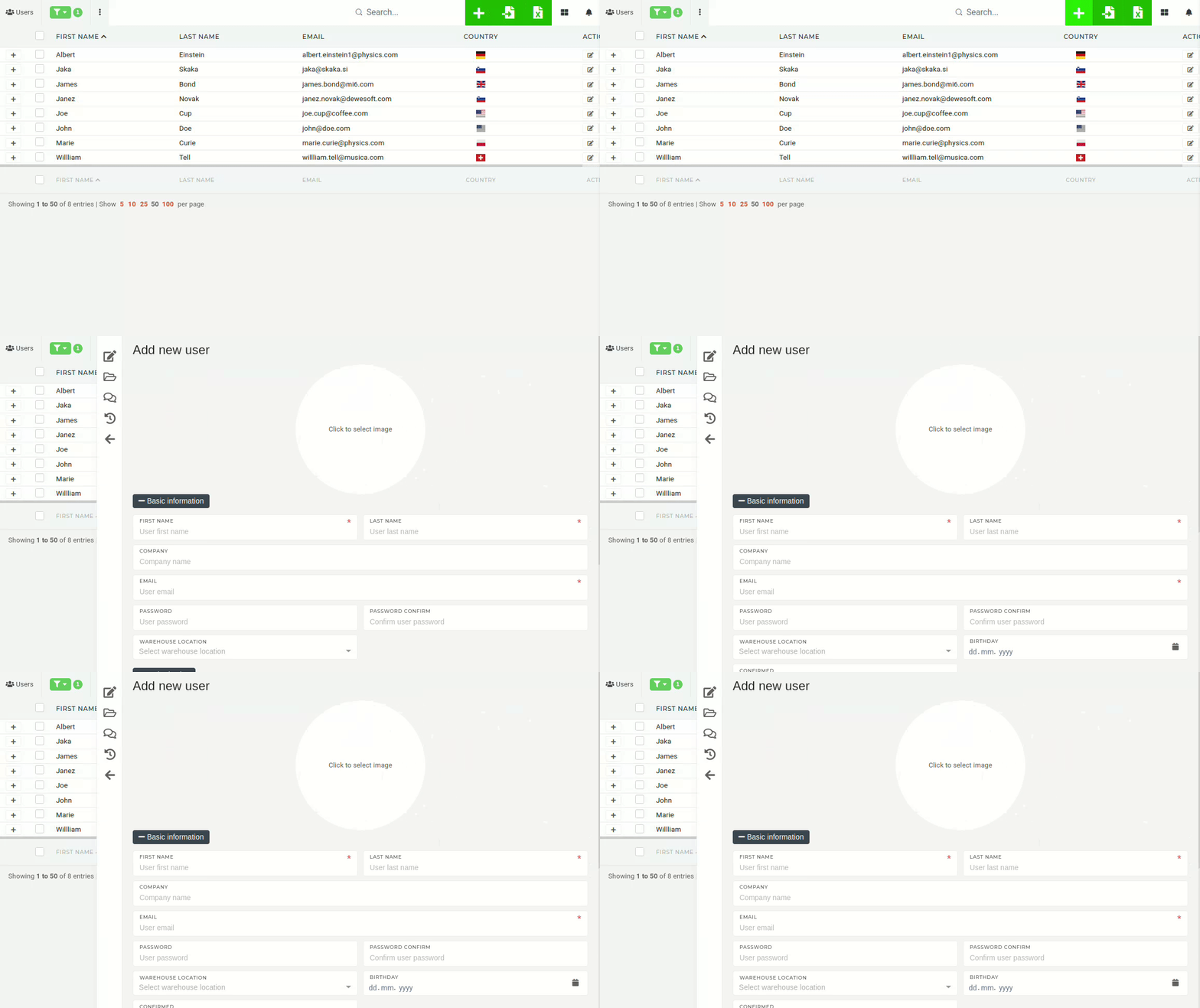
To create a new user, click the "+" button in the top right corner above the table. You will be redirected to the "Add new user" form form.
To create a new user, you need at least:
"