Delete goods rebook
This action requires the "deleteCancel goods rebook" permission.
Goods rebooks cannot be deleted directly, due to the stock transactions that are connected to them. BecauseInstead, of this, goods rebooksthey need to be "canceled" first.
GoodsWhen rebookcanceling cancelationa goods rebook, make sure that it is currentlythe last transaction in product's lot. Trying to cancel a goods rebook, that is not supportedlast, forwill users.result in an error being shown.

To cancel a goods rebook, contactgo yourto ERP'sthe administratorsdetails page of the goods rebook and open the "Danger zone" section.
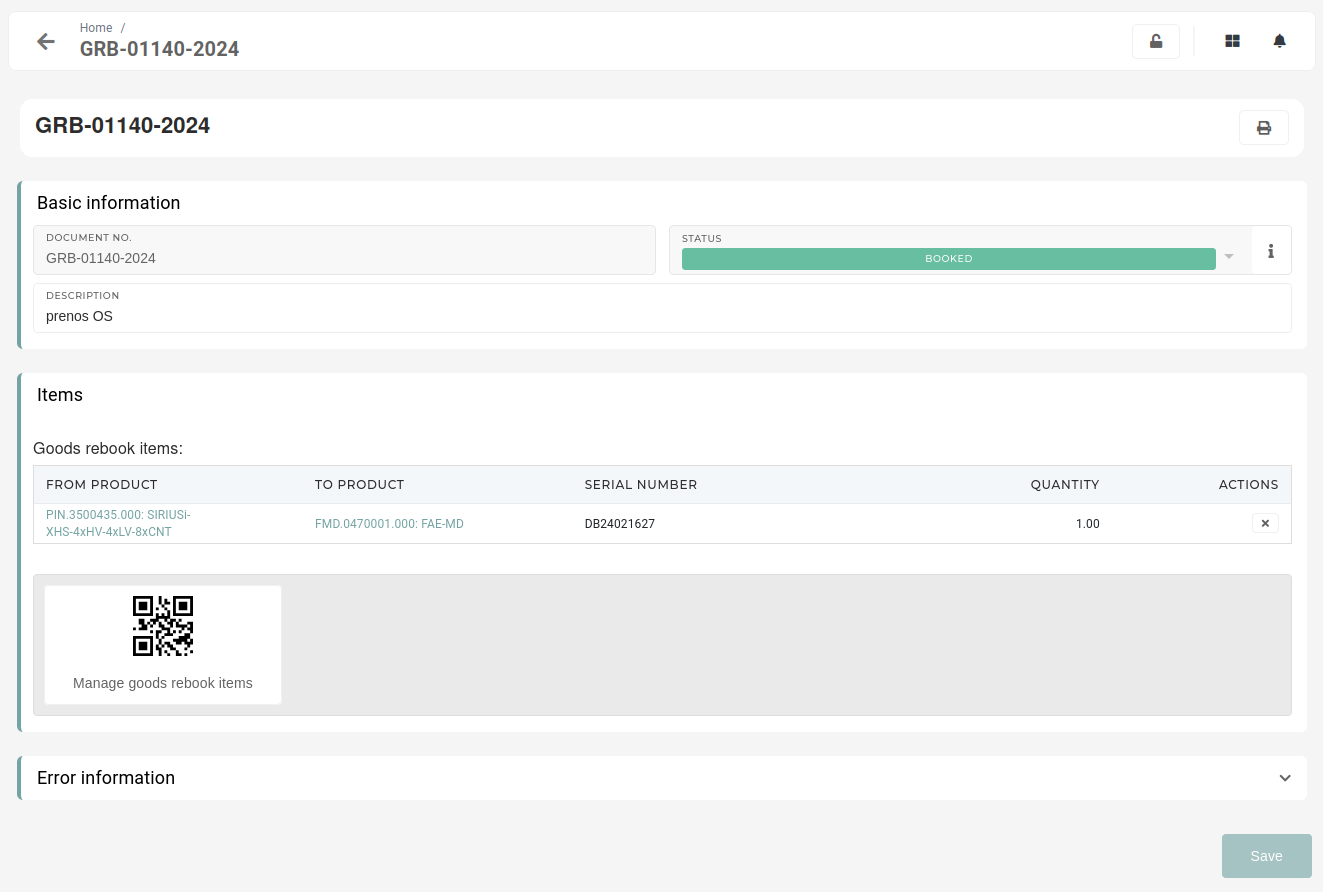
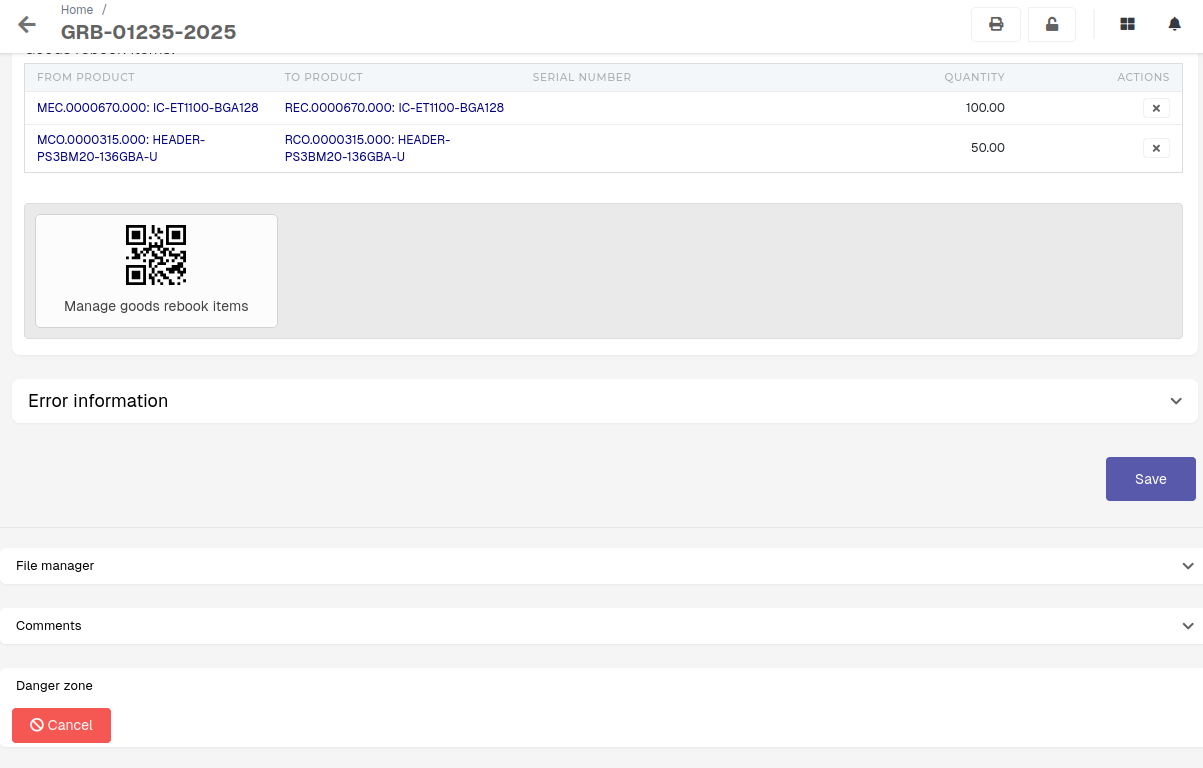
GoodsYou rebookswill withsee noa button, labeled as "Cancel". Click and confirm the button to cancel the goods rebook. This will rollback any changes to the stock, done by the goods rebook, as well as delete any stock transactions, suchtied asto "Failed"this transfers,goods canrebook. be deleted without being canceled first.
OnceAfter athe process in finished, the status of the goods rebook iswill then be updated to "canceledCanceled".
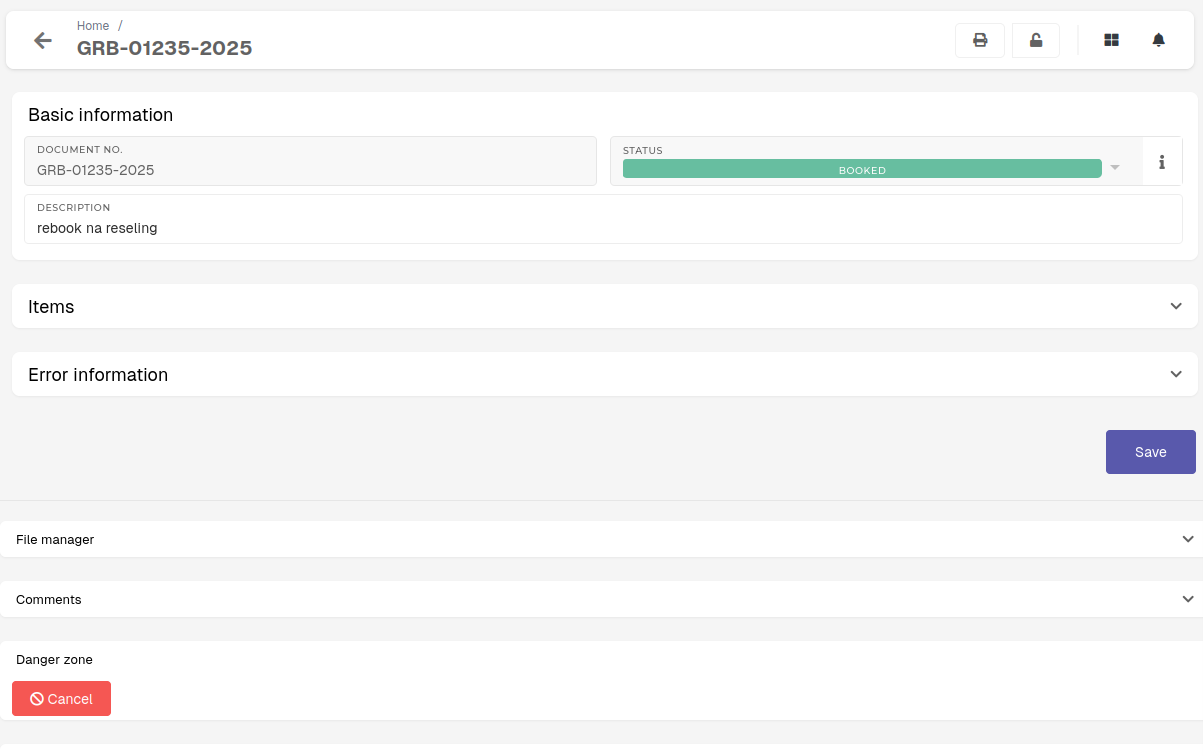
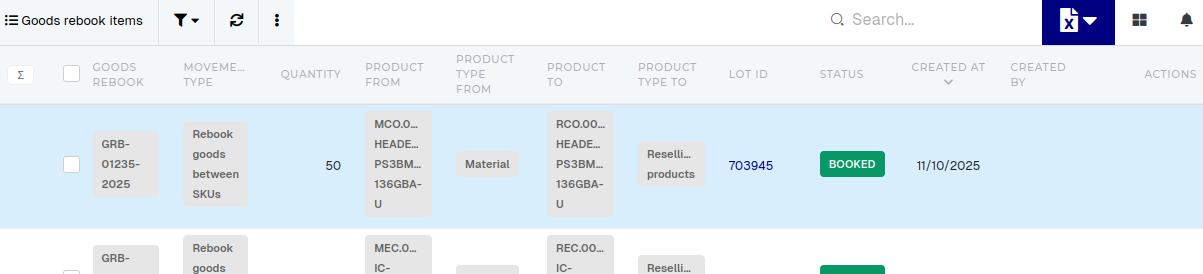
When goods rebook cannot be cancelled (i.e. the error "Transactions exist after this goods rebook." appears), that usually means a transaction after this rebook has been created for one of the items on this rebook. To find the problematic item, list all items in the "Goods rebook Items" table and thereopen every item's Lot (Lot ID).
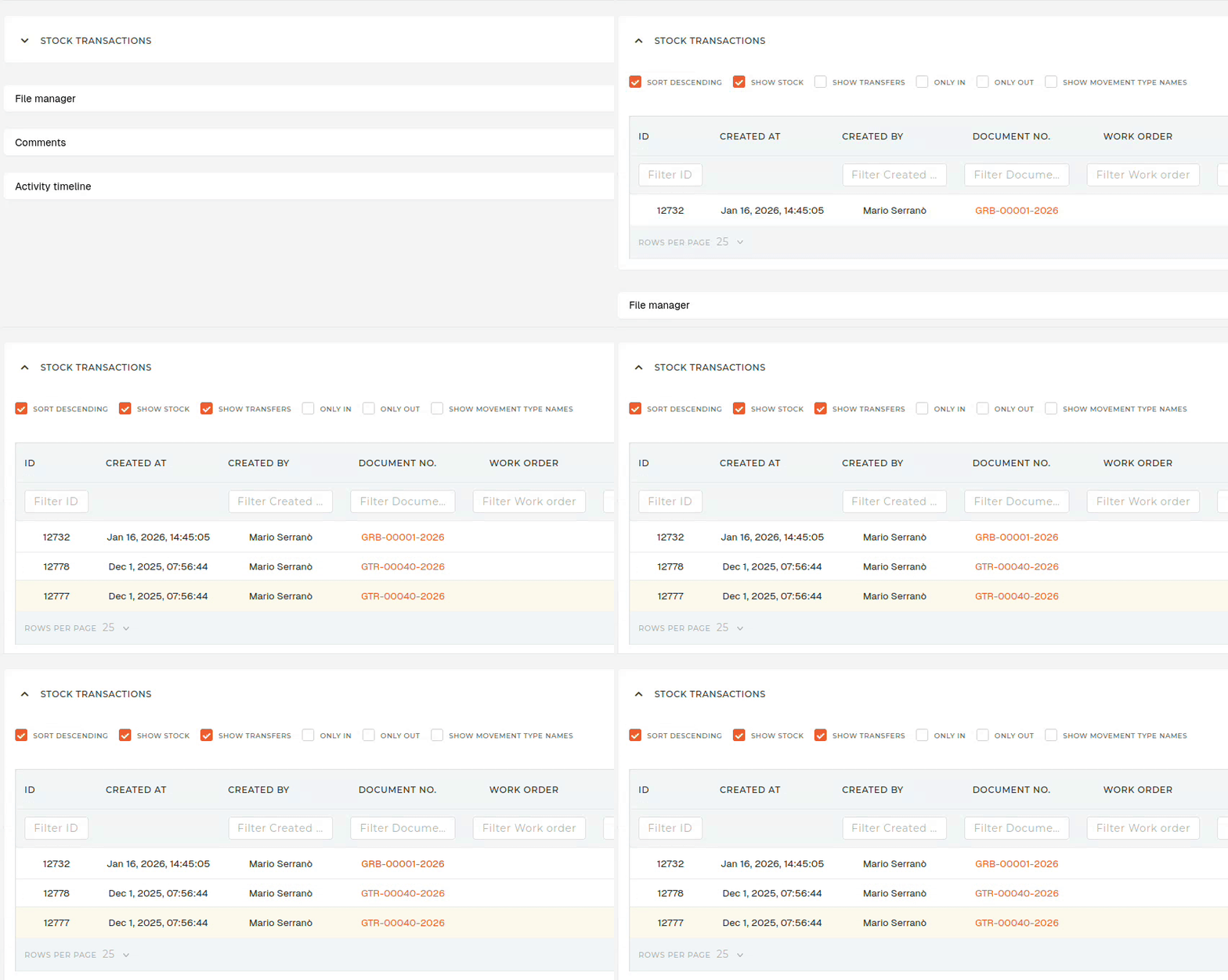
On the "Lot" page, open "Stock transactions" section, and check the "Show goods transfers" checkbox. All transactions, created after your goods goods rebook, are nothe existingreason, stockwhy transactionsthe tiedgoods torebook it, it cancannot be deleted from the table.canceled.