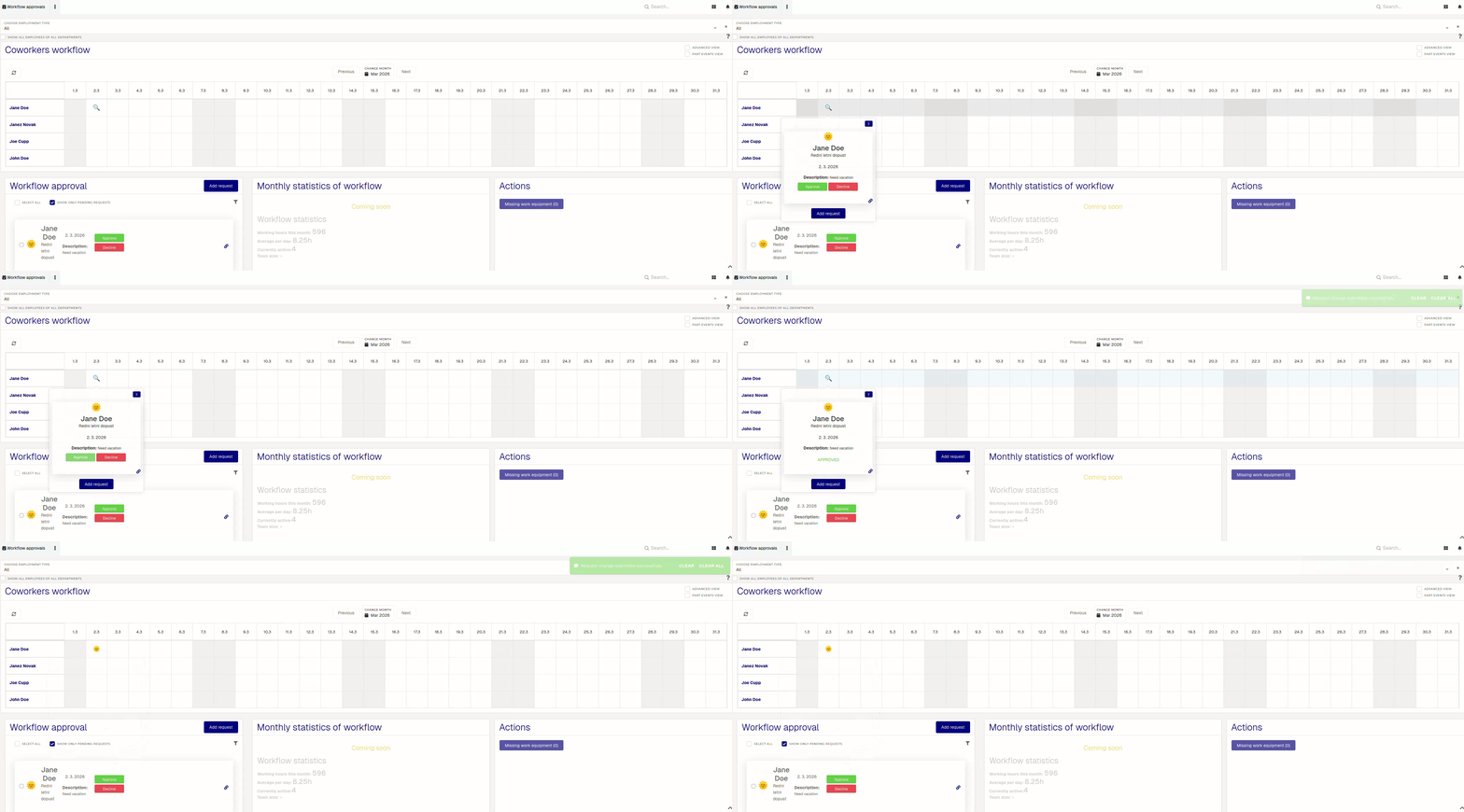
Manage attendance requests
When you receive a new attendance request, it will appear in the "Workflow approvals" section and in the "Coworkers workflow". Review it and approve/decline it accordingly.
When a new attendance request is submitted by your employees, the system will send you an email notification. LIke-wise, employee will be notified of your approval/rejection of their request with an email notification.

If an attendance request is declined, a commend (rejection reason) is required.
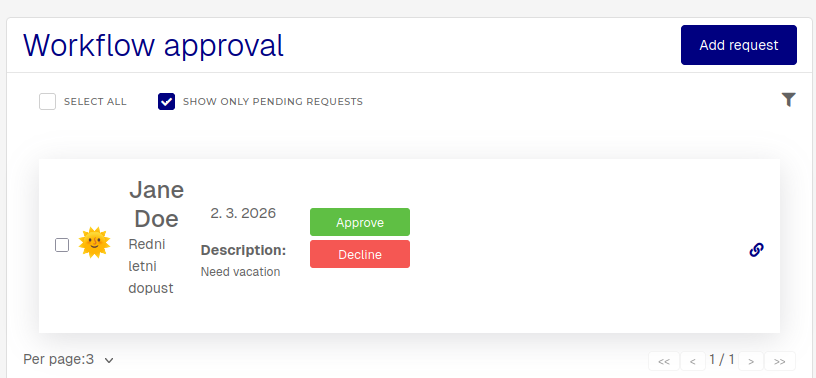
You can approve/decline a request by clicking the Approve/Decline buttons in the "Workflow approvals" section, or in the calendar, where the approve/decline buttons appear inside a tooltip.